Constructable vs. Viewpoint
The Viewpoint alternative your project team will actually want to use
Constructable is the Viewpoint alternative for general contractors who want their PMs, supers, and subs in one app. Run preconstruction, project management, field work, and job financials together, synced with QuickBooks, Sage, Acumatica, or ComputerEase, with flat pricing and unlimited users.
Software that's built around the job, not just the books
Viewpoint is built to keep a contractor's books, with project management added on. Constructable is built to run the job, from the first bid to closeout.
Trimble Viewpoint
Trimble Viewpoint's core products are construction ERPs. Trimble describes Vista as a fully integrated ERP for job costing, financial management, HR, service management, and jobsite tracking, for large contractors, and Spectrum as an ERP that connects field, service, and project management teams to accounting, payroll, and HR, for mid-size to large contractors. Project management is a separate product, ProjectSight, added beside the ERPs and sold with them as Trimble Construction One.
A fit for contractors doing heavy accounting, payroll, HR, and self-perform tracking, who prefer an ERP-first approach, with basic project management tools tacked on.
Constructable
Constructable is a complete construction management platform for the project team, in the office and in the field, and it isn't an ERP. Estimators, PMs, supers, subs, architects, and owners work in one app, from bids to closeout, and the job's billing and costs sync with QuickBooks Online, QuickBooks Desktop, Sage Intacct, Sage 300, Acumatica, or Deltek ComputerEase.
A fit for a general contractor that wants a robust field, project, and financial management app that field and office teams will love using, with two-way sync to their ERP, at a flat monthly price.
Time cards for self-performing GCs
Your crews' hours land on job cost without anyone rekeying a timesheet
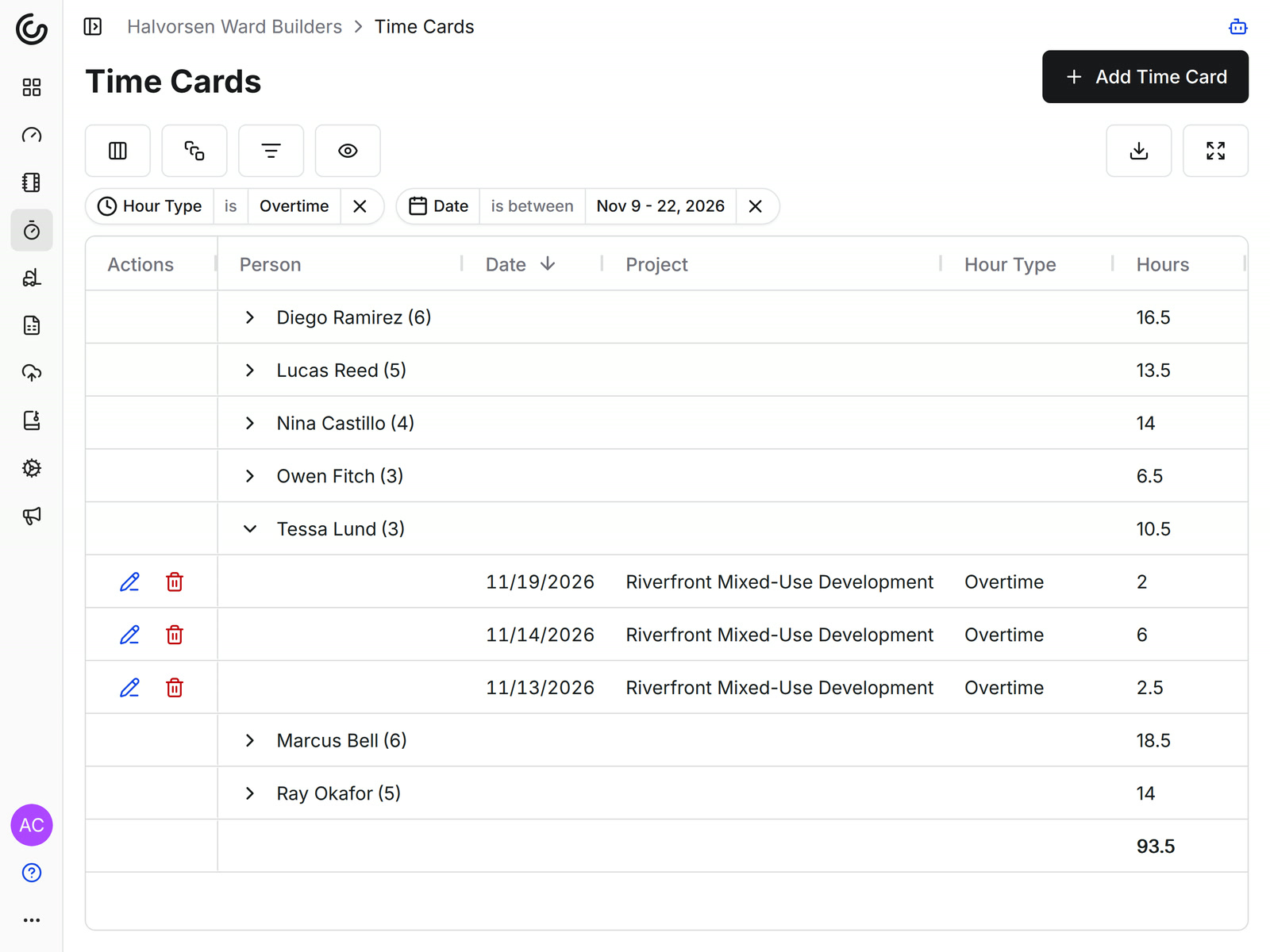
Foremen enter hours on the daily log or from their phone, by project, sub project, cost code, and hour type. On the Field, Project, and Financial Management plan, each line with a project posts to job cost as a Non-Committed Cost at the employee's hourly rate.
• Overtime for the pay period: filter Hour Type to Overtime and the date range to the period
• Hours per person: group by person, and the total row adds up the hours in view
• Off to payroll: download the grid as a PDF or CSV, with the grouping you chose
Equipment
See every machine's hours on every job
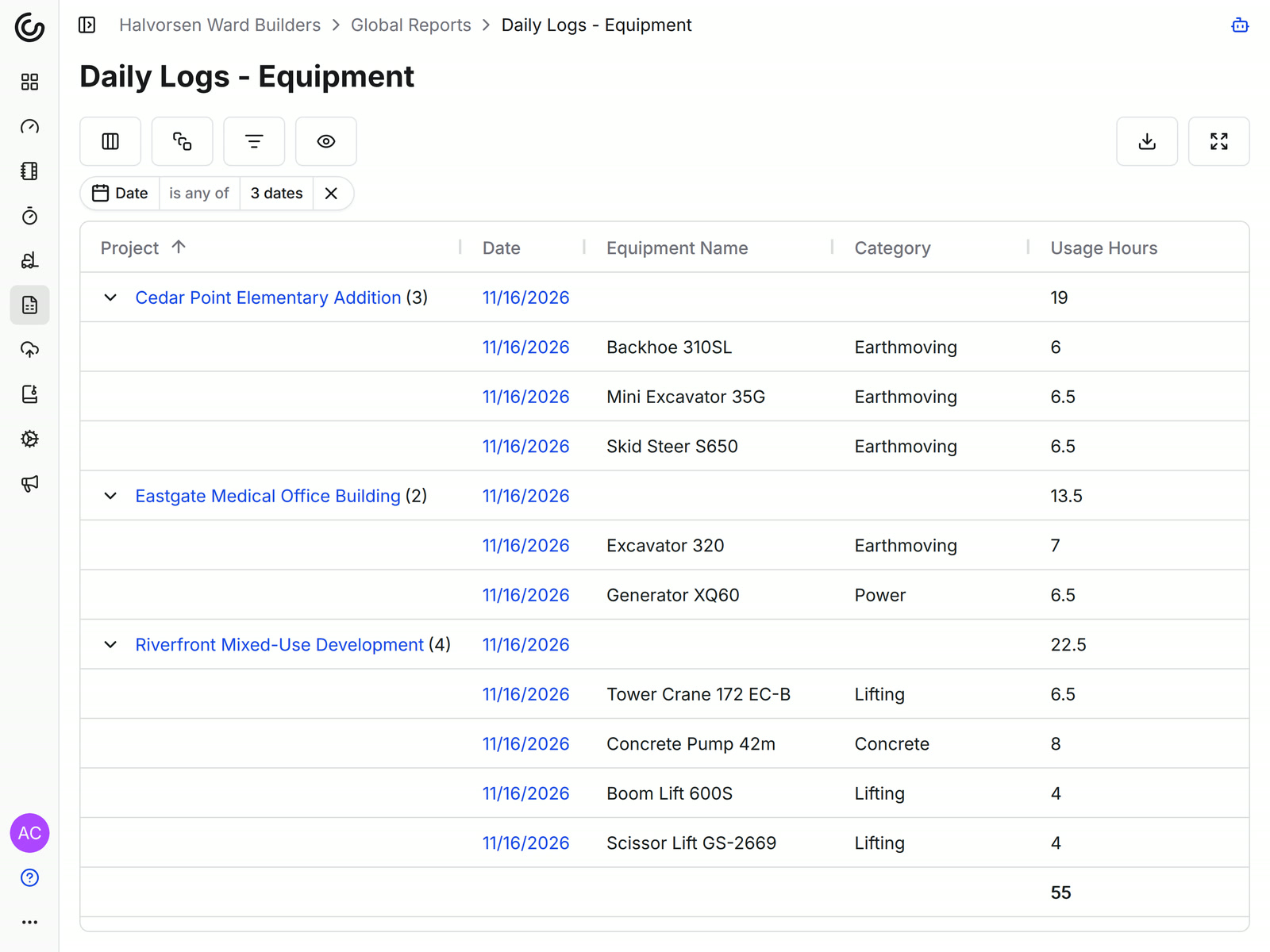
Keep owned, rented, and subcontracted equipment in one register for the whole company. Supers pick machines from it on the daily log and record hours used, inspections, notes, and maintenance.
• Across projects: the Daily Logs - Equipment report in Global Reports lists every entry from every job's daily logs and totals the usage hours
• By job or by machine: group by project, category, or type
• Paperwork with the machine: attach manuals and inspection certificates, and print a QR code for the cab
Every job, from bid to closeout, in one app
Your estimators, PMs, supers, and office team work from the same projects, and the numbers stay in step with your accounting system.
Preconstruction
Send bid packages by scope, track every bidder, compare bids, and award them. Bidding is free for your subs. See our construction bid management software.
Project management
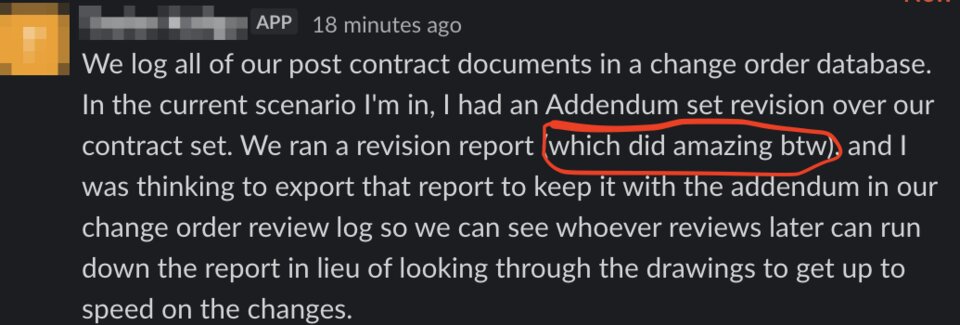
Answer RFIs, route submittals with Submittal PreCheck, and keep the current drawing set with an AI summary of what changed in each revision. See our RFI, submittal, and drawing management software.
Field
Supers run daily logs, punch lists, and inspections in the Constructable app for iPhone, iPad, and Android, and drawings stored on the device open with no signal. See our daily log and punch list software.
Financials
Budgets, subcontracts, change orders, and owner and subcontractor pay apps with retainage and lien waivers, synced with your accounting system. See our change order, pay application, and lien waiver software.
Everyone on the job works in it, with no seat count
Subcontractors
Architects
Owners
Live in weeks, not months
Free data migration
Up and running in less than 21 days
Unlimited training included
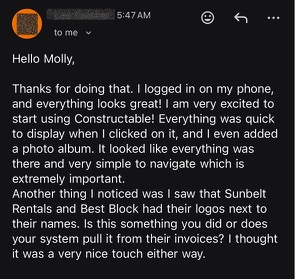
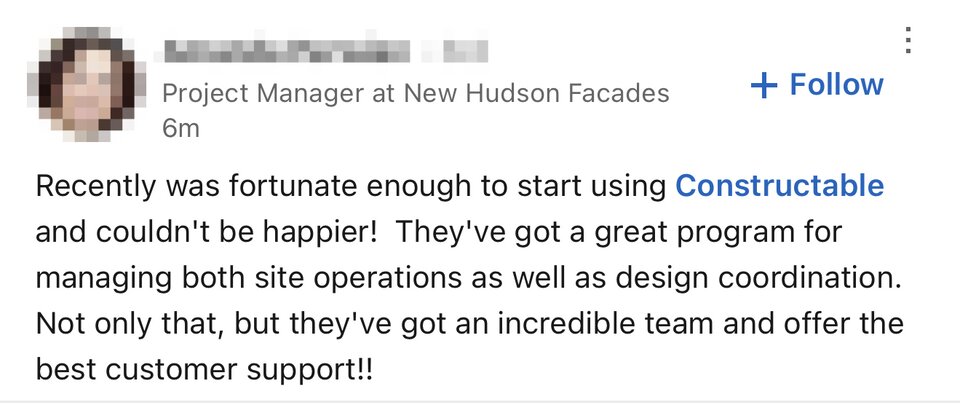
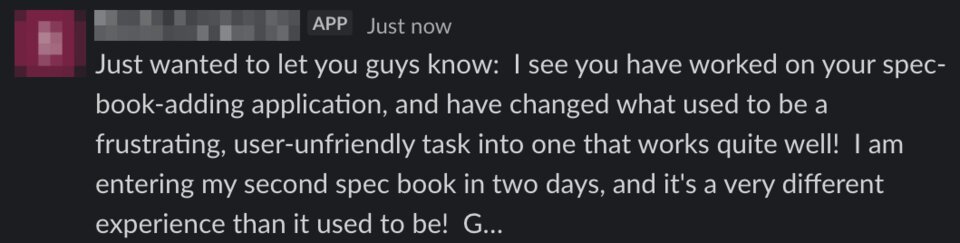
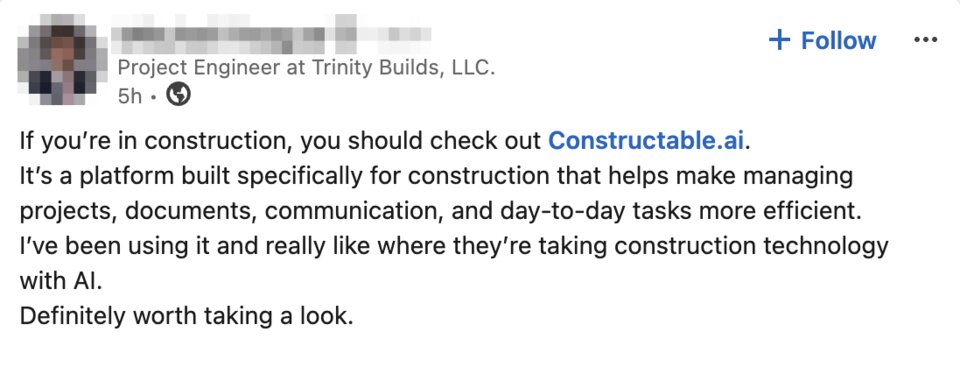
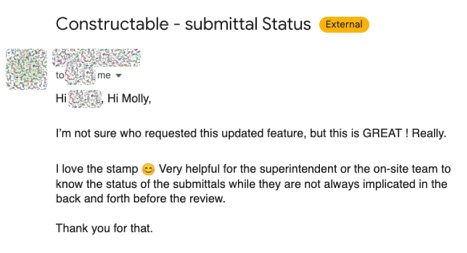
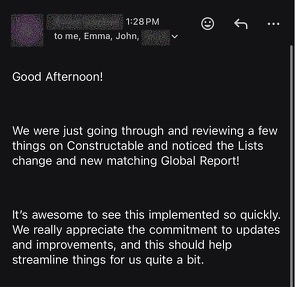
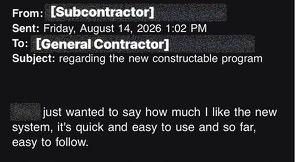
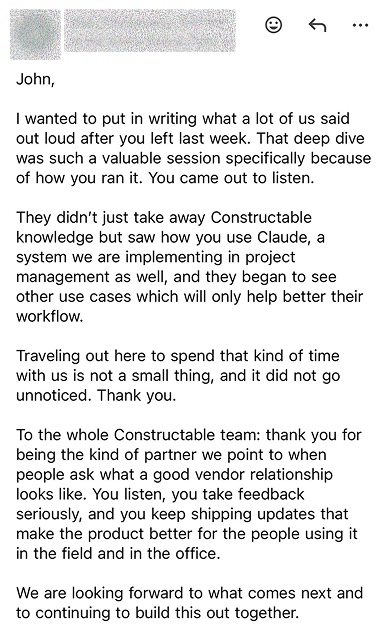
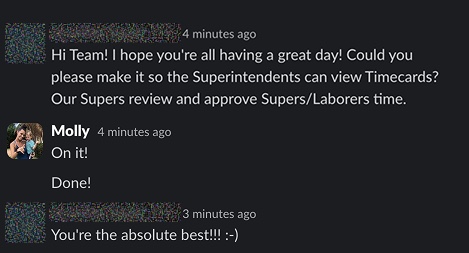
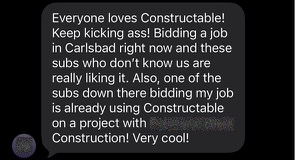
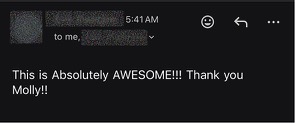
Loved in the office and in the field
Log crew hours, equipment, and the day's work from the jobsite with the Constructable app for iPhone, iPad, and Android.


Create trust.
Build the future.
Let's get you building better.



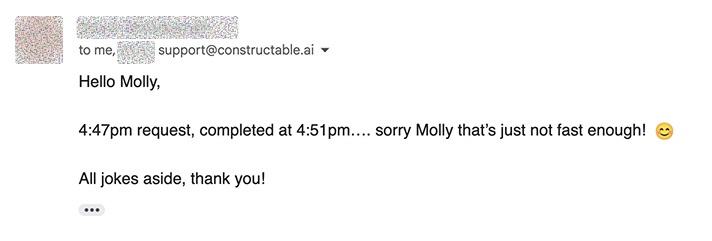
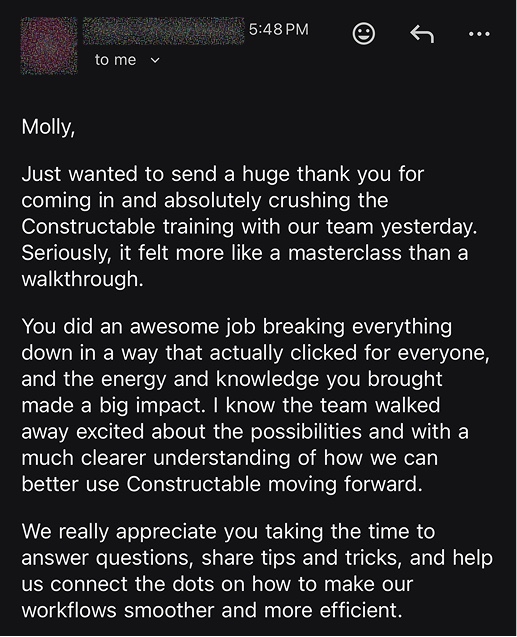
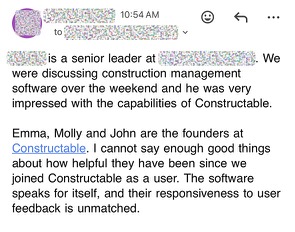
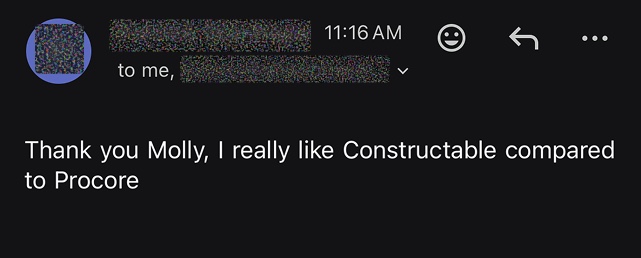
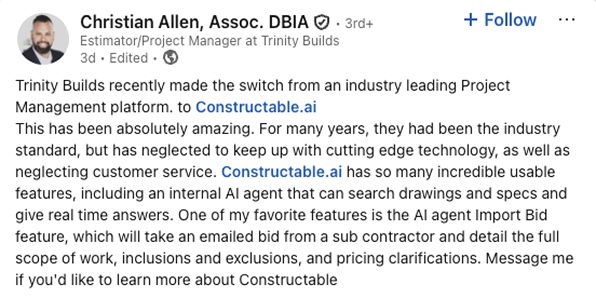
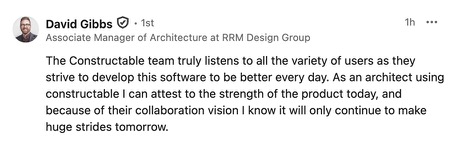
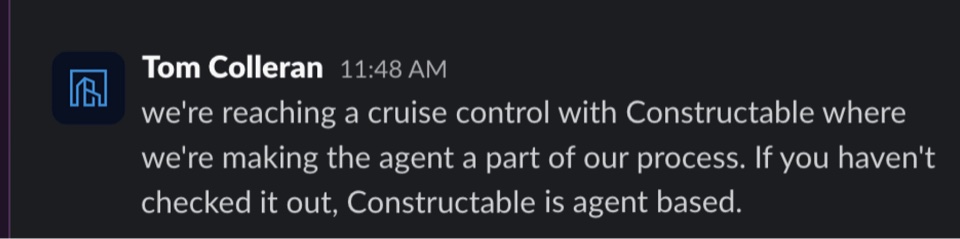
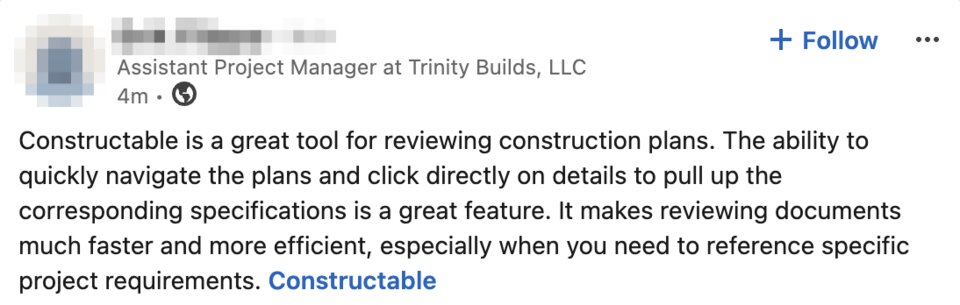
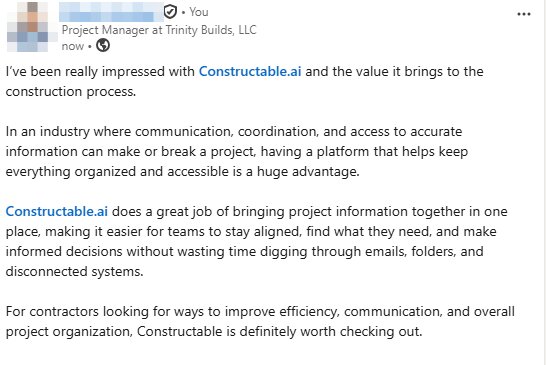
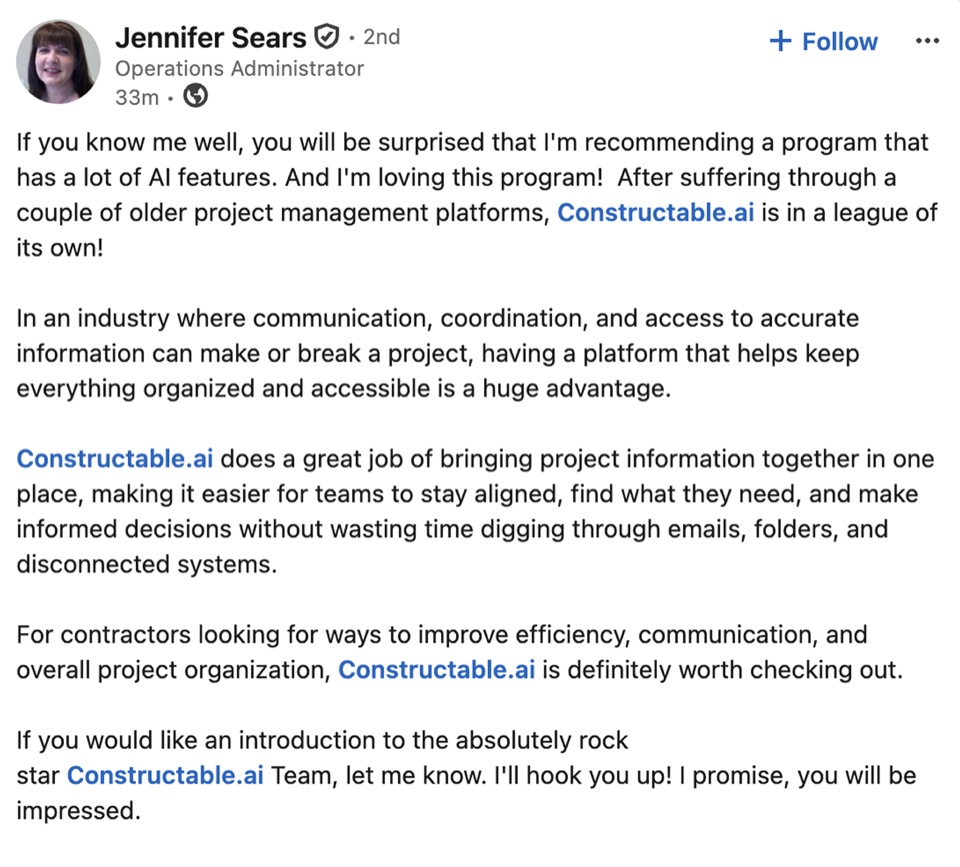
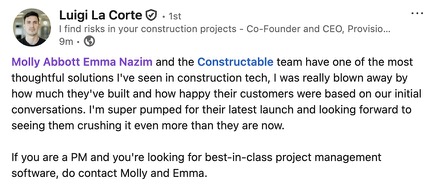
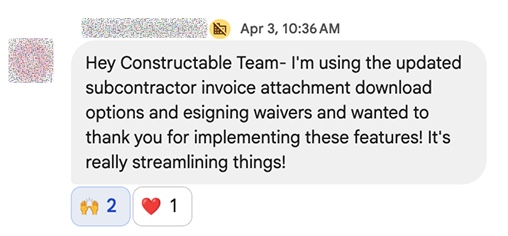
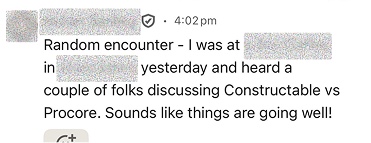
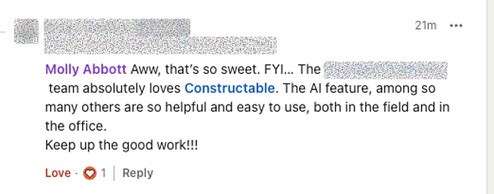
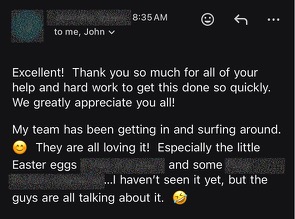
WallofHappiness











Frequently Asked Questions
Is Constructable an ERP like Vista or Spectrum?
Which accounting systems does Constructable sync with?
How is Constructable priced compared with Viewpoint?
Can a self-performing GC track crew time and equipment?
How long does switching take, and is migration included?
Do subs and owners need paid seats?
every project
against cost
every subcontract