Invoicing by Constructable
Construction pay application software for general contractors
Our construction pay application software has subcontractors bill against their schedule of values, sends each invoice to your approvers in order, and starts the owner pay app from their billing. Invoicing comes with the Field, Project, and Financial Management plan, and we do flat pricing with unlimited users.
Billing periods
Every sub bills on the same monthly cycle
Set up billing periods with a start date, an end date, and a due date. The Subcontractors tab groups every pay app by period, so you see who has billed this month and where each invoice stands.
• Closing out the month: filter or group by billing period, company, application number, or status
• Late paperwork: only the current period takes new invoices, unless someone has permission to bill a closed one
• Across every job: the organization-wide invoices report lists owner and subcontractor invoices from all your projects. See our construction reporting software

Subcontractor invoices
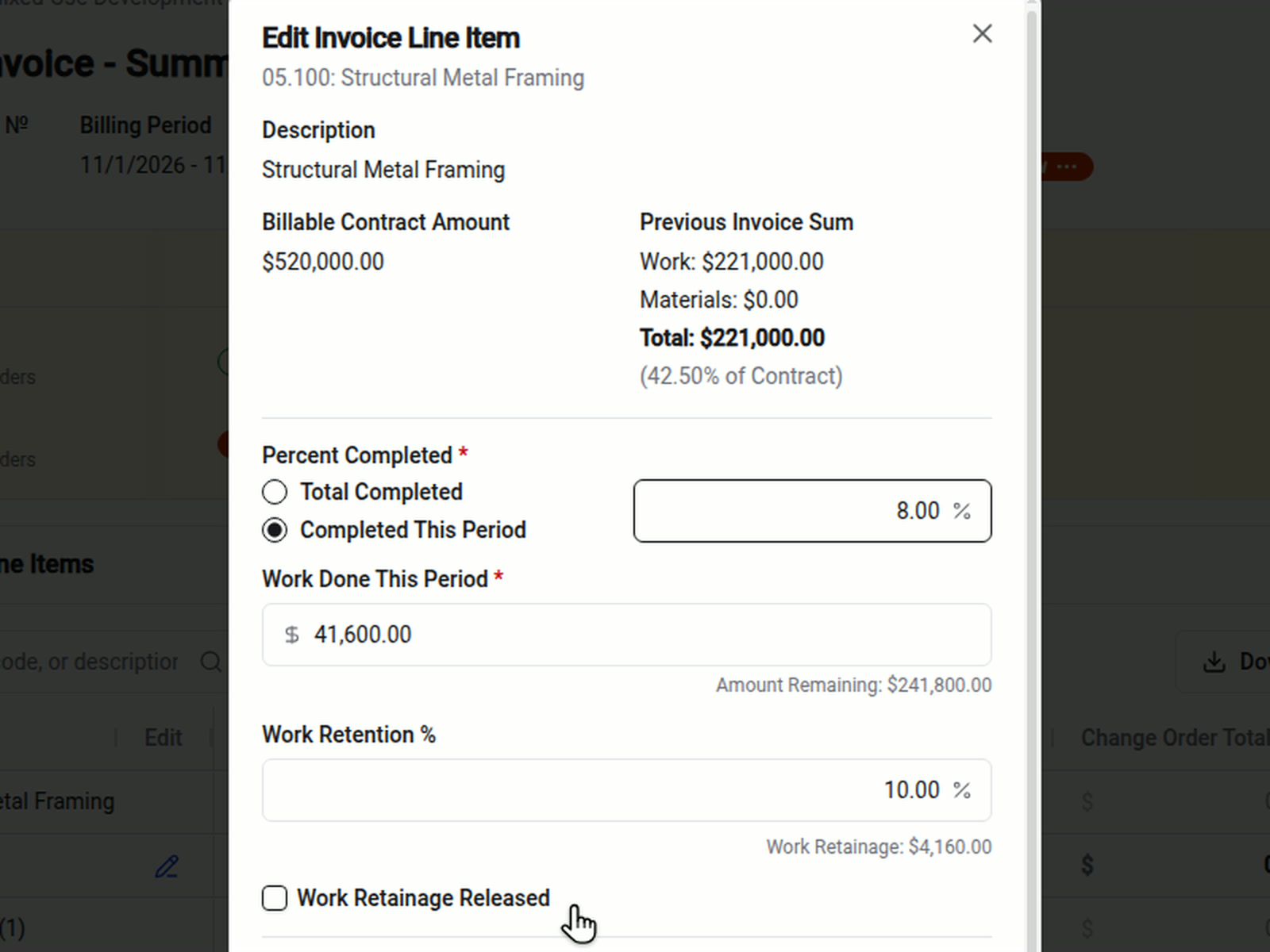
Subs enter their own pay apps against the schedule of values
Each subcontractor bills against the SOV lines on their commitment. They enter work completed this period, materials stored, and retainage, attach their backup, and submit. Nobody on your team retypes a pay app.
• From the field or the office: subs submit on a computer, in a phone's browser, or in the Constructable app
• Change orders: a line's billable amount includes the change orders that are billable by the end of the period
• Retainage: hold it line by line, or release everything held on the invoice with Release All Retainage
• Nothing out of order: Submit Invoice stays off, with the reason, while an earlier invoice is unapproved or an attachment is still uploading
Approvals
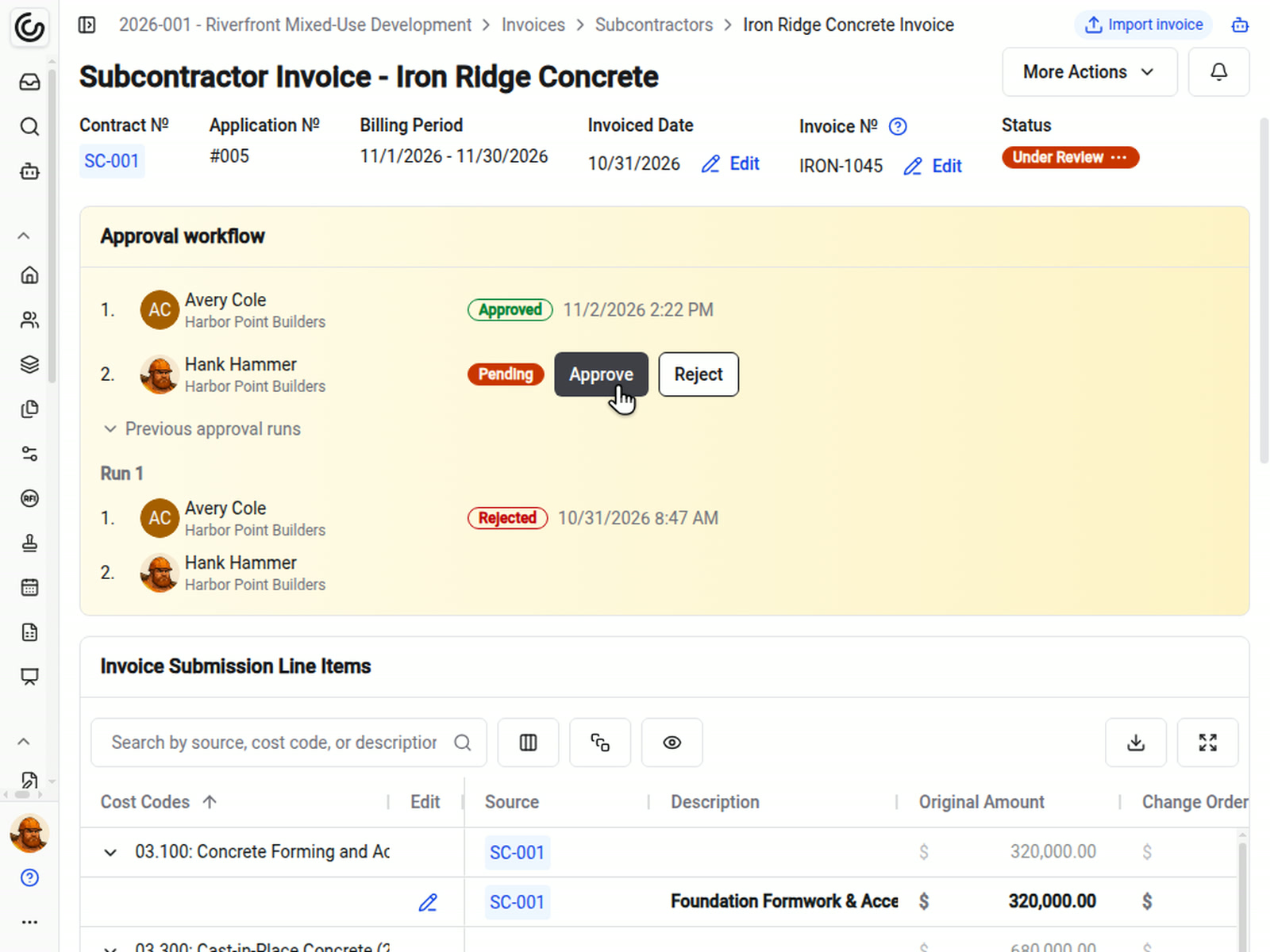
Invoices go to your approvers in the order they sign off
List the people who approve subcontractor invoices on a project, in order. When a sub submits, the first person gets the invoice, and each step has to be approved before the next one starts.
• Something's wrong: reject the step with a comment and the invoice goes back to Draft for the sub to fix
• Someone's out: anyone with permission to approve on behalf of others can sign off for them
• The history: earlier approval runs stay on the invoice, with who approved or rejected each step and when
• After the last approval: the invoice number and date lock, and the payment application prints from a snapshot saved at approval
Lien waivers
Get the lien waiver signed with the pay app
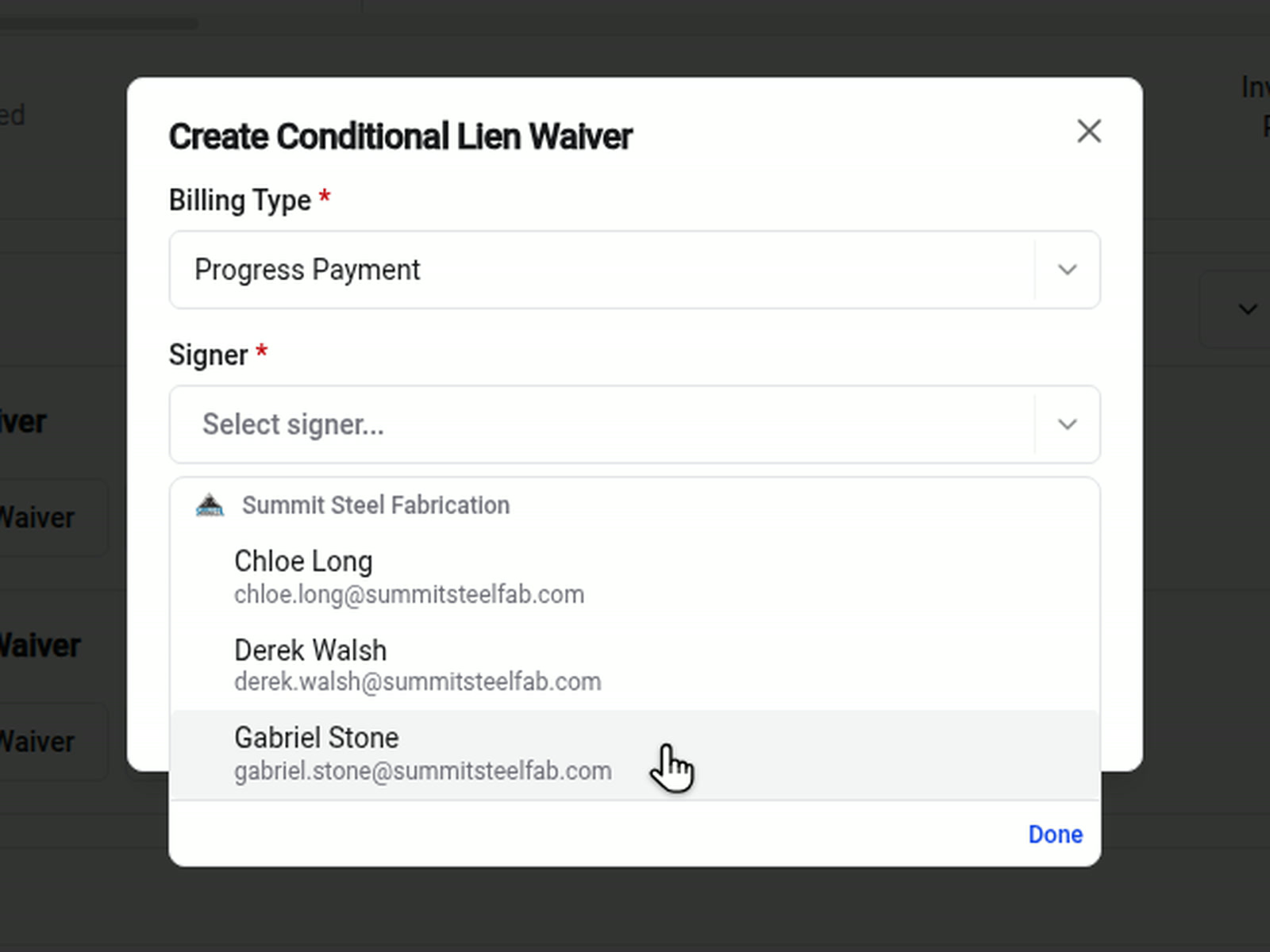
Every invoice has a Lien Waivers block for conditional and unconditional waivers, on progress or final payments. Send the waiver to the subcontractor's signer from the invoice, and track it until it's fully executed.
• Your state's form: upload your own waiver forms as templates, and Constructable fills in the claimant, amount, and through date
• Subs billing themselves: a subcontractor can create and sign their own waiver while they prepare the invoice
• Already signed: upload the signed waiver instead
• Billing the owner: owner invoices carry lien waivers too
Owner billing
Start the owner's pay app from your subs' billing
Open a subcontractor invoice and choose Copy Line Items to Prime. Constructable matches each line to a Prime Contract SOV line by cost code and shows the amount it will add. Where more than one line matches, you pick.
• No retyping: the copied amounts land on the Draft owner invoice for the same billing period, where you review them
• Markup and timing: the owner invoice is its own record, so you can adjust amounts that differ from what the sub billed
• Internal cost codes: hide budget codes on owner pay applications with one organization setting

Payment applications
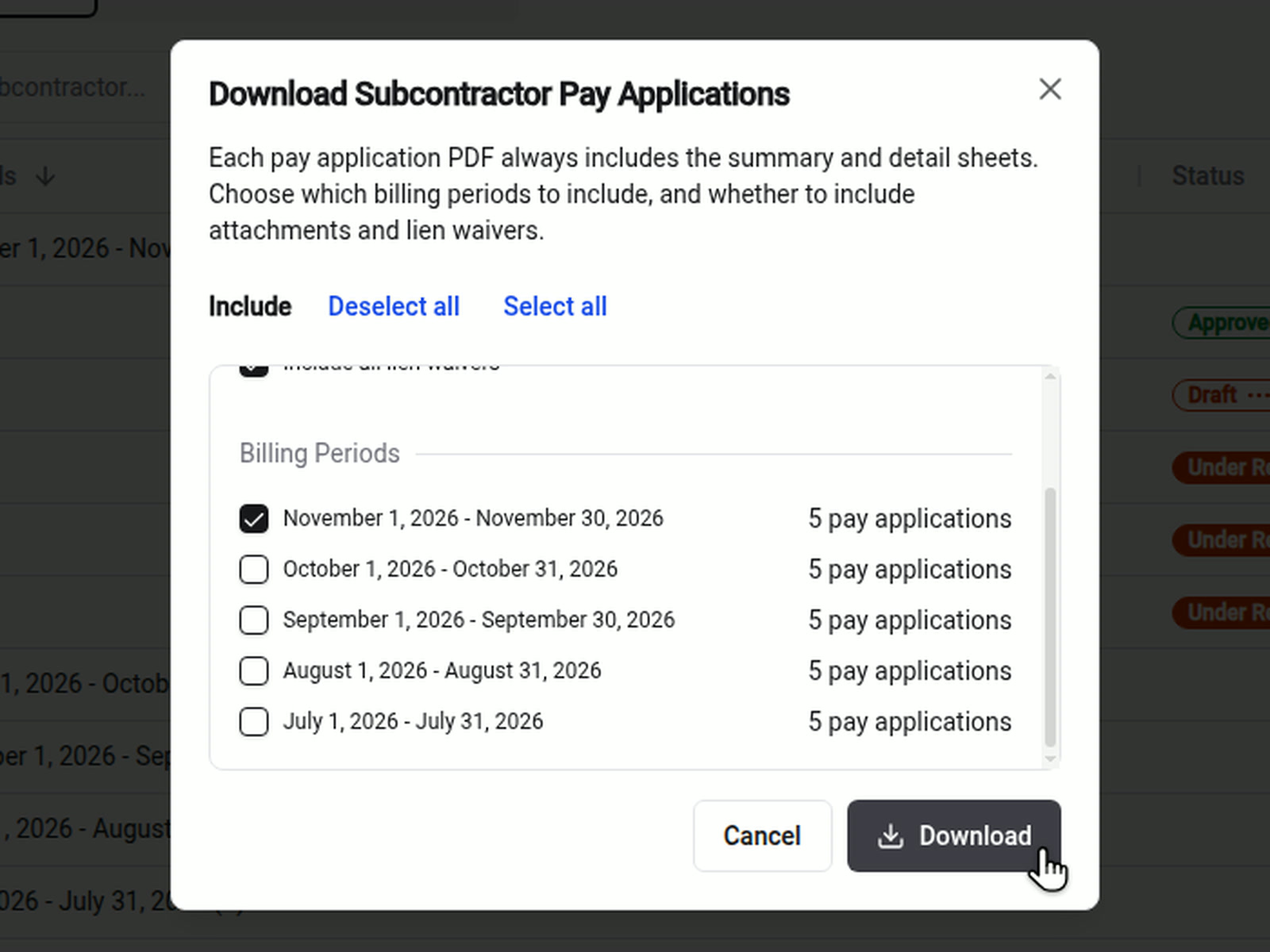
Download every sub's pay app for the month at once
Each invoice downloads as a payment application PDF with AIA-style summary and detail sheets. When the owner or lender wants the whole package, download the pay apps for the billing periods you choose, with their backup and lien waivers.
• Your layout: choose the columns and save the layout under a name. Saved layouts belong to your company, so they show up on every project
• One period from the owner invoice: download all subcontractor pay apps for that billing period from the owner invoice
• What you approved: an approved invoice prints from the snapshot saved when it was approved
Payments and accounting
Record what you paid and send approved invoices to accounting
Record each payment on the commitment with its method, reference, and date, and allocate it to approved invoices. An invoice moves to Paid when payments cover the amount due.
• QuickBooks Online: approved owner invoices become QuickBooks Invoices, approved subcontractor invoices become Bills, and QuickBooks payments come back in
• QuickBooks Desktop: approved owner invoices become Invoices, approved subcontractor invoices become Bills, and payments and bill payments come back onto the invoices. Connect QuickBooks Desktop
• Sage Intacct: invoice sync follows your organization's setup
• Drafts stay put: Draft and Under Review invoices never sync
• The money itself: Constructable records payments. Your bank or accounting system still sends them
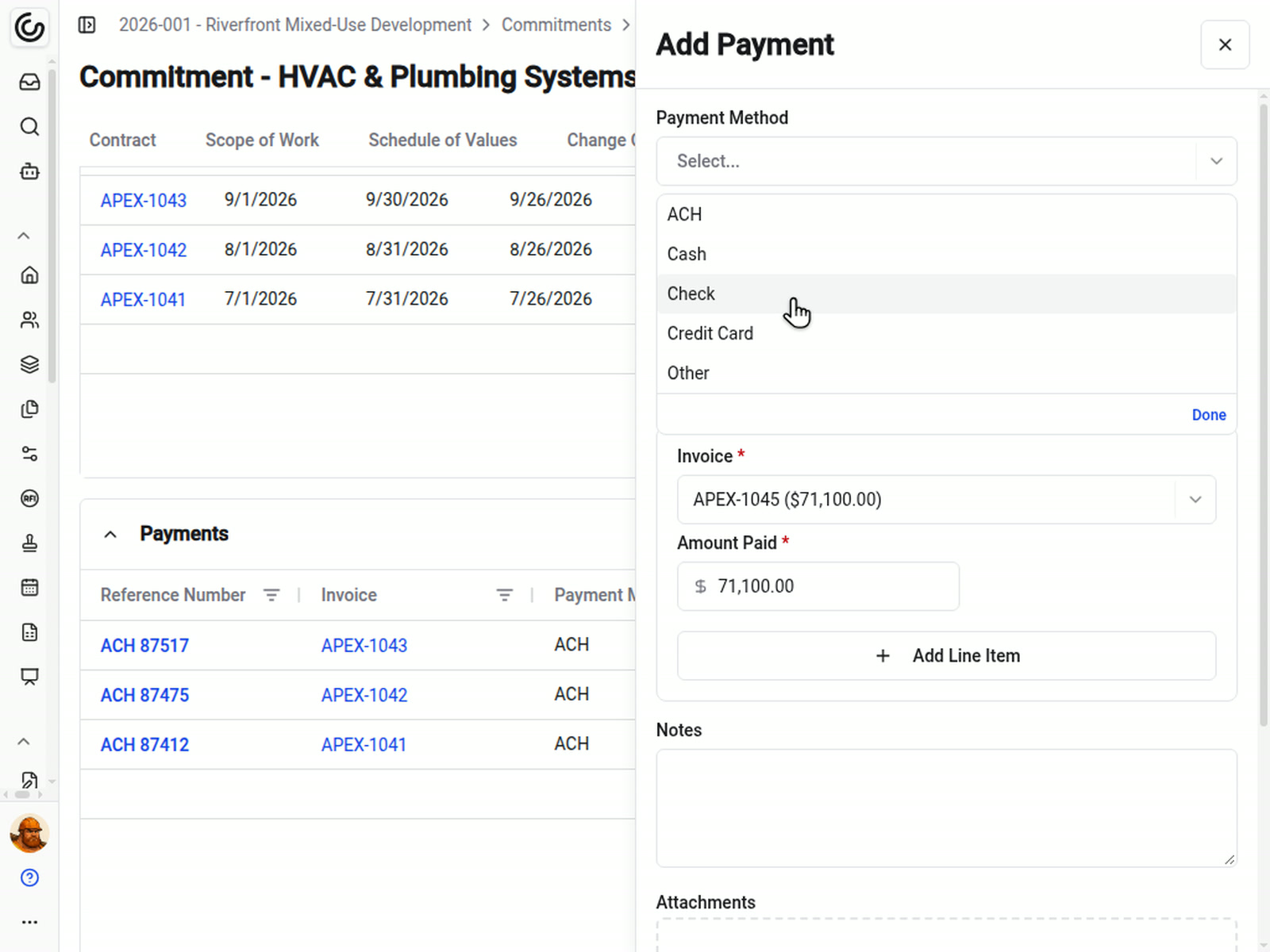
AI invoice import
Turn a stack of invoice PDFs into draft invoices
Upload your subs' invoice PDFs in My Imports, or attach one to the Constructable Agent. It matches each PDF to the project, commitment, SOV lines, and billing period, and creates a Draft invoice.
• You stay in charge: imports never approve an invoice, so you review each Draft and its source PDF before you submit it
• Owner invoices too: the Agent's Import invoice skill also reads an invoice you bill to the owner
• When it isn't sure: it asks before it bills an earlier period or more than the SOV line has left
Bring every subcontractor without paying for seats
Unlimited users
Owners see what you send
Part of Financial Management
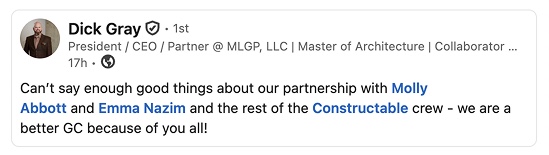
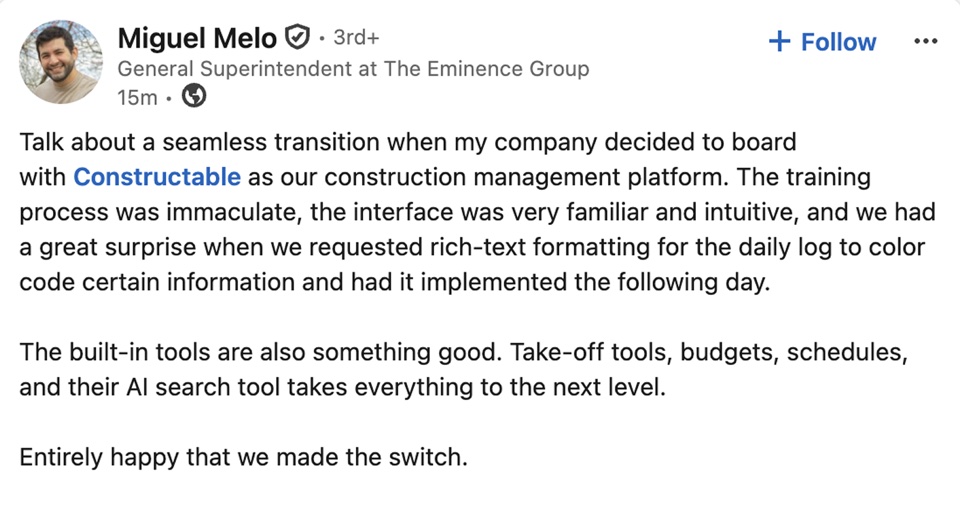
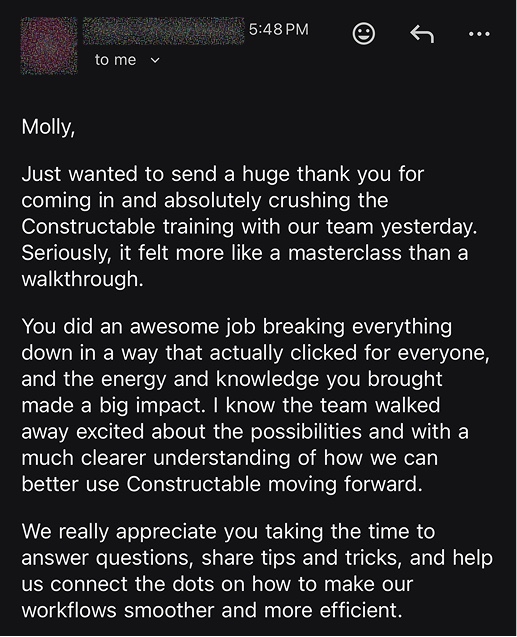
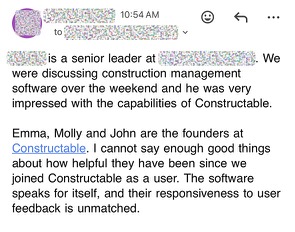
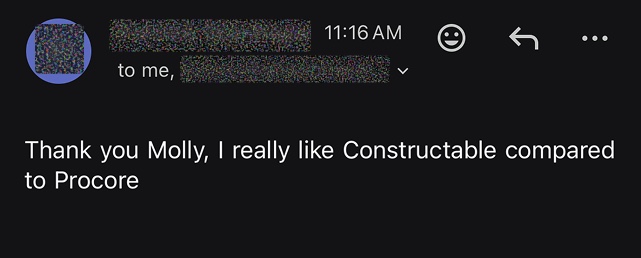
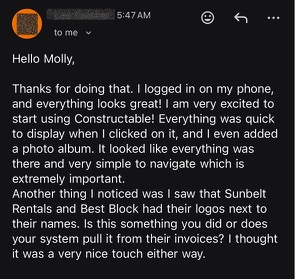
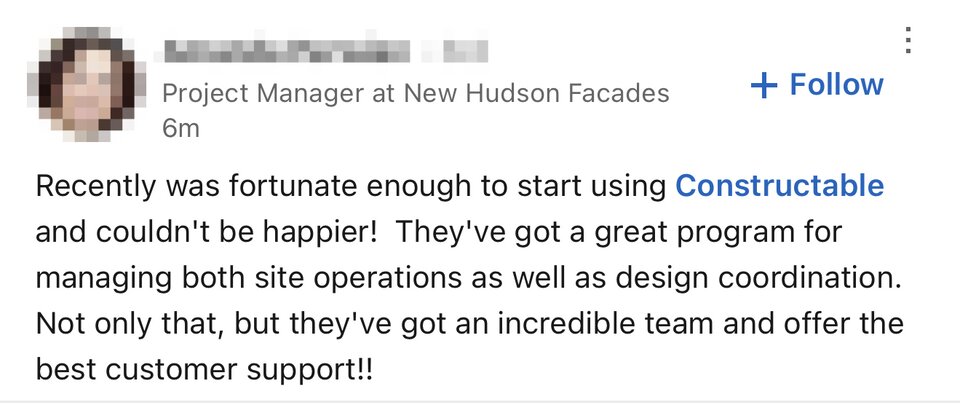
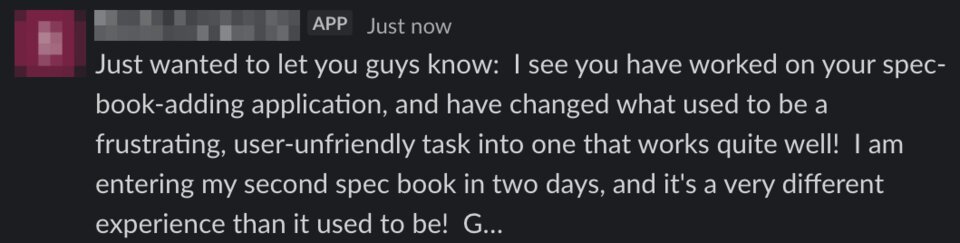
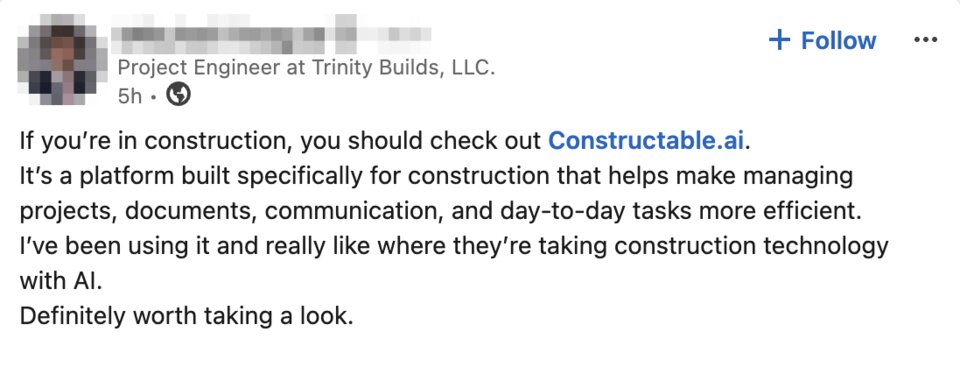
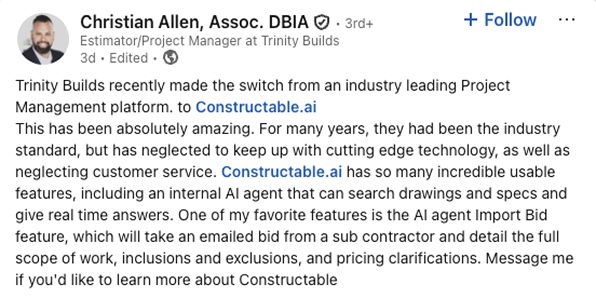
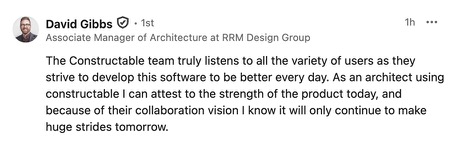
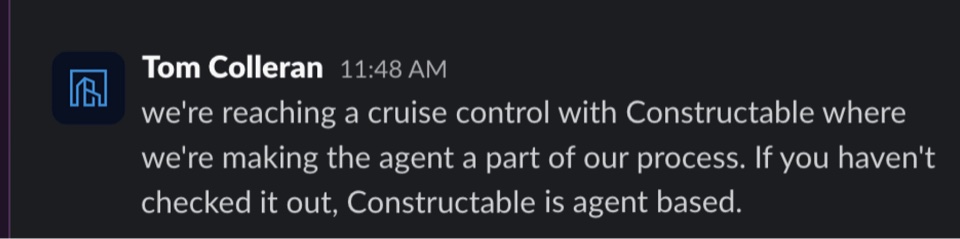
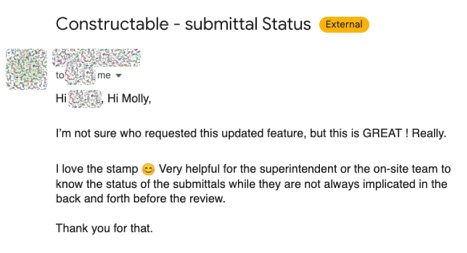
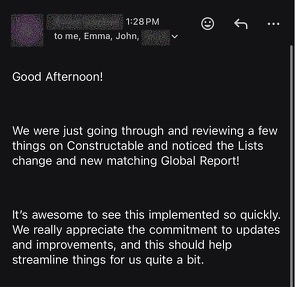
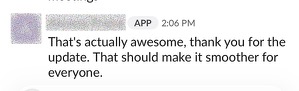
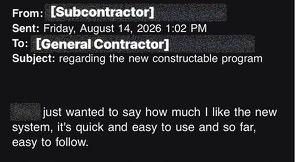
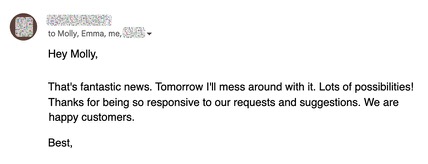
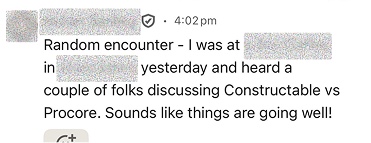
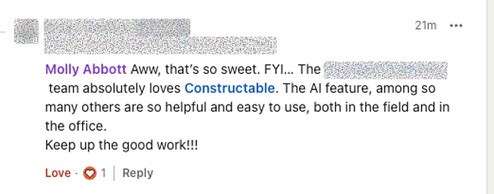
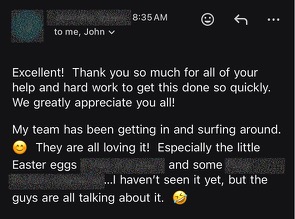
Hear from the GCs building with Constructable
Loved in the office and in the field
Submit and check pay apps from anywhere with the Constructable app for iPhone, iPad, and Android.


Pay apps in on time.
Signed off in order.
Book a 30-minute demo with our team.
WallofHappiness











Frequently Asked Questions
Can subcontractors submit their pay applications directly in Constructable?
How does retainage work, and can I release it all at once?
Can I set up a sequential invoice approval workflow?
Can I collect conditional and unconditional lien waivers with each invoice?
Can I build the owner pay application from my subcontractors' invoices?
What does the payment application PDF look like, and can I customize it?
Does it sync with QuickBooks or Sage Intacct?
Can AI read a PDF invoice and enter it for me?
Do subcontractors have to pay for a seat?
Which plan includes invoicing?
at a glance
on every cost code
with better bids