Lien waivers by Constructable
Construction lien waiver software that gets every waiver signed with the pay app
Our construction lien waiver software sends conditional and unconditional, progress and final waivers on your own forms, filled in from the invoice and e-signed by your subs. No retyping amounts and no separate e-signature account. Lien waivers come with invoicing, and we do flat pricing with unlimited users.
Lien waiver templates
Your state's waiver form, filled in from the invoice
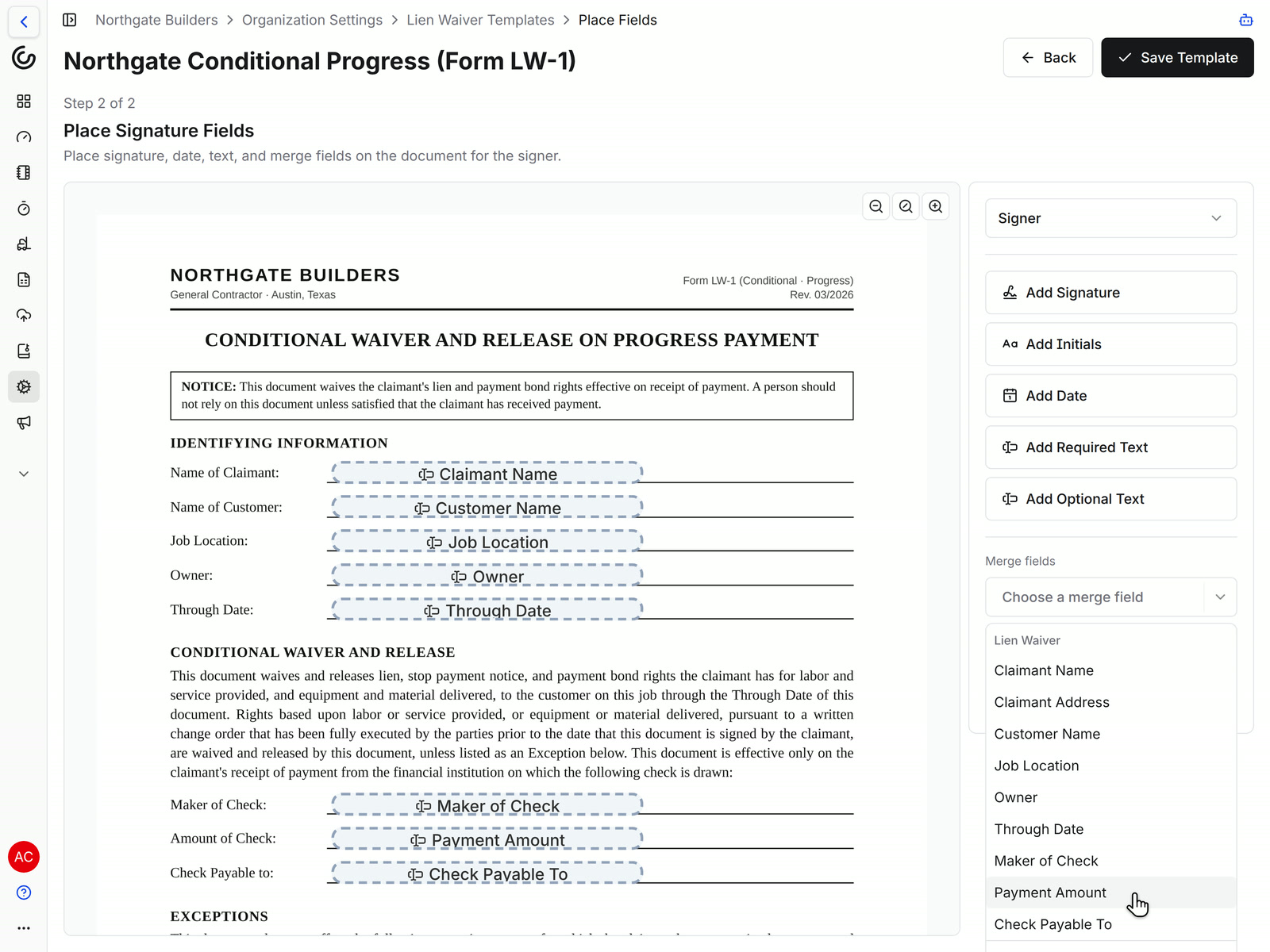
Upload the waiver your state, lender, or owner asks for as a PDF template. Place the signature and date fields, then add merge fields where the form needs the job's details. Every waiver you send from an invoice comes out on that form with the blanks filled in.
• Who and where: Claimant Name and Address, Customer Name, Owner, and Job Location
• The money: Payment Amount is the invoice's amount due, this period's billing less retainage held plus retainage released
• Check details: Through Date, Maker of Check, and Check Payable To
• Before it goes out: a template with no signature field shows a warning and can't be sent for signature
Subcontractors
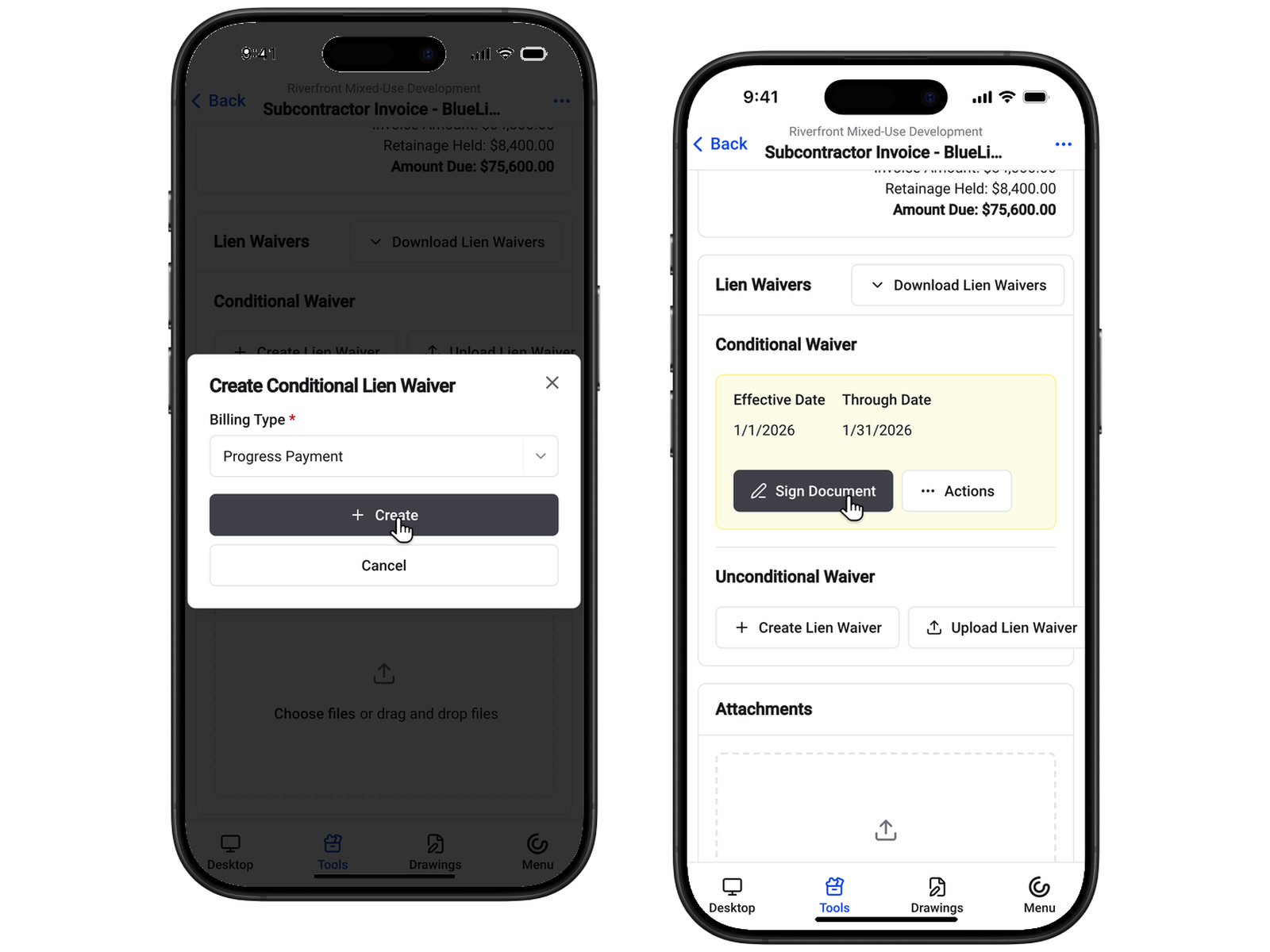
Subs sign the waiver from the invoice, even on their phone
Send the waiver to the sub's signer from the invoice, and copy anyone else who needs it. A sub preparing their own invoice can create the waiver and sign it right there, before they submit.
• Picking the signer: choose from the subcontractor's contacts on the Project Team
• No seat to buy: every plan includes unlimited users, so subs sign at no cost to you
• Signed on paper: upload the signed waiver instead
• On the jobsite: subs can create and sign in the Constructable app for iPhone, iPad, and Android
All four waiver types
See which waivers are signed and which are still out
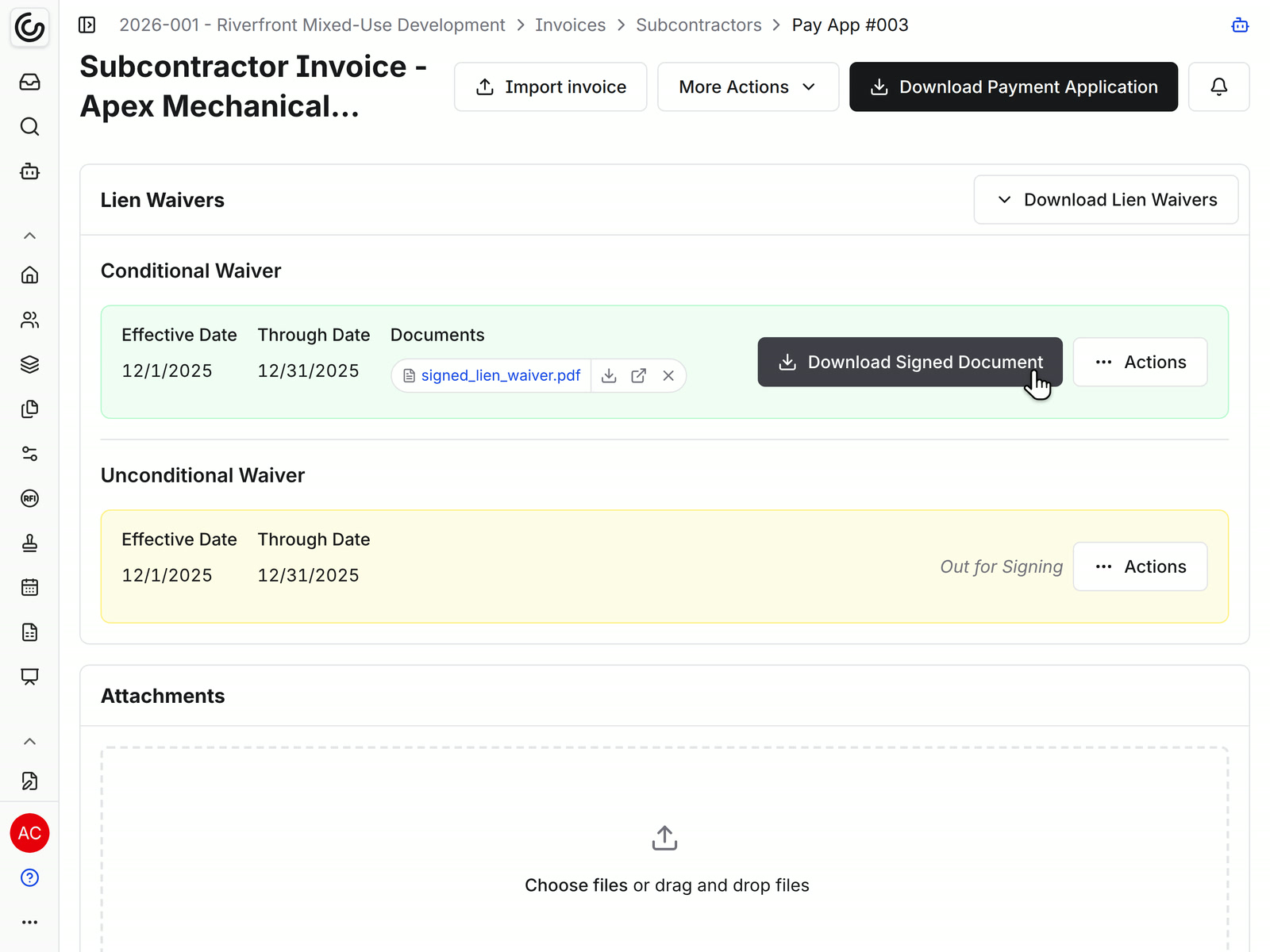
Each invoice has a Lien Waivers block with a Conditional Waiver section and an Unconditional Waiver section. Pick Progress Payment or Final Payment when you create one, and Constructable uses the form for that waiver type.
• Its own status: each waiver moves from Draft to Out for Signing to Fully Executed
• Separate from the invoice: approving or paying the invoice doesn't complete the waiver, so an unsigned waiver stays visible
• The signed copy: download the fully executed PDF from the invoice
The pay app package
Hand the owner or lender the pay apps with their waivers
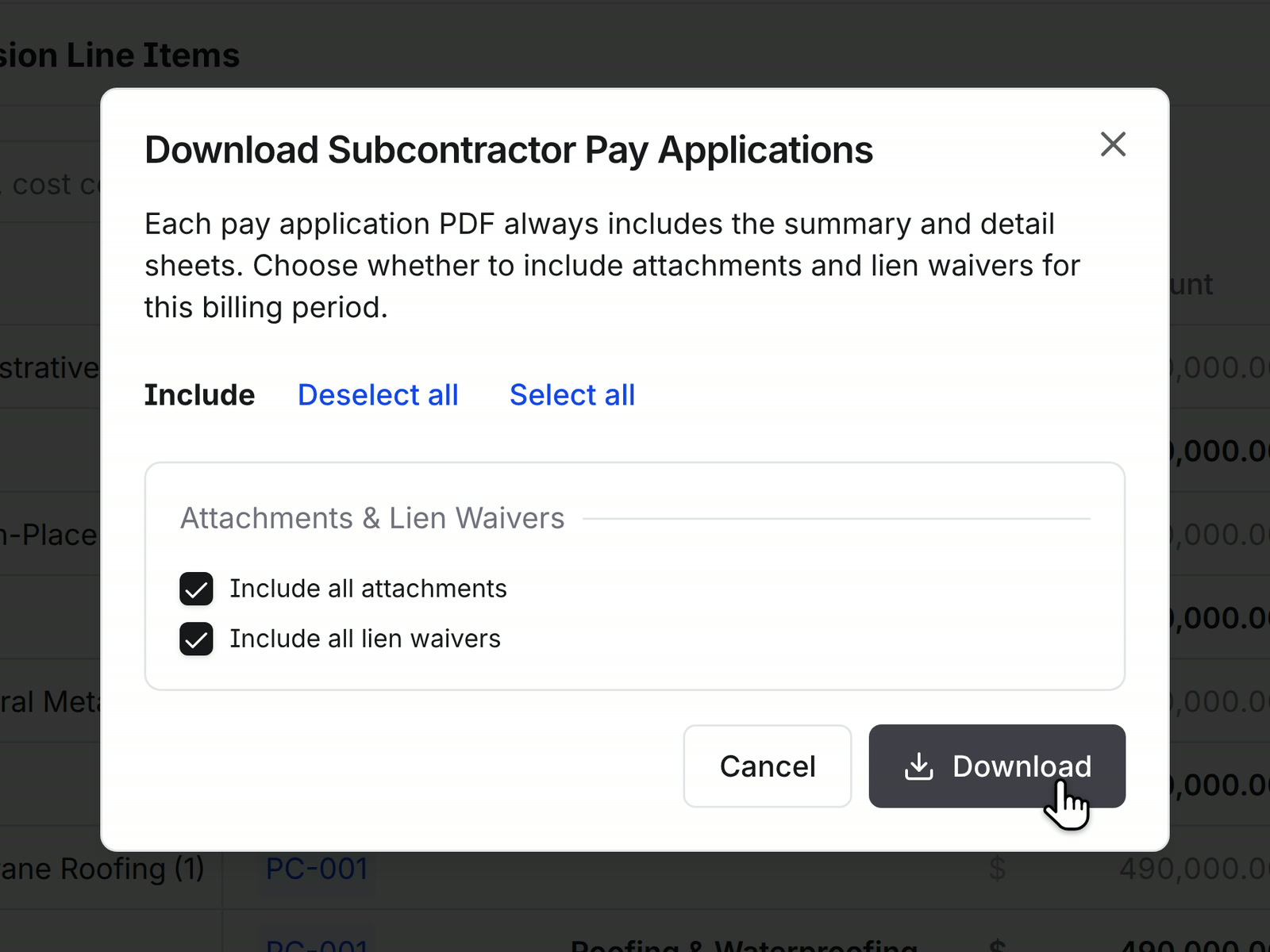
When the draw goes out, download the pay applications with the lien waivers and backup on file. From the owner invoice, download every subcontractor's pay app for that billing period in one step.
• One period: Download All Subcontractor Pay Applications on the owner invoice, with Include all lien waivers and Include all attachments
• Several periods: Download Pay Applications on the Subcontractors tab lets you pick the billing periods
• Only what they need: both options start ticked, so untick what this reader shouldn't get
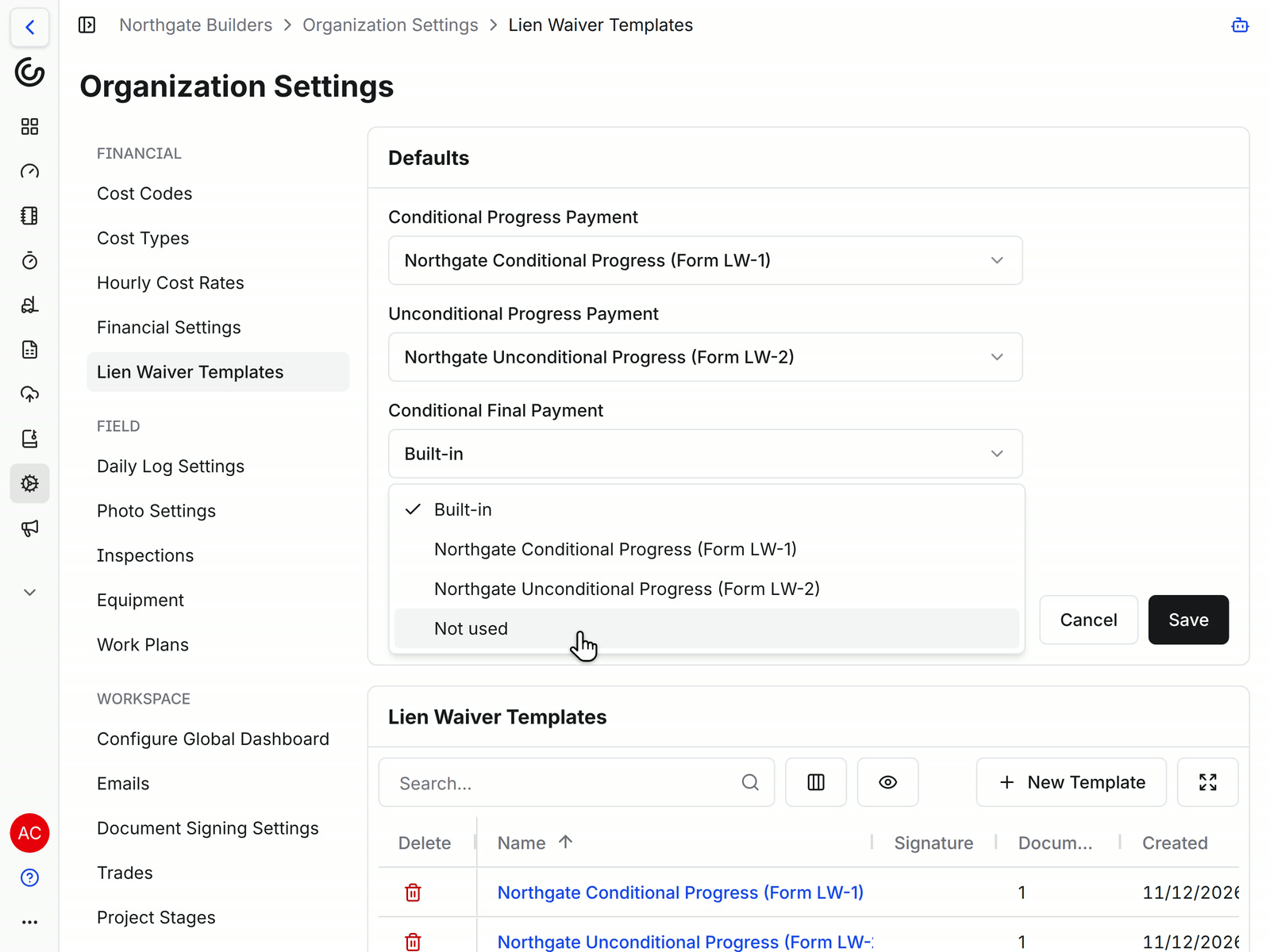
Defaults
Set the right form for each waiver type once
In Organization Settings, choose a template or the built-in form for each of the four waiver types. Every invoice on every project uses those choices, unless a project needs something different.
• A job with its own form: override any waiver type in that project's Financial Settings
• New jobs: a project created from a template project keeps its lien waiver choices
• Types you never use: mark them Not used, and they drop out of the choices on every invoice
• Changing a form: edits apply to new waivers, and a waiver already sent keeps the document it went out with
Waivers on your own billing, too
Owner invoices
Blank forms on demand
E-signing built in
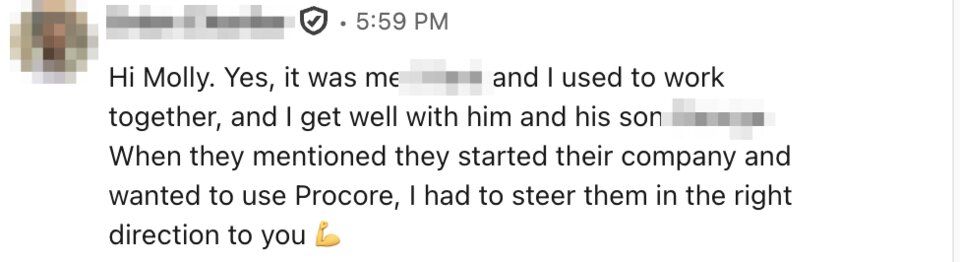
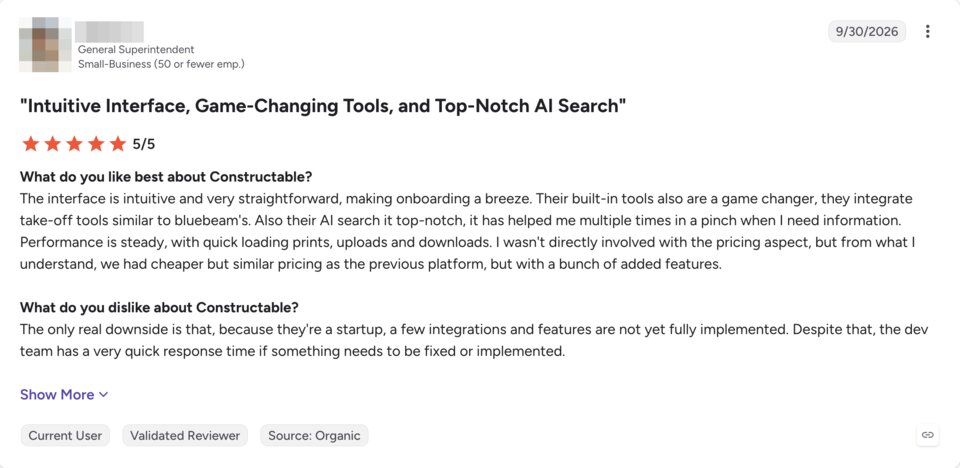
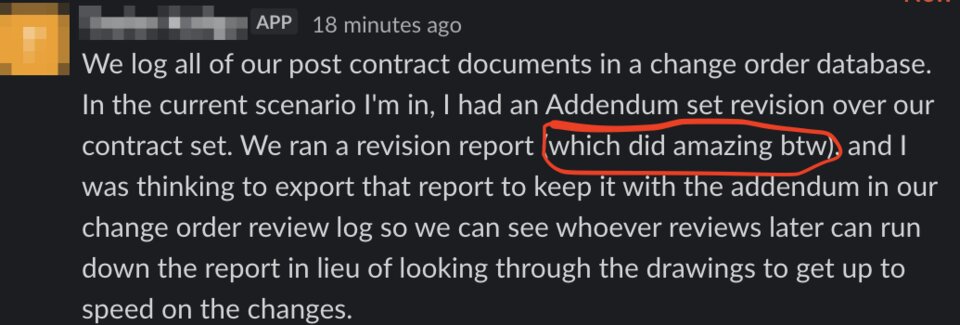
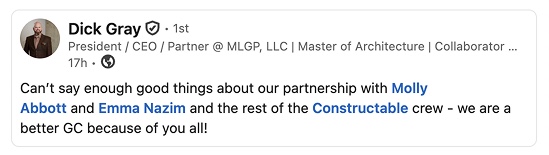
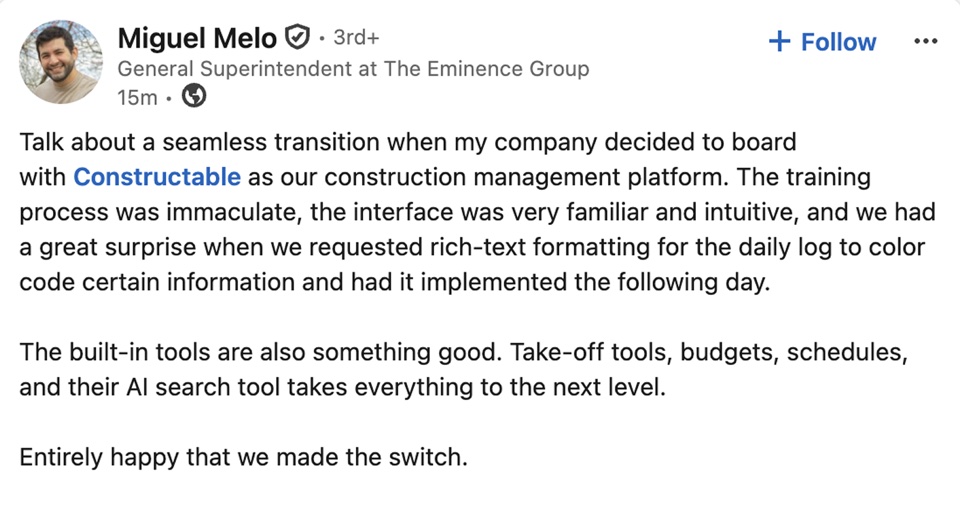
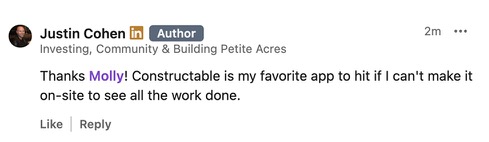
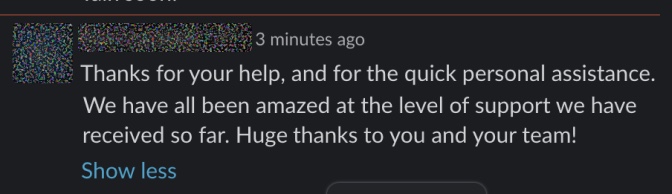
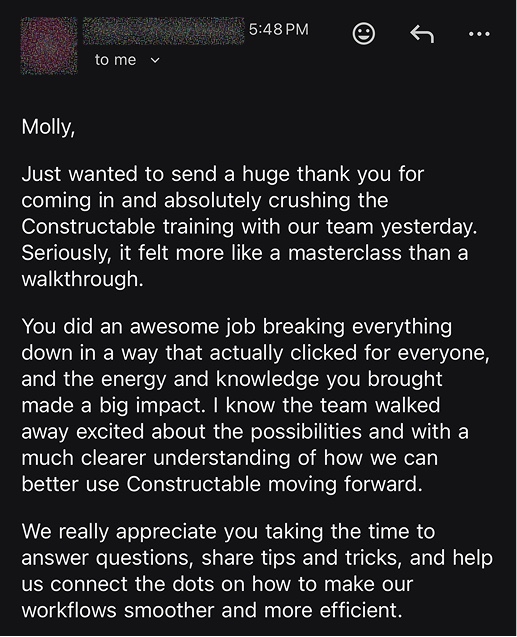
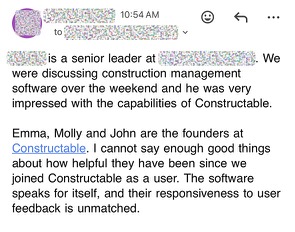
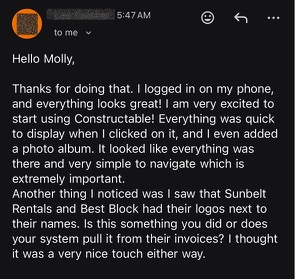
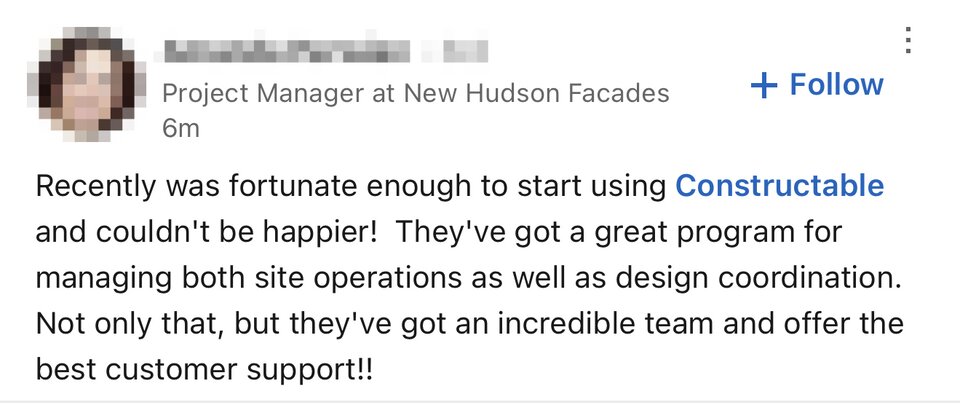
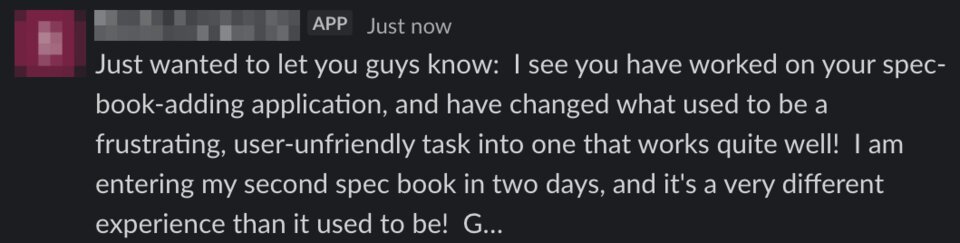
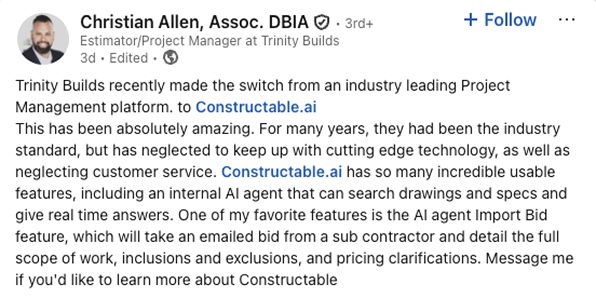
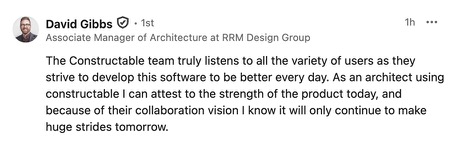
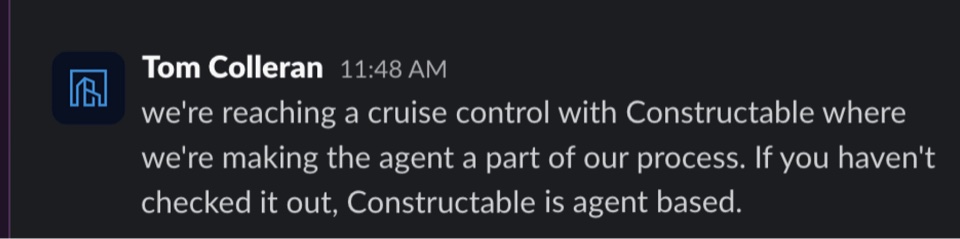
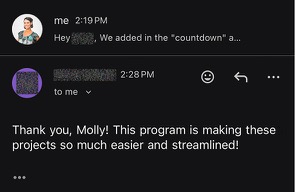
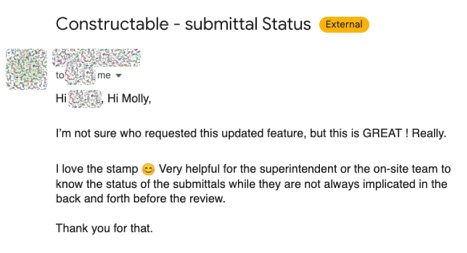
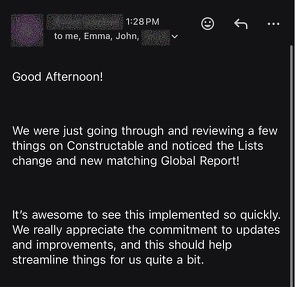
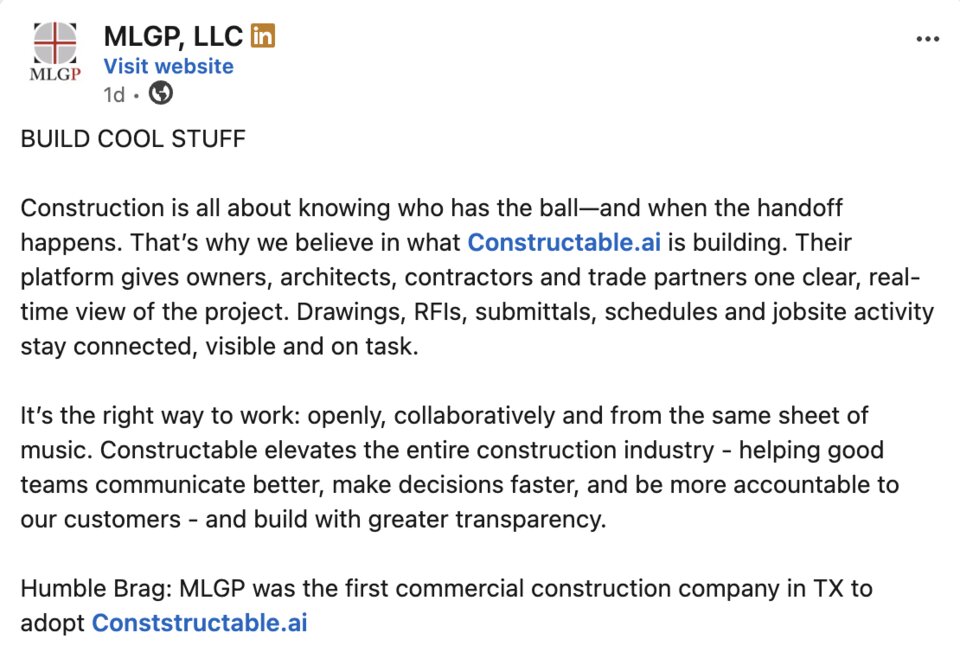
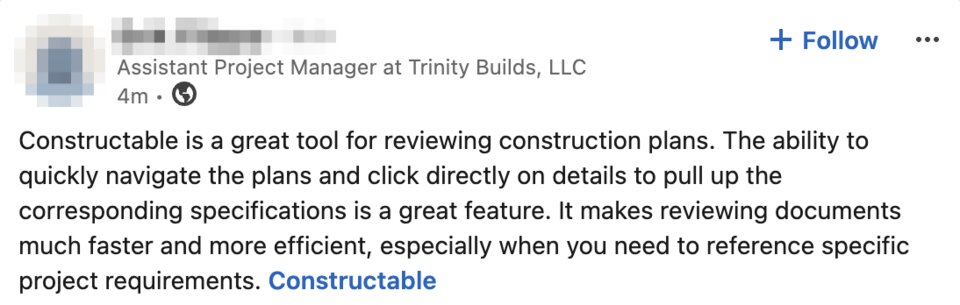
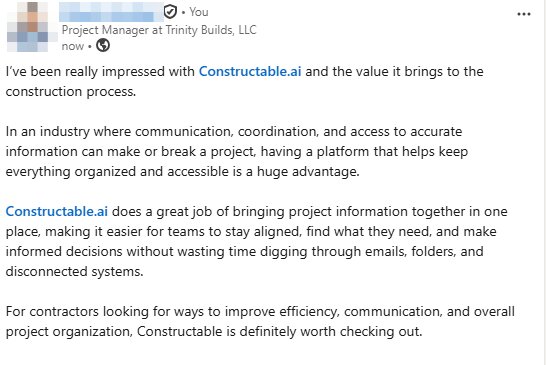
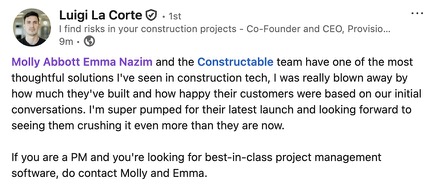
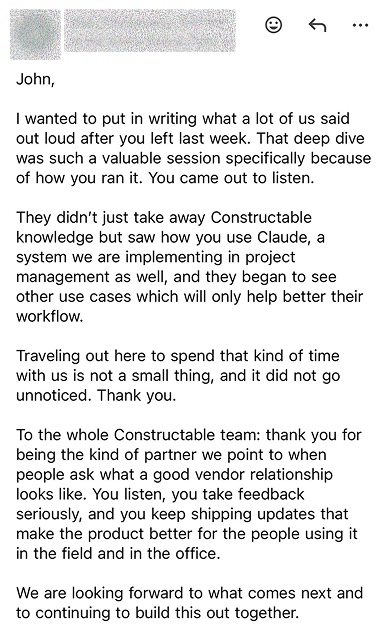
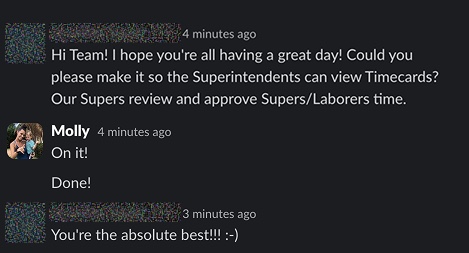
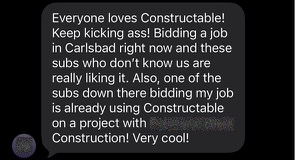
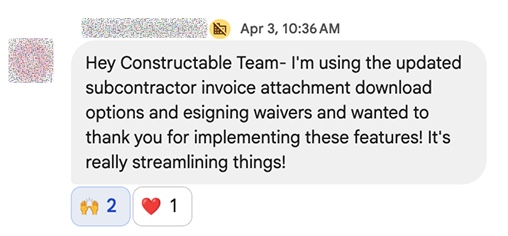
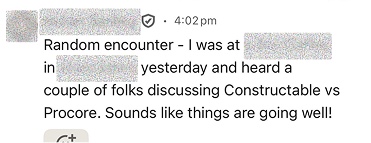
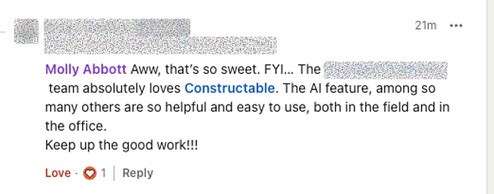
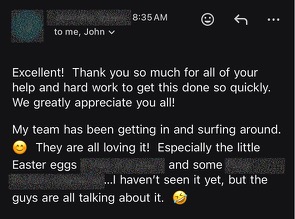
Hear from the GCs building with Constructable
Loved in the office and in the field
Create and sign lien waivers from the jobsite trailer with the Constructable app for iPhone, iPad, and Android.


Every pay app.
Its waiver signed.
Book a 30-minute demo with our team.
WallofHappiness














Frequently Asked Questions
What is lien waiver software, and why would a general contractor use it?
Which lien waiver types does Constructable support?
Can I use my state's statutory form or my lender's form?
How do subcontractors sign, and do they pay for a seat?
Do I need DocuSign?
Can I send waivers to the owner or lender with the pay app?
What if a sub already signed a waiver on paper?
Can I collect waivers on owner invoices too?
Which plan includes lien waivers?
the SOV
without the chase
and signed