Constructable vs. Raken
The Raken alternative that runs the whole job
Raken is built for the crew. Constructable is the Raken alternative built for the general contractor: the daily log, time cards, and safety reports your supers need, plus the drawings, specs, schedule, change orders, and pay apps that run the job. One app, with flat pricing and unlimited users.
Raken runs the crew. Constructable runs the job.
Raken is a field app built around your workforce: time clocks, production tracking, crew scheduling, and safety forms. That fits a specialty contractor managing its own crews. A general contractor also runs the drawings, the specs, the schedule, the owner meetings, and the money, and Constructable puts all of it in the same app as the daily log.
Drawings
Included:Reads each title block for the sheet number and title, links every detail callout to its sheet, keeps the current revision of every sheet, overlays two revisions to show what moved, and detects the scale so you can measure. See drawing management.
Partly covered:Plans are files in Document Management, where you can add text, pictures, and annotations.
Specs
Included:AI splits the spec book into sections by division and section number, and submittals are drafted from it. See spec management.
Not in Raken's public documentation:No spec tool on Raken's feature list. A spec book is one more file in Document Management.
Schedule
Included:Build or import the master schedule from Primavera P6 or Microsoft Project, link activities, and read the critical path. See scheduling.
Partly covered:Resource Scheduling assigns crews and equipment to shifts.
Meetings
Included:Run OAC, subcontractor, and safety meetings with agendas, minutes, and distribution to attendees. See meeting minutes.
Partly covered:Toolbox Talks schedules safety talks and collects sign-offs.
Change orders
Included:Log a change event before it's priced, route the change order to approvers before it goes out for signature, and sync executed change orders to Sage Intacct or QuickBooks Desktop. See change orders.
Partly covered:Added in October 2026, on the Performance plan. Raken's help article says there is no accounting sync for approved change orders and no sequential or multi-tier approval.
Budgets, pay apps, and lien waivers
Included:Budget against cost by cost code, bill the owner, approve your subs' pay apps, and fill in your state's lien waiver from the invoice. See financial management.
Not in Raken's public documentation:No budget, owner billing, subcontractor pay app, or lien waiver tools on Raken's feature list.
AI answers
Included:Ask a question about the project and get the answer with a link to the drawing, document, or log it came from. See AI workflows.
Partly covered:AI summaries of signed daily reports, on the Performance plan.
Verification note: This comparison is based on Raken's current public product documentation and help guides, rather than hands-on testing of Raken.
Raken features and pricing checked November 25, 2026 against Raken's feature list and help center. Which Constructable tools you get depends on your plan. This comparison is published by Constructable. Raken is a trademark of its owner; Constructable is not affiliated with or endorsed by Raken.
What your supers get when you switch from Raken
The daily log, crew hours, inspections, and safety reports your supers fill in every day, on the same project your PMs and accounting team already run.
Daily logs that start themselves
The weather is already on the log, subs record their own crews, and Repeat brings over yesterday's personnel, time cards, equipment, and materials. Upload a jobsite call for an AI summary, and email the log to the owner from the log. See our construction daily log software.
Time cards on the daily log, posted to job cost
Enter each employee's hours by cost code and hour type while you write the log, and the labor cost lands on the job. See our construction timesheet software.
Equipment hours from one register
Crews pick machines from your company's equipment register and log the hours used, and the usage report shows which jobs each machine was on. See our construction equipment management software.
Inspections, QA/QC work plans, and incident reports
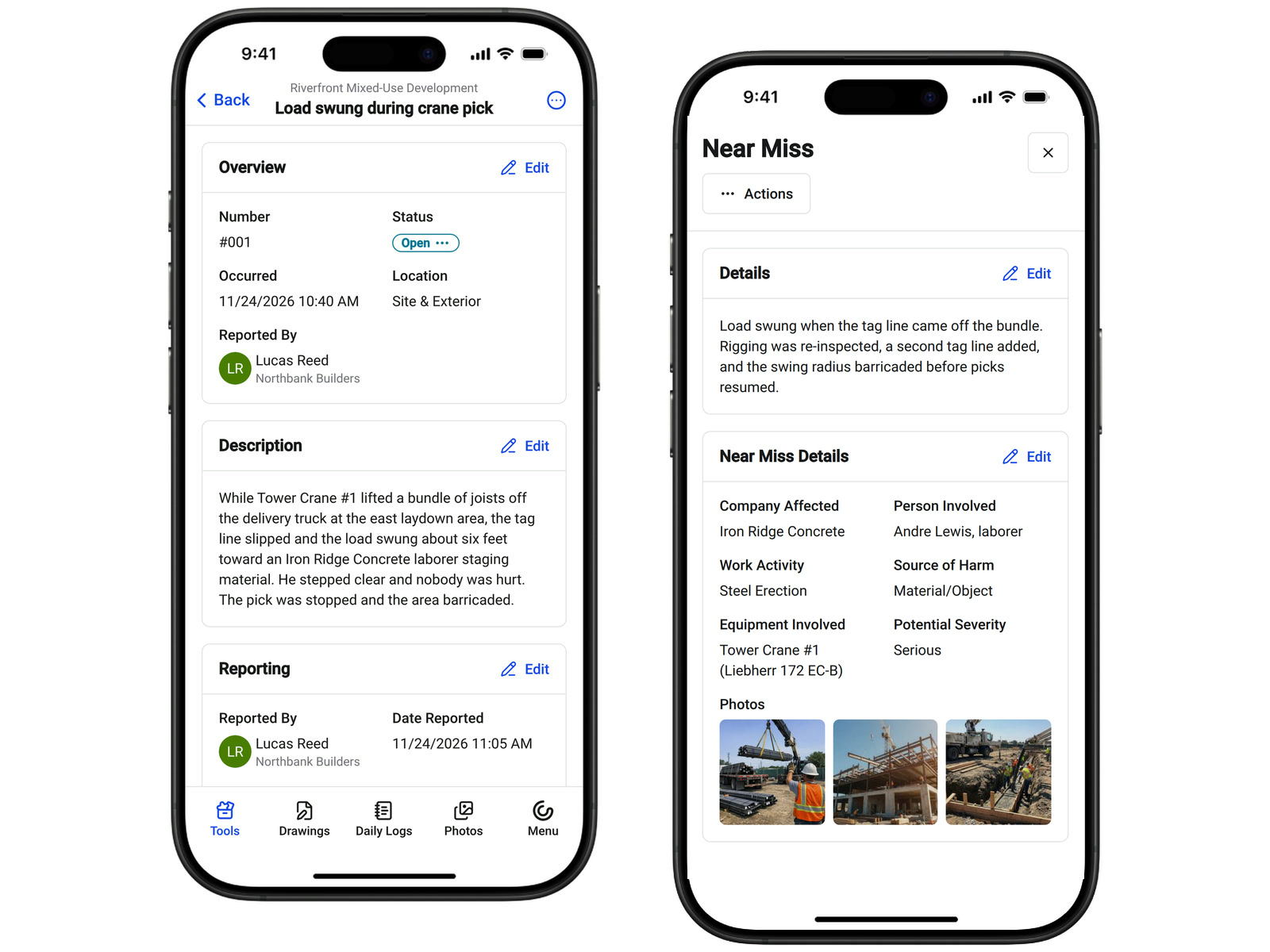
Walk inspections from a phone, hold work at a work plan's hold points until the inspector signs, and report near misses and injuries from the jobsite. See our construction inspection software, construction quality control software, and construction incident reporting software.
Photos pinned to the plans
Shoot straight into the album and pin each photo on the sheet where it was taken. See our construction photo documentation software.
Drawings on every phone, even without a signal
Store a sheet, a discipline, or every drawing on the device in the iPhone, iPad, and Android app before you head below grade. See our construction drawing management software.
Inspections
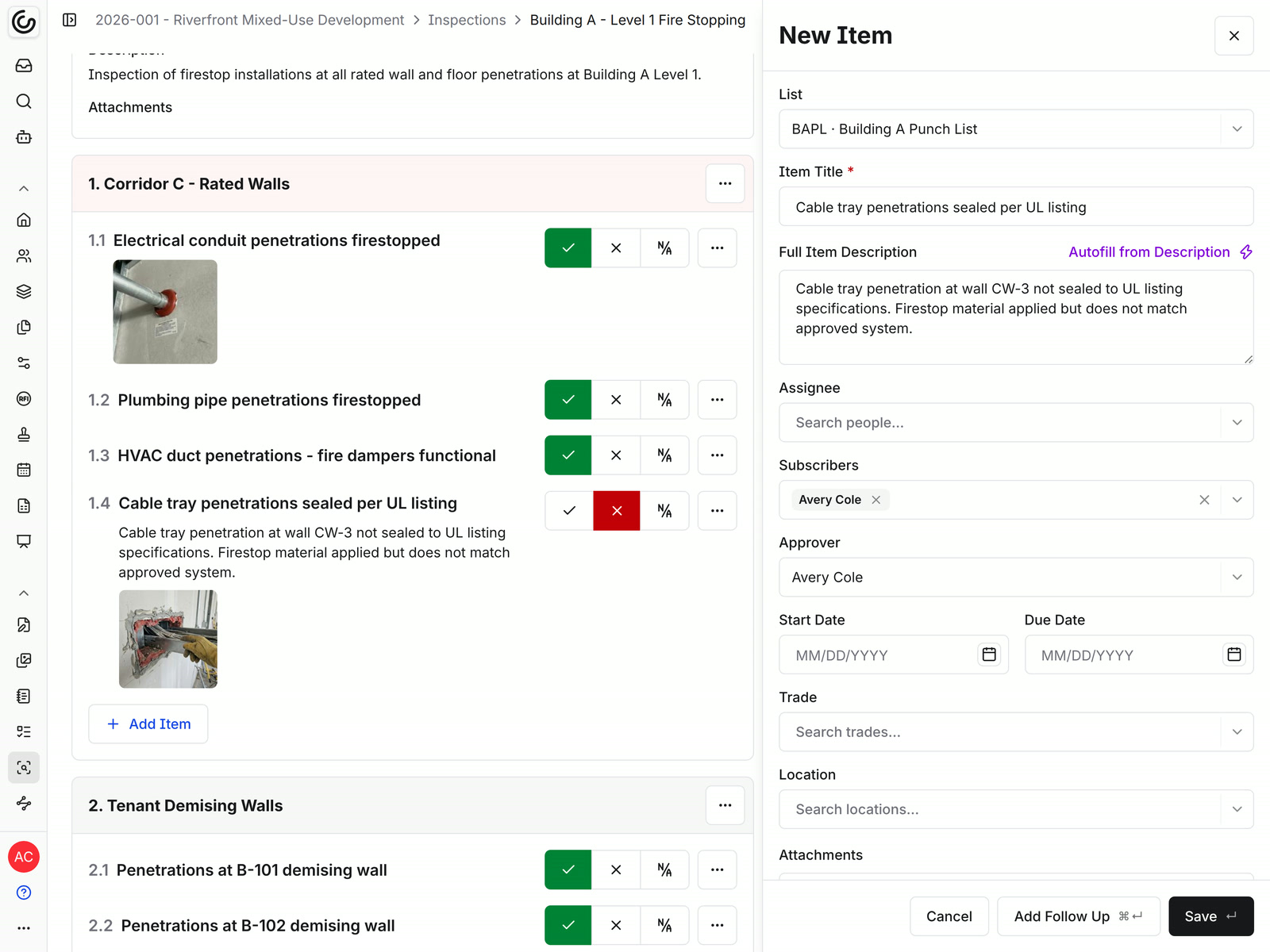
A failed check becomes a punch item, already written
When an item fails on the walk, choose Create List Item. The new punch item opens with the inspection item's title and your comments, so you add the assignee and the due date instead of retyping what you just wrote.
• Linked both ways: the punch item's number and status show under the failed item, and the punch item shows which inspection it came from
• Every reading on record: pass, fail, and N/A, with comments and photos on each item
• One file to hand off: download the inspection as a PDF with every reading, photo, and attachment
From the daily log to the job's cost
Hours by cost code
Labor cost on the right line
Which plan
One flat price, with every foreman and sub included
Adding a foreman, a sub, or the owner's rep doesn't change your bill.
Raken
As of November 2026, Raken's pricing page lists per-user plans billed annually: Basic at $23 and Performance at $59 per user per month, with a three-user minimum. Time tracking, production tracking, and safety and quality management are on Performance.
Constructable
Every plan is a flat monthly price with unlimited users and unlimited projects, starting at $850 a month for Field Management. Your foremen, subs, owner, and architect join at no extra cost, and the office runs the rest of the job in the same app. See plans and pricing.
Switching from Raken
Free data migration
Onboarding in weeks
Unlimited training
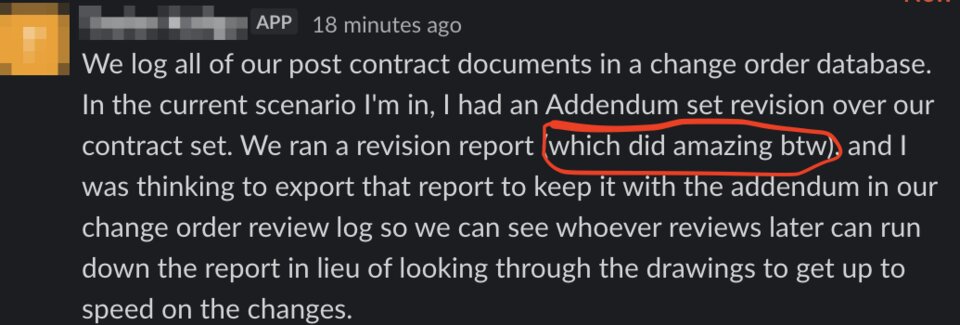
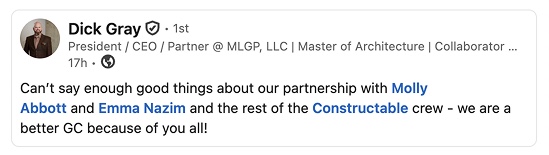
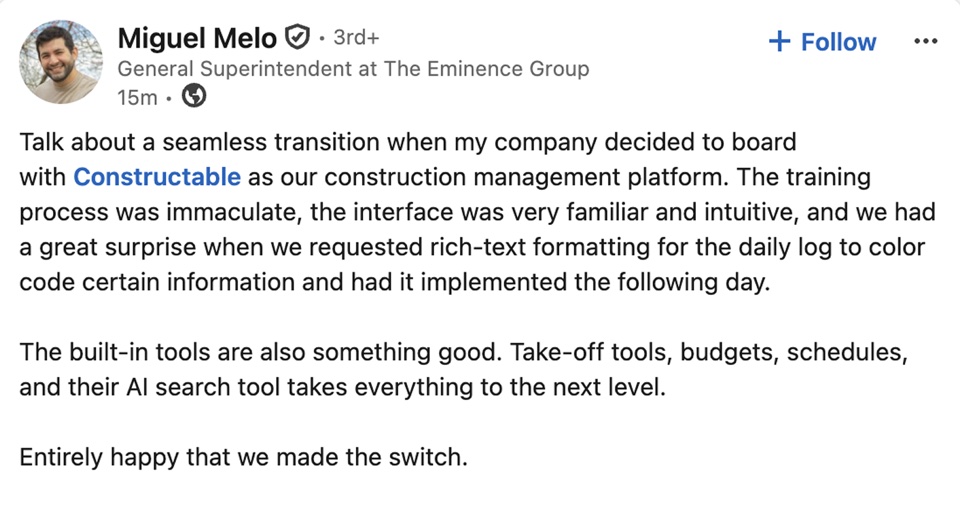
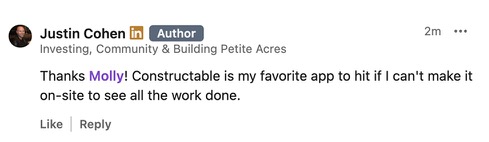
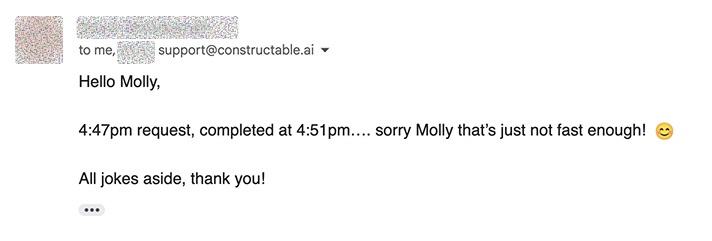
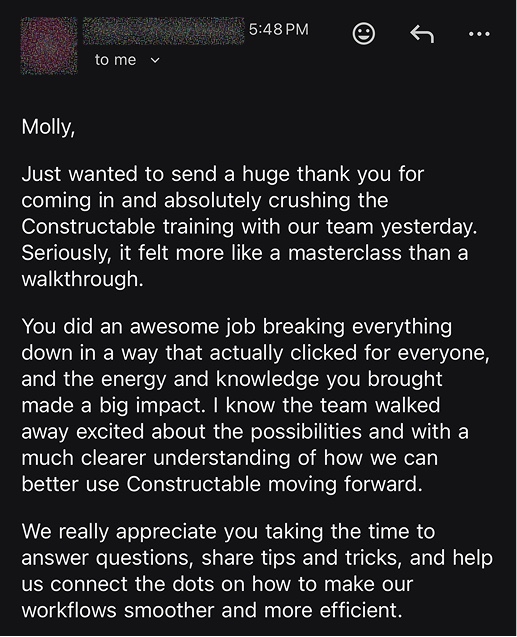
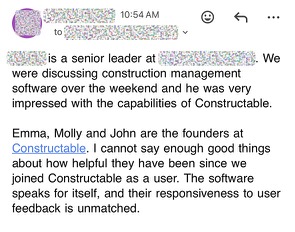
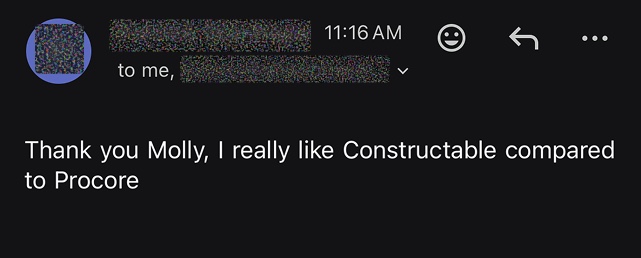
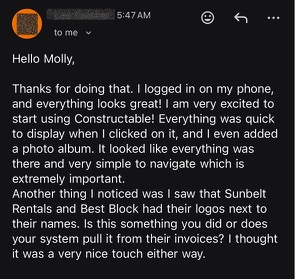
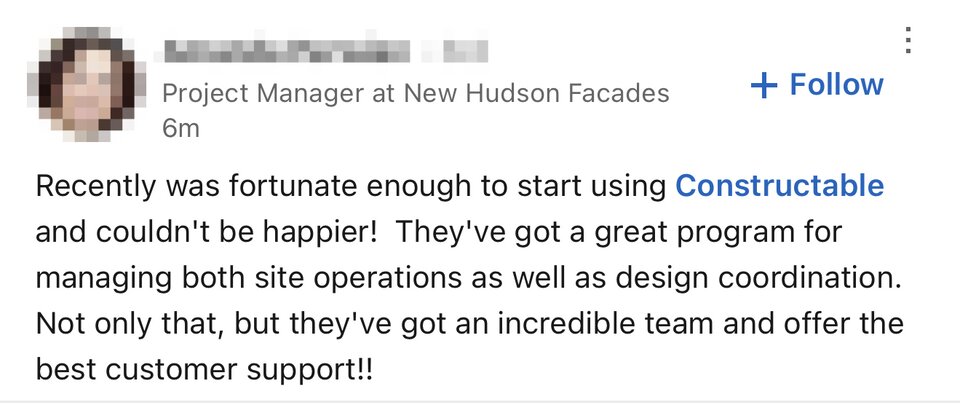
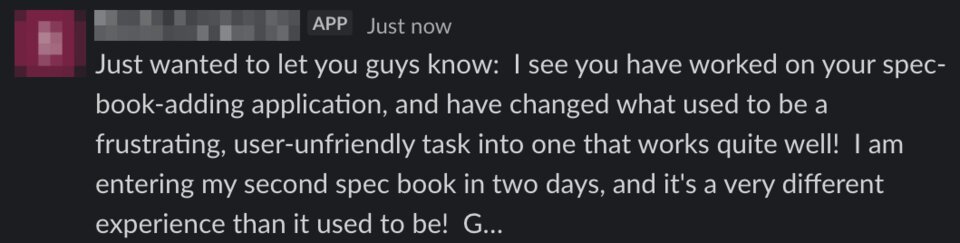
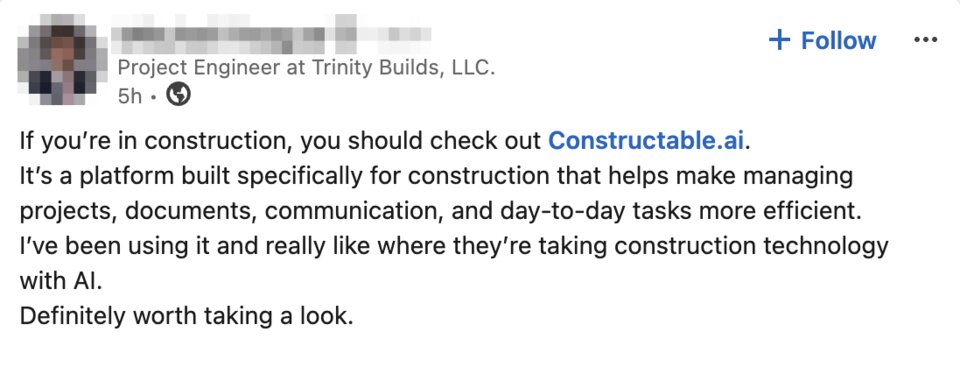
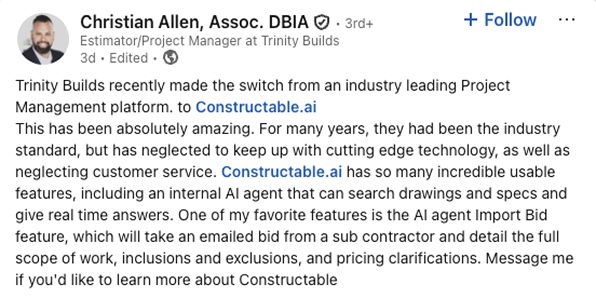
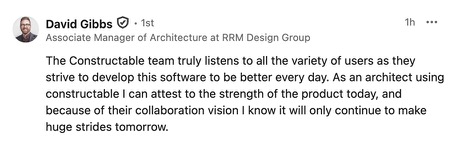
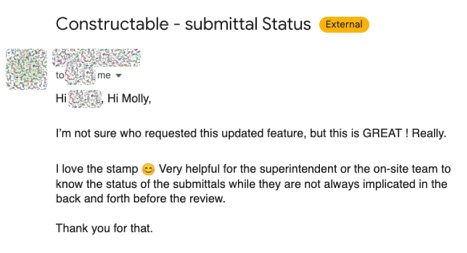
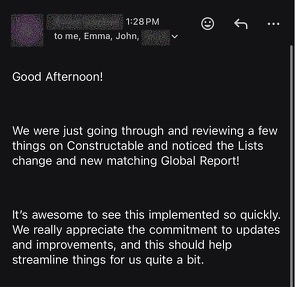
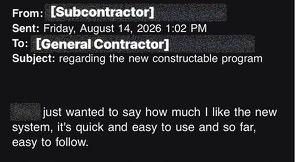
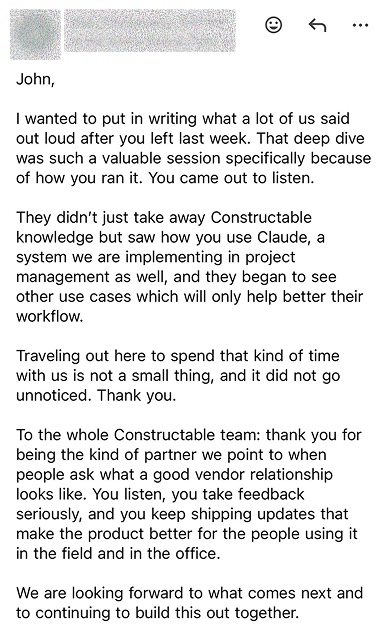
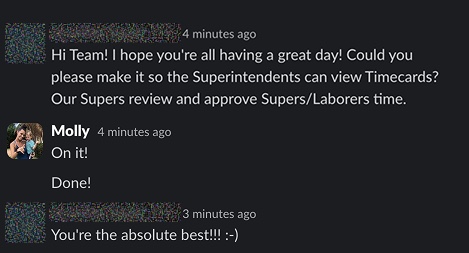
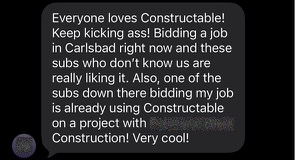
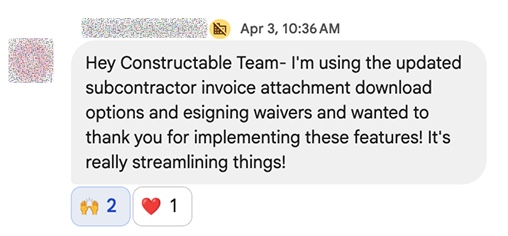
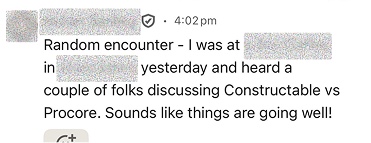
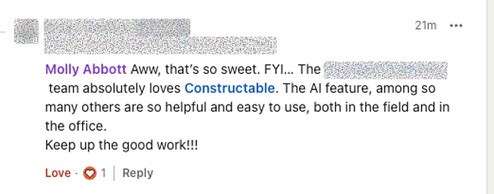
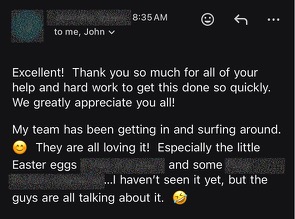
Loved in the office and in the field
Write the daily log, enter crew hours, and report a near miss from the jobsite with the Constructable app for iPhone, iPad, and Android.


Create trust.
Build the future.
Let's get you building better.



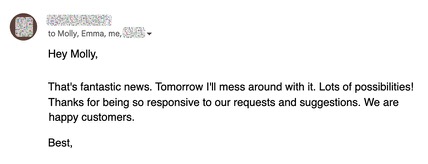
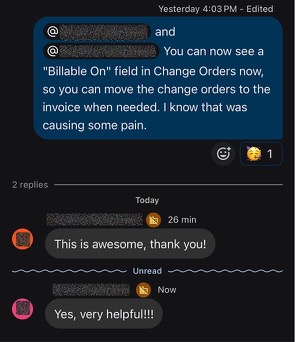
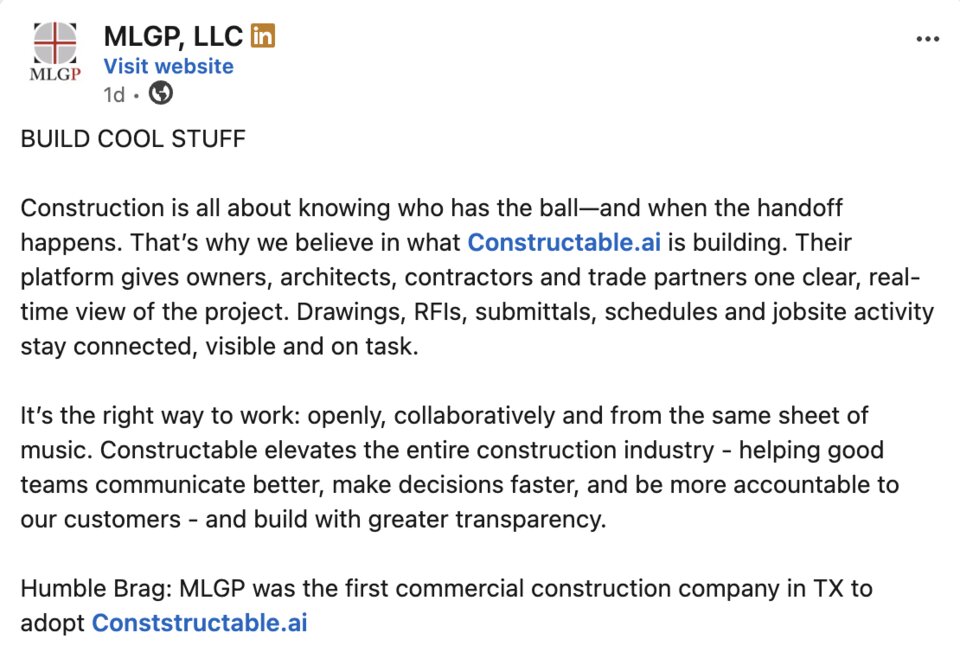
WallofHappiness











Frequently Asked Questions
Is Constructable a good Raken alternative for daily reports?
What does Constructable do that Raken does not?
Can my crews enter time cards from the daily log?
Does it handle safety inspections and incident reports?
Does it work offline?
How is it priced? Do foremen and subs need paid seats?
Can we bring our Raken data?
more time building
at a glance
on Fieldwire?