Bid Management by Constructable
Construction bid management software for general contractors
Our construction bid management software sends bid packages by scope, tracks every bidder until the due date, and turns the winning bids into commitments. Subs bid for free from a link in the invitation. Bid management comes with the Field and Project Management plan, and we do flat pricing with unlimited users.
Bid packages
Split the package into scopes so every sub prices the same work
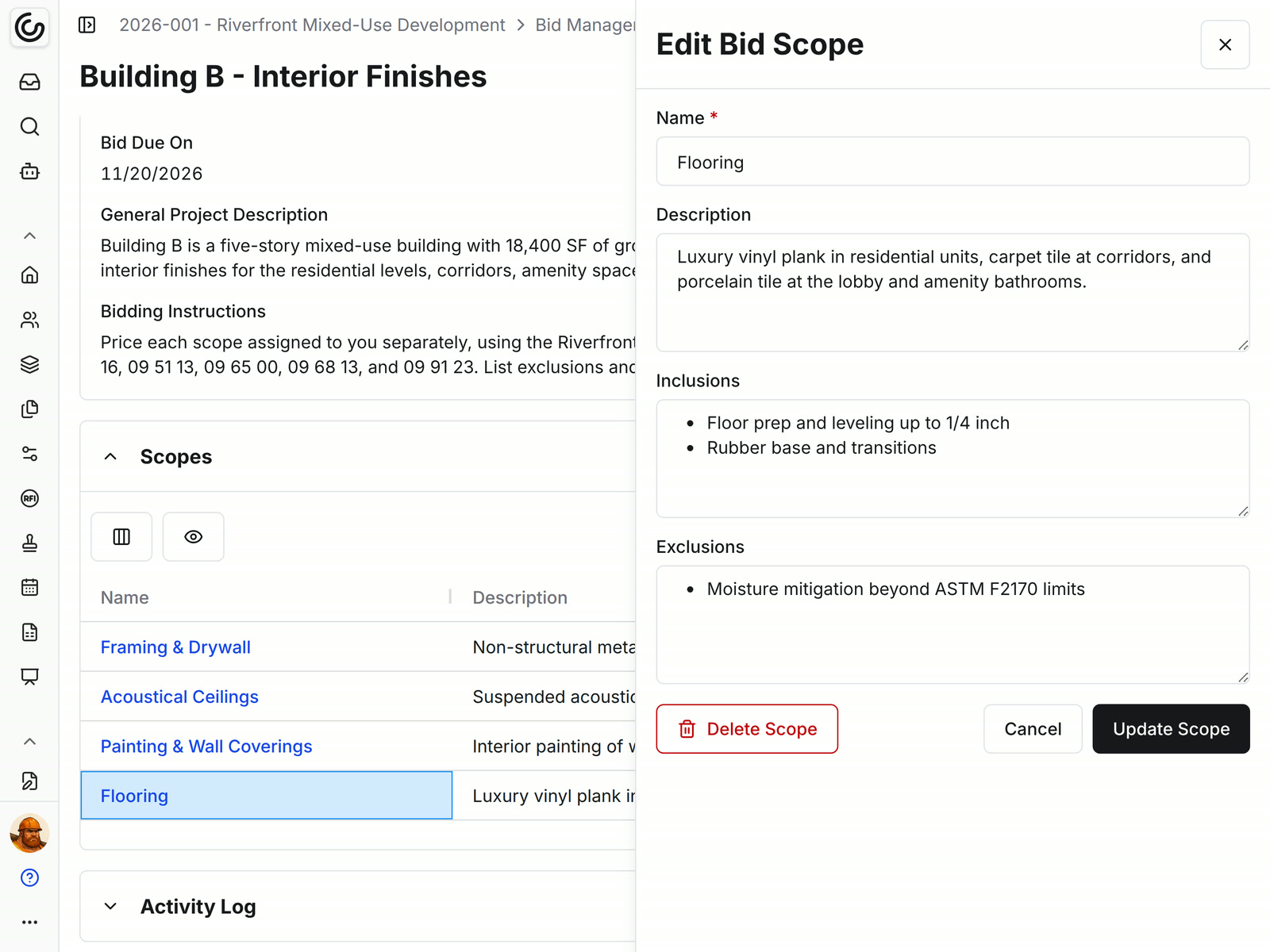
Each bid package holds the manager, due date, project description, and bidding instructions. Scopes break it into the portions of work you want priced separately.
• One package, several trades: add a scope for each portion of work, and each bidder prices only the scopes you assign them
• No room for guessing: write a description, inclusions, and exclusions for every scope
• Starting the next job: a project template can carry your standard bid packages into a new project
Select bidders
Build the bid list from subs you already work with
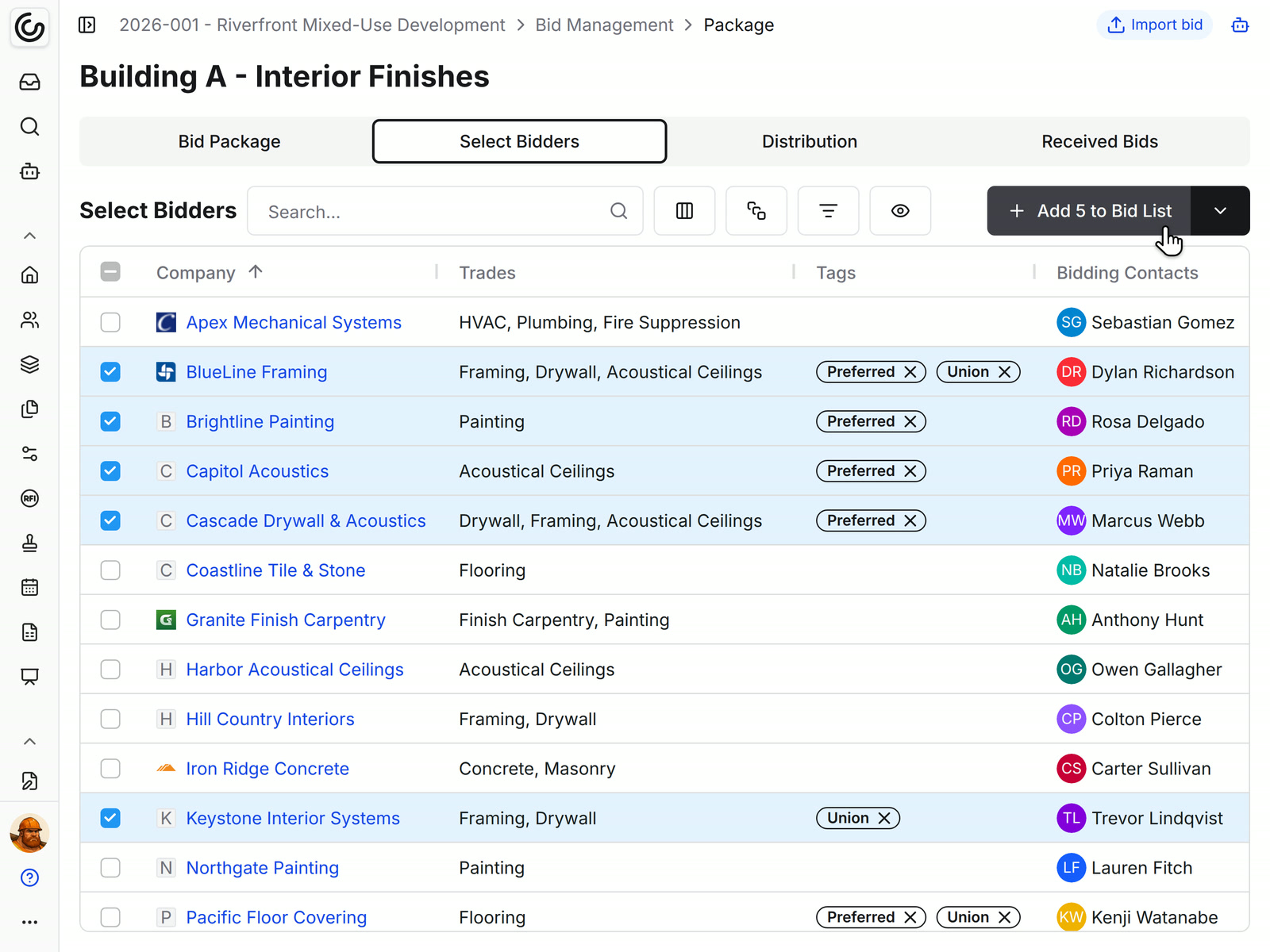
Select Bidders lists the subcontractors in your company directory. Pick the ones you want and add them to the bid list, and each one's bidding contacts get the invitation.
• Finding the right trades: search, filter, or group by company, trade, or tag
• Your short list: tag the subs you trust, such as Preferred or Union, and pull them up on the next job
• Right person, every time: invitations go to the bidding contacts set on each company
Distribution
See who's bidding and follow up with the rest
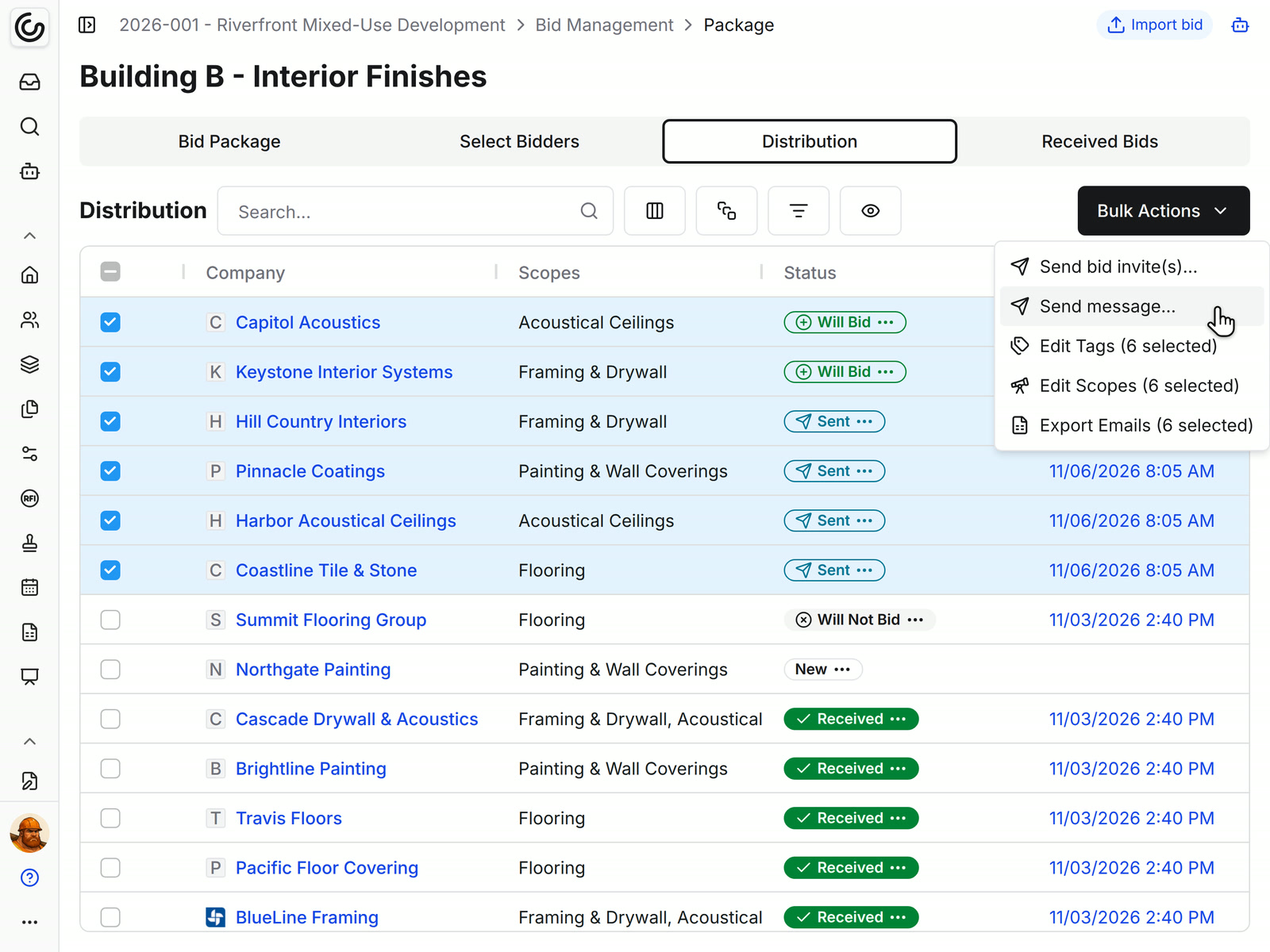
The Distribution tab shows every invited company, the scopes they're pricing, where they stand, and when you last contacted them.
• Where each sub stands: statuses move from New to Sent, then Will Bid or Will Not Bid, then Received
• A week before the due date: select everyone who hasn't submitted and send one follow-up message
• Proof of who got what: each company's Correspondences tab keeps every email you sent, with its delivery status
• Calling around: export the selected bidders' names, emails, and phone numbers to Excel
For your subs
Subs open the bid package straight from the email
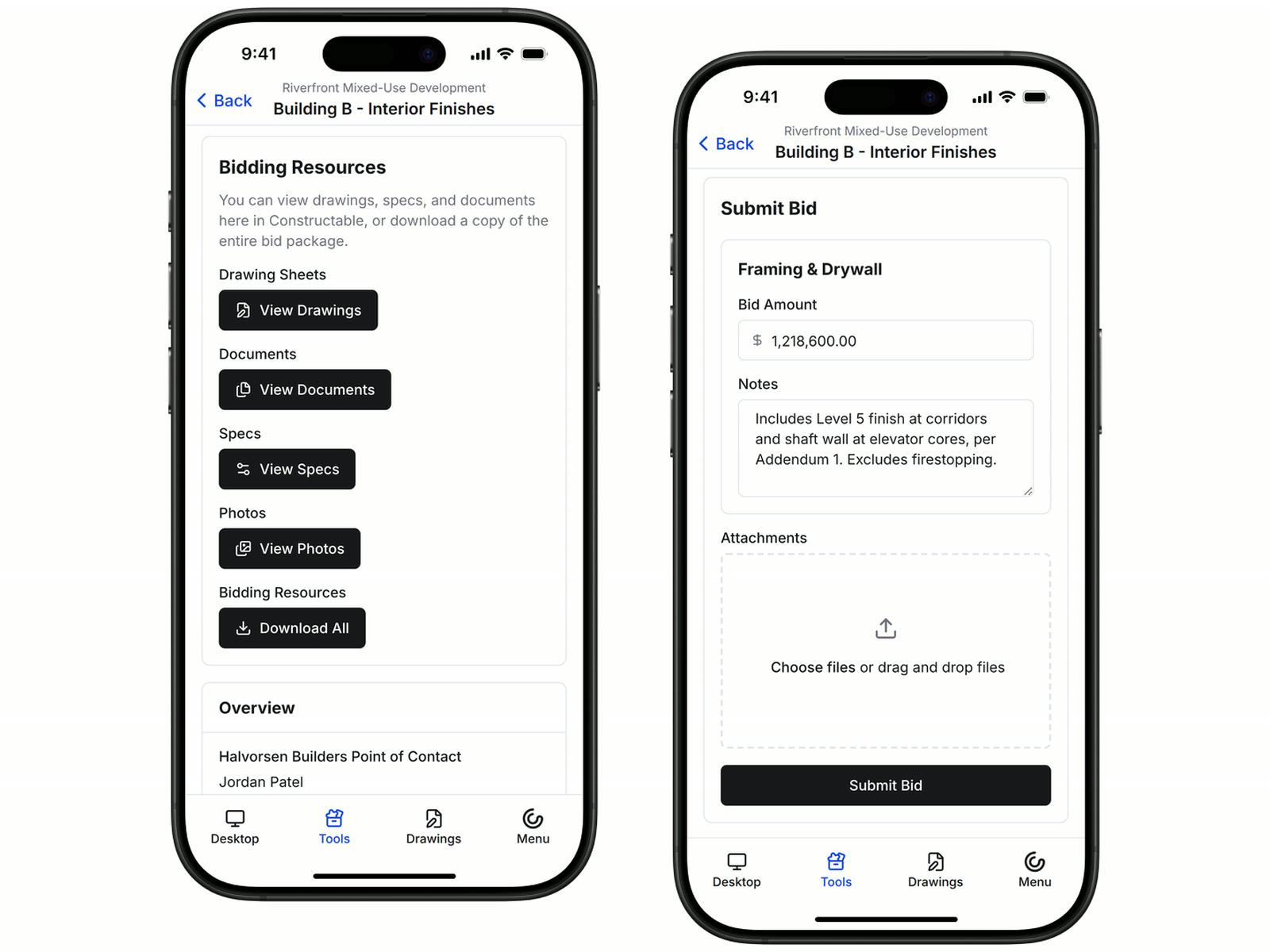
The invitation has an Open bid package link that signs the bidder in, with no password to set up and nothing to pay. They land on the package with your instructions, their scopes, and the files they need to price it.
• Getting the documents: Bidding Resources opens the drawings, specs, documents, and photos, and Download All builds one ZIP of the whole set
• Pricing the work: the sub enters an amount and notes for each assigned scope and attaches their proposal
• A number changes: the sub updates their bid until you close the package
• On the road: subs can review and submit from a phone browser or the Constructable app
Received bids
Compare bids scope by scope
Received Bids lists every submitted bid with its total. Open one to see the amount and notes for each scope next to the rest of the list.
• Same trade, several subs: group or filter received bids by company, scope, or trade to put the subs pricing the same work side by side
• Reading the fine print: each bid keeps the sub's notes, attachments, contacts, and comments
• Bid review meeting: download a PDF of the bids with the subs' PDF and image attachments behind cover sheets

AI bid import
Turn a PDF proposal into a bid without retyping it
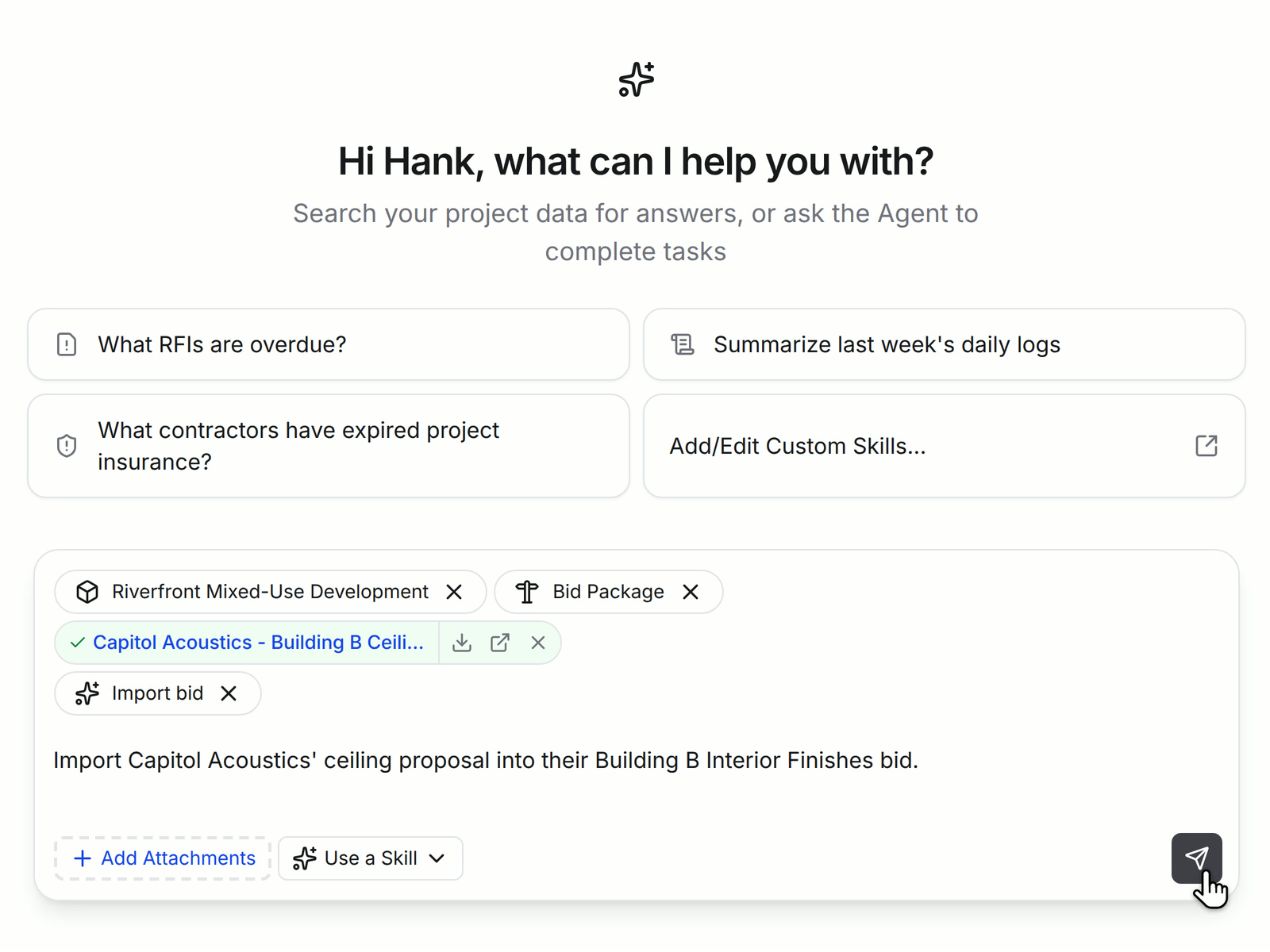
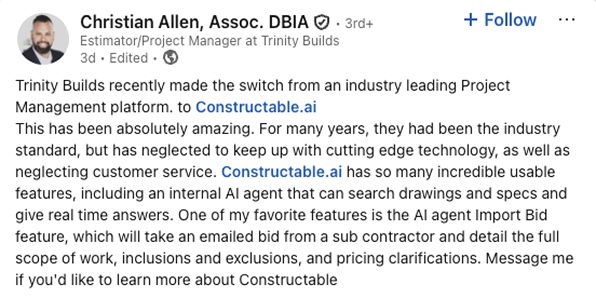
Some subs will always email a PDF. Choose the Import bid skill in the Agent, attach the proposal, and the Agent fills in that sub's bid in the package.
• What it fills in: amounts by scope, notes, and the proposal as an attachment, with the bid marked Received
• When it isn't sure: the Agent asks which project, package, company, or scope you mean
• Before you rely on it: open the bid and check the numbers against the PDF
Bulk buyouts
Award the winning bids as commitments in one step
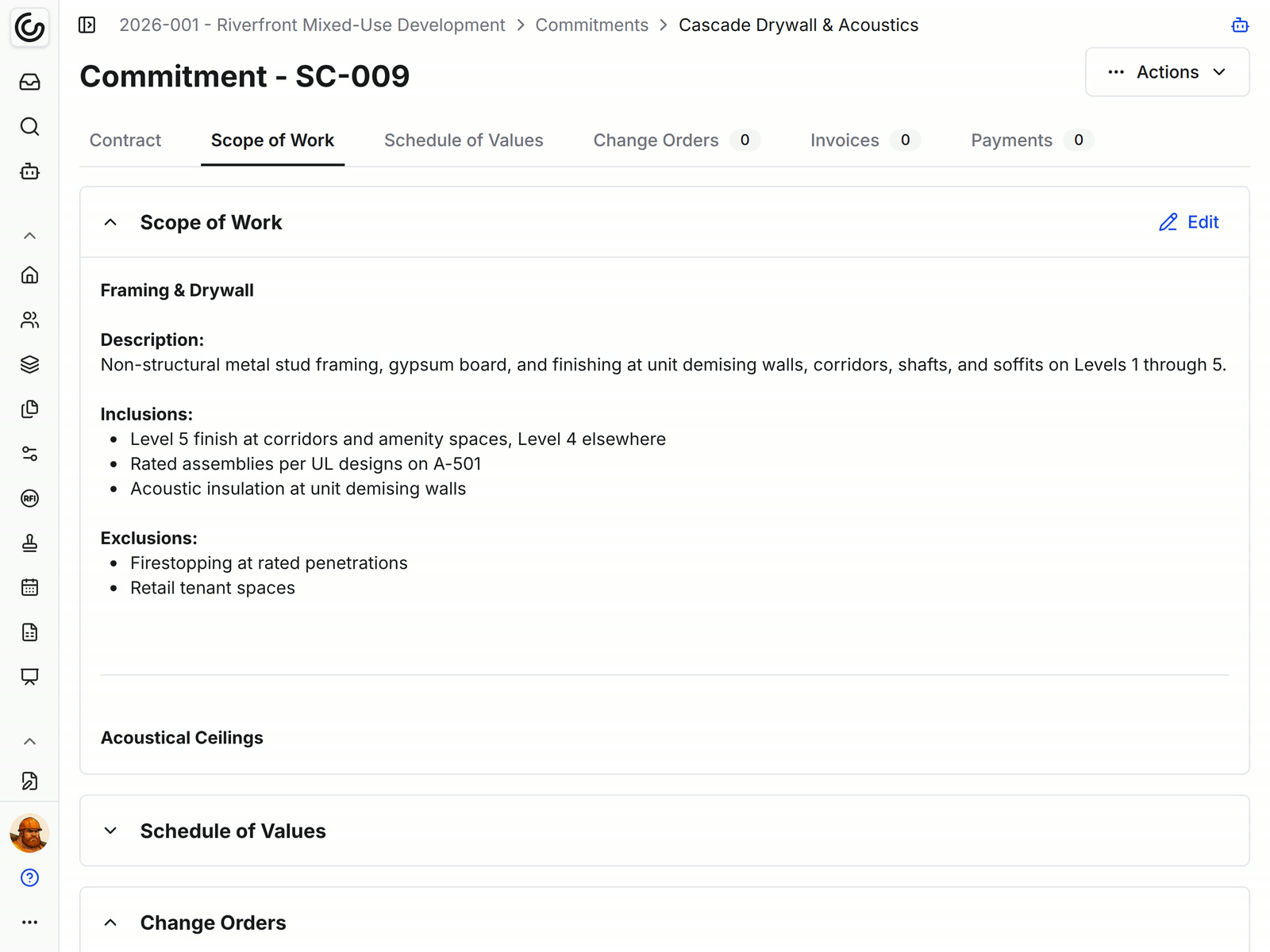
Select the winning bids on Received Bids and choose Create Commitment. Constructable creates a draft commitment for each company and links it to the bid.
• Scope already written: the commitment's scope of work comes from the bid's scopes, inclusions, and exclusions
• No double awards: a bid that already has a commitment can't be selected again
• Wrapping up: close the package to stop new submissions and keep its history. Subs whose only open invitation was this package lose access to the project
• Plan: creating commitments needs the Field, Project, and Financial Management plan
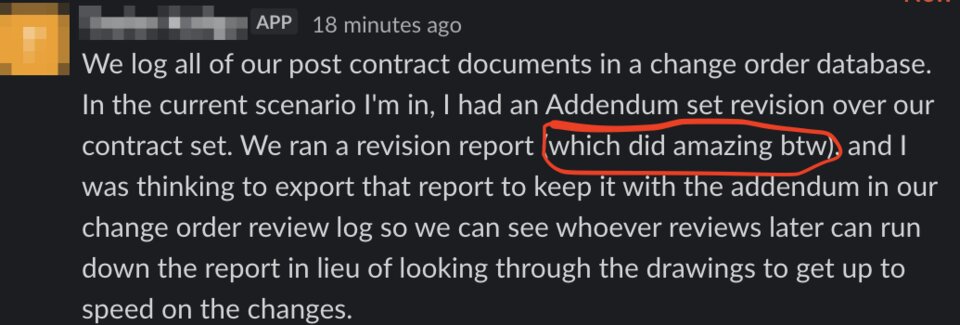
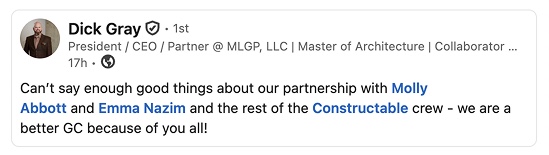
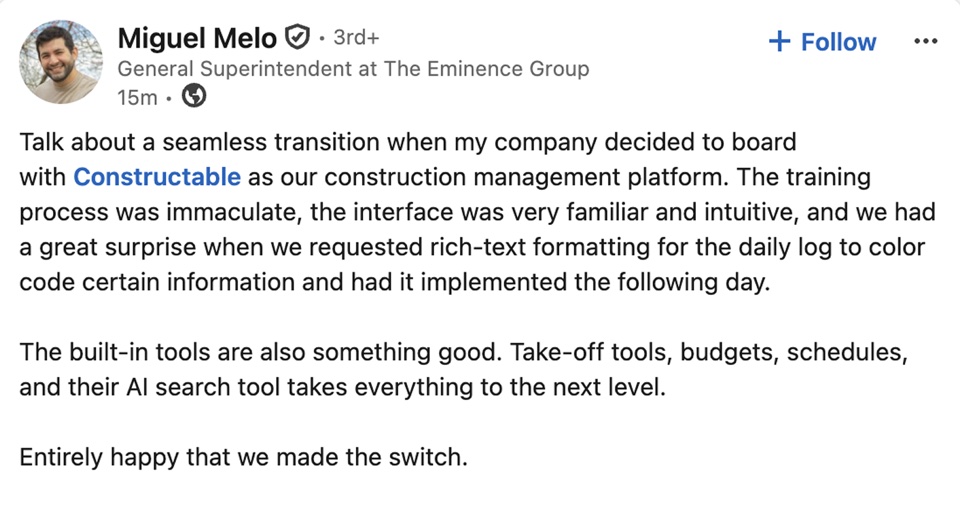
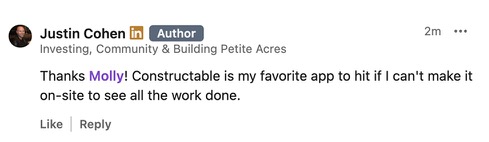
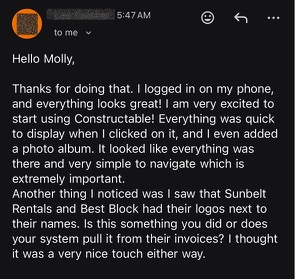
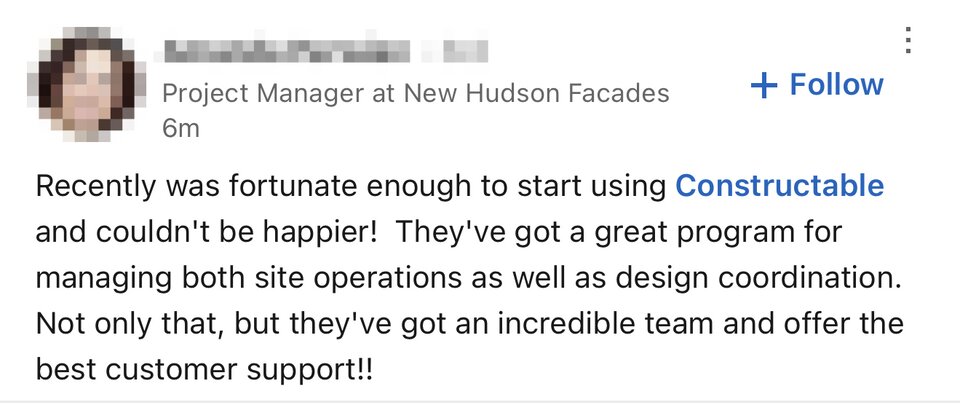
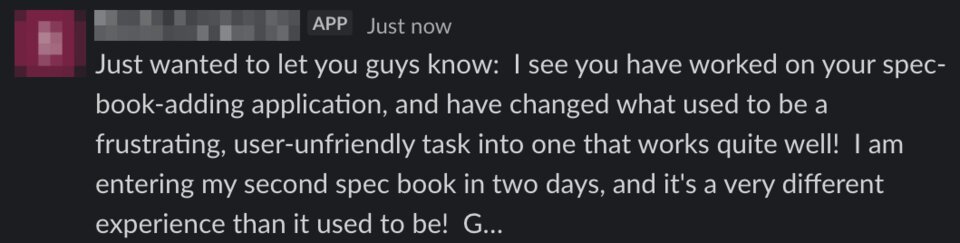
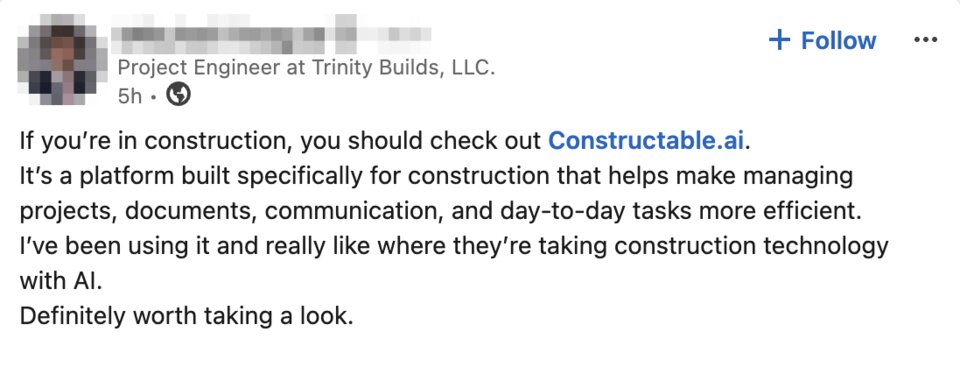
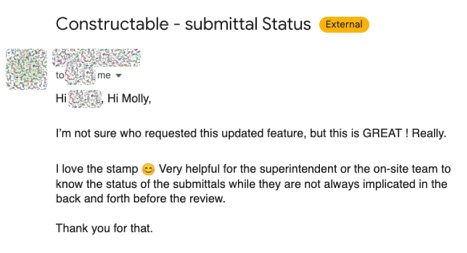
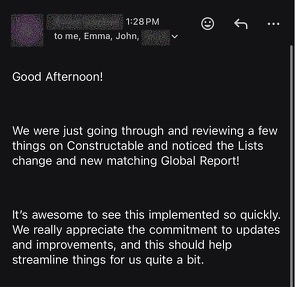
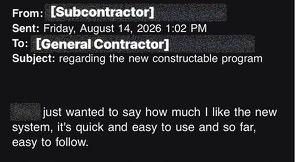
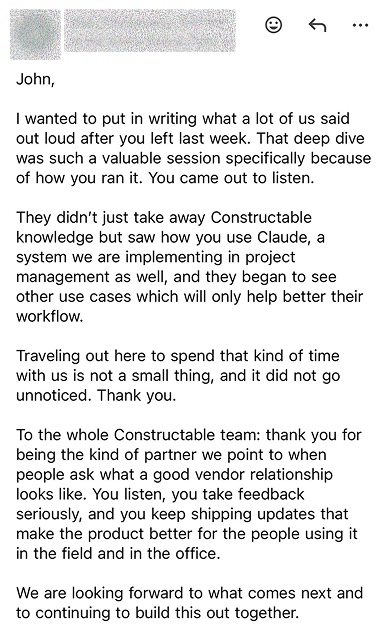
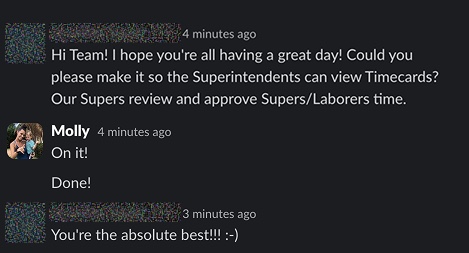
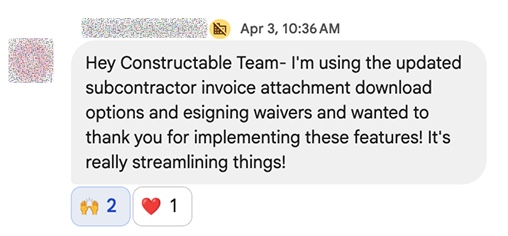
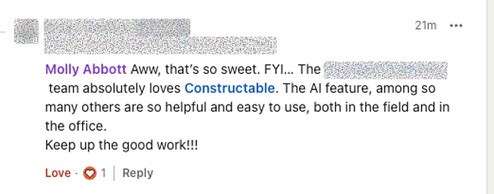
Hear from the GCs building with Constructable
Loved in the office and in the field
Check on every bid package, and let subs submit bids from their phones, with the Constructable app for iPhone, iPad, and Android.


Send the package.
Get every number back.
Book a 30-minute demo with our team.
WallofHappiness











Frequently Asked Questions
Do subcontractors need to pay for or sign up for an account to bid?
Can bidders price separate scopes in one package?
Can bidders download the drawings and specs?
How do I track who has responded and follow up?
What if a sub emails a PDF proposal instead of submitting online?
Can I turn the winning bid into a subcontract or commitment?
Can I bid from my phone?
Which plan includes bid management?
right on the plans
at a glance
on every iPad