Drawings by Constructable
Construction drawing management software for general contractors
Upload the PDF set once. AI splits it into sheets, reads every title block, stacks each revision under its sheet number, and links every callout, so your whole team builds from the current set.
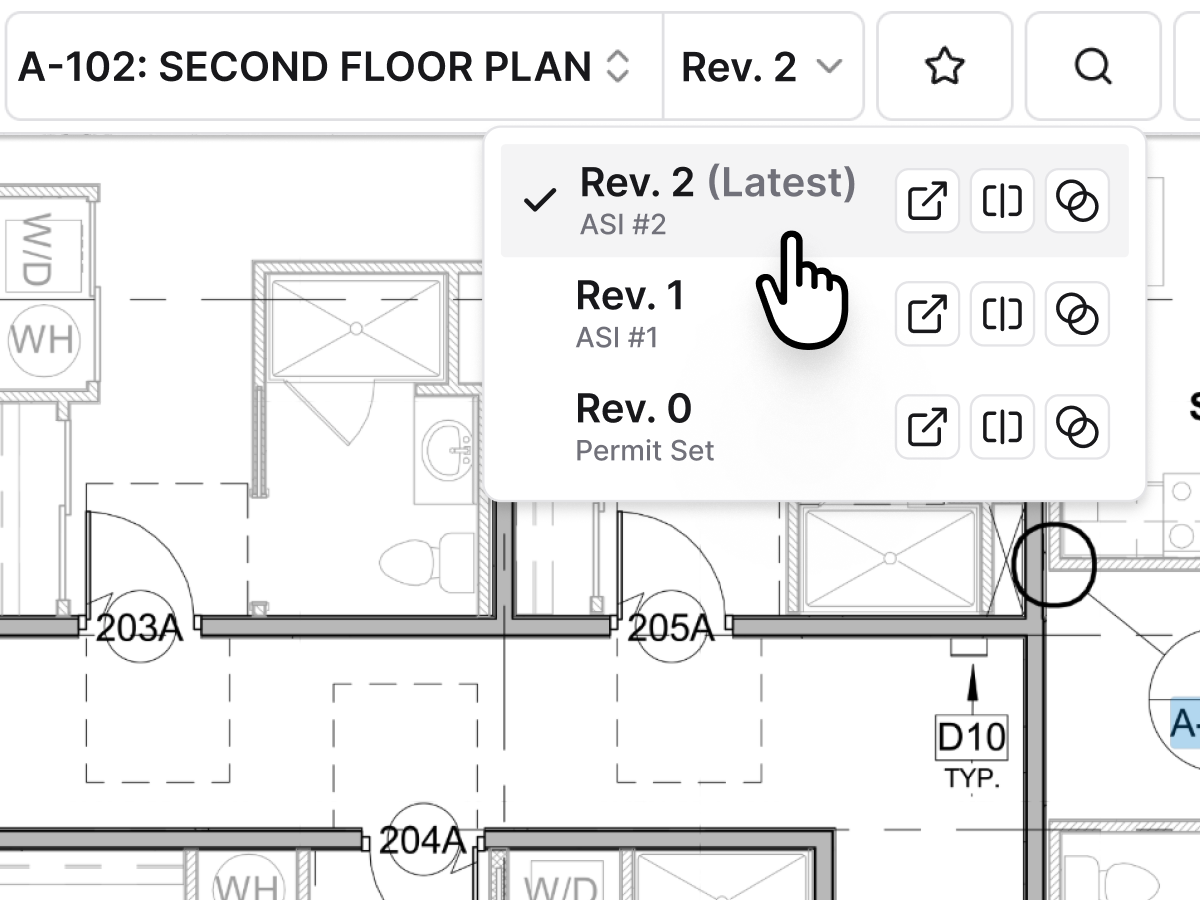
Version control
Every sheet sorted. Every revision stacked.
Our construction drawing management software sorts the set by discipline and keeps the newest revision on top, so nobody pours concrete off a superseded sheet.
• A new issue lands: publish it and each sheet stacks under its number, and everyone following the drawings gets notified
• Someone opens an old sheet: a notice points them to the latest revision
• PMs briefing the trades: generate an AI revision report that summarizes what changed across the set
In the field
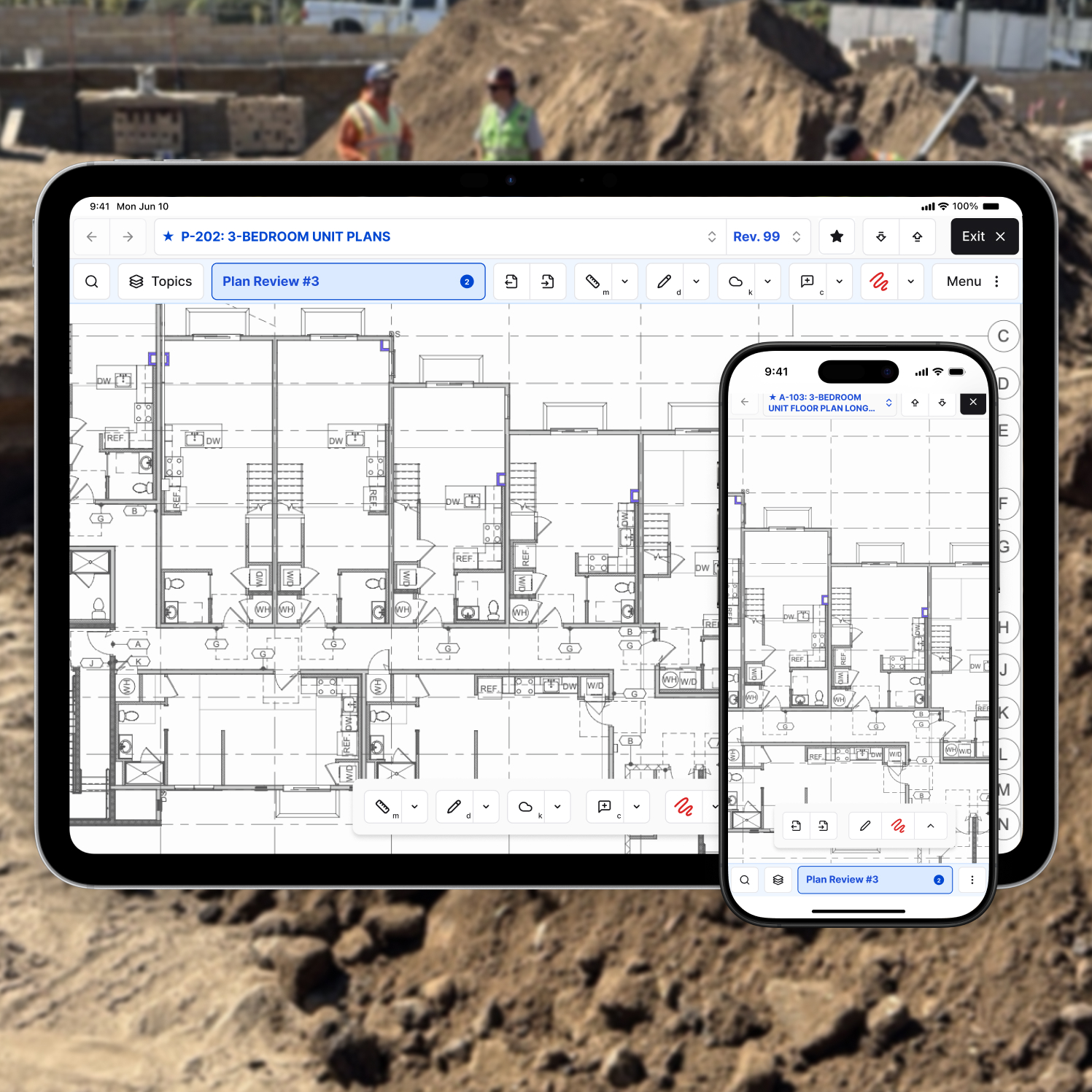
The current set on every iPad on site
Supers, foremen, and subs open the same sheets on desktop, iPad, or phone. With unlimited users, everyone on the job gets access, not just the people with seats.
• Below grade with no signal: save a sheet, a discipline, or the whole set for offline viewing in the app
• Documenting progress: drop photos on the plan at the spot they were taken
• Walking punch: pin punch and quality items to the sheet so the trade sees exactly where
Markups and RFIs
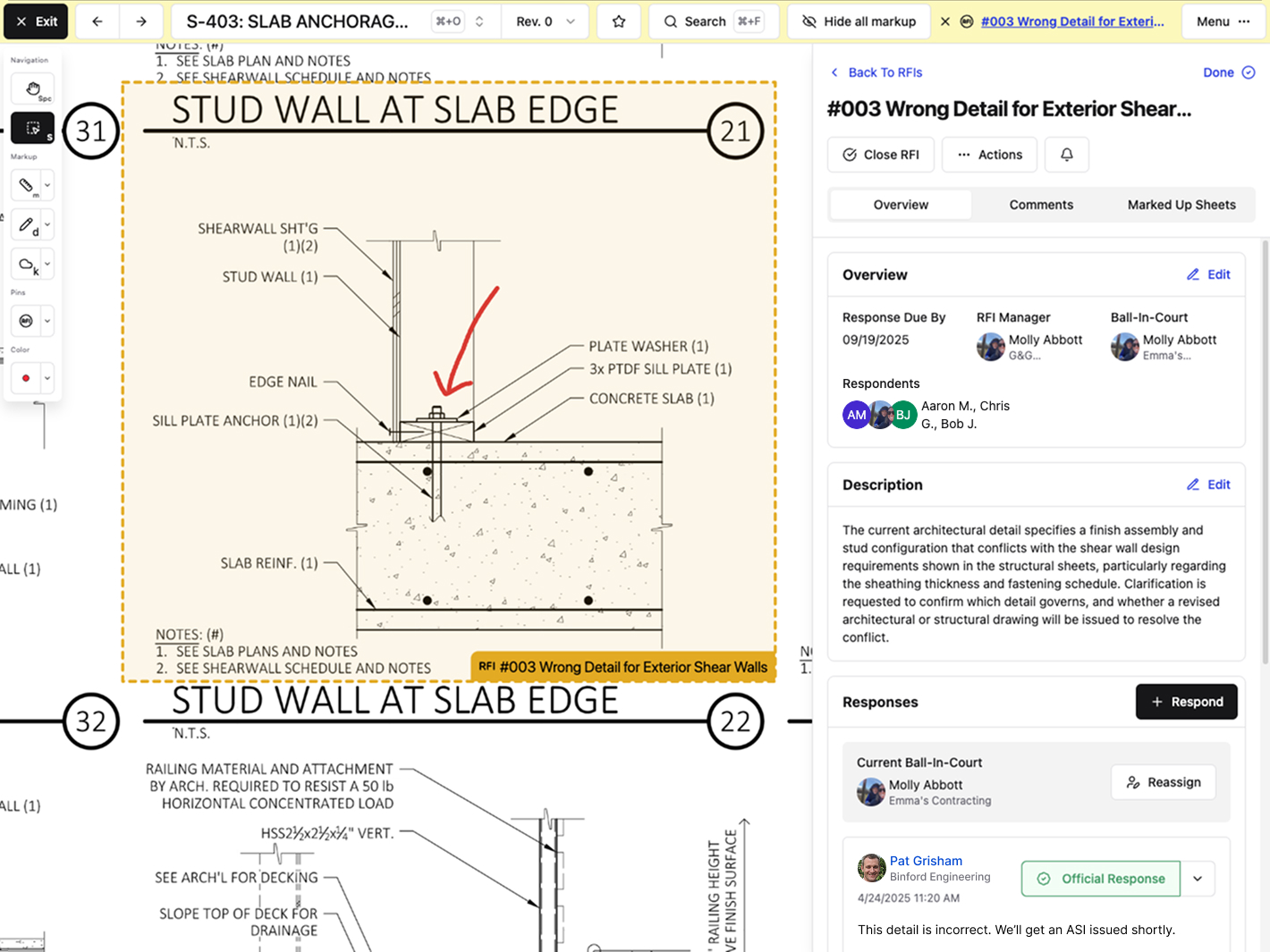
Markups and RFIs on the exact spot
Mark up, measure, and comment on the sheet itself. Constructable detects the scale for you, so most sheets are ready to measure without calibrating.
• A question in the field: drop an RFI pin on the conflict so the RFI carries the location
• Coordinating trades: pin a comment to the spot and mention a teammate to notify them
• Checking installs: pin submittals to the sheets they apply to
Linked callouts
Click a callout. Land on the detail.
AI links every detail callout and sheet reference in the set, then opens the detail side by side with your plan in Split View.
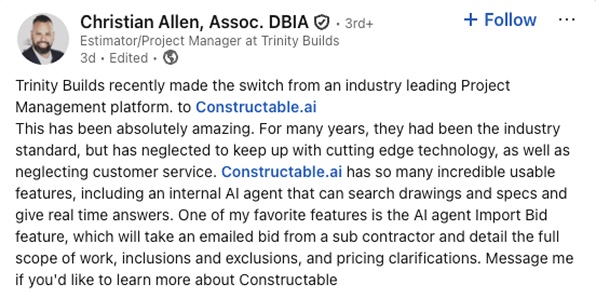
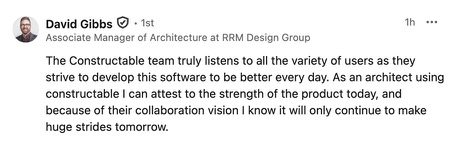
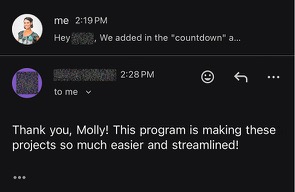
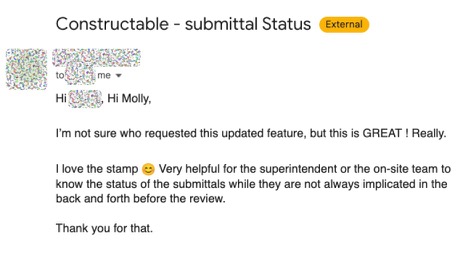
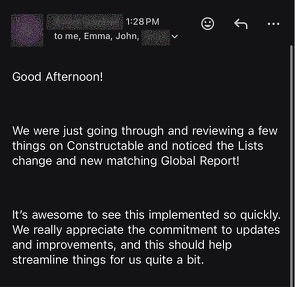
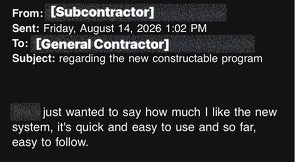
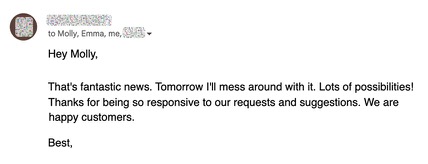
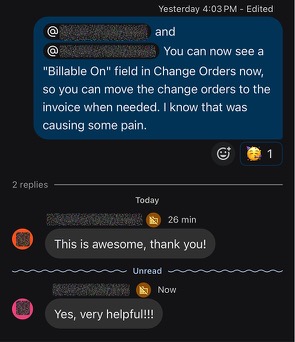
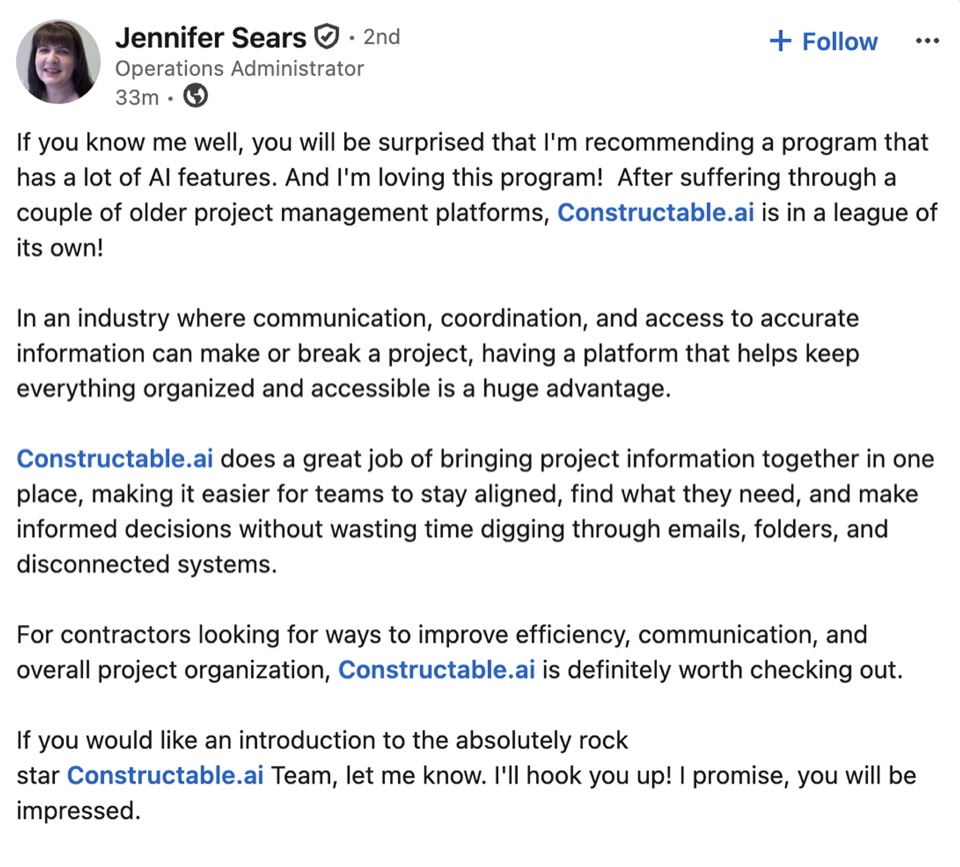
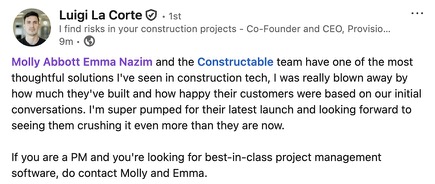
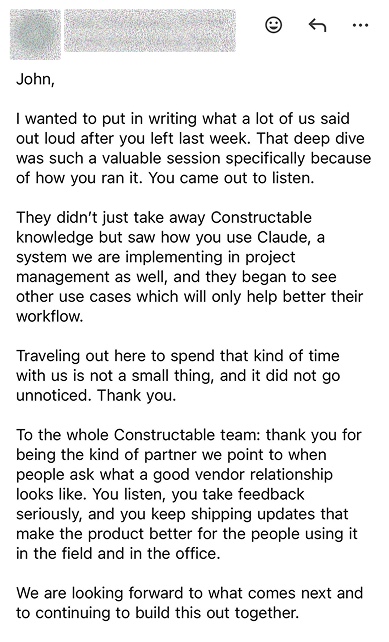
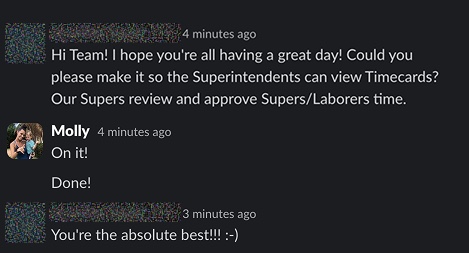
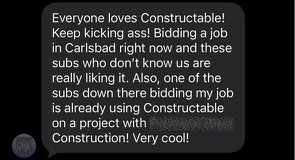
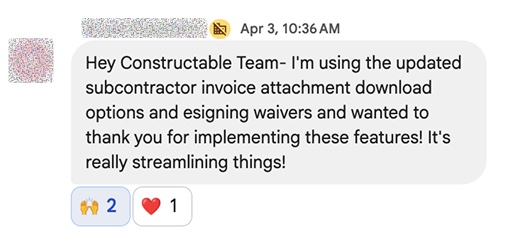
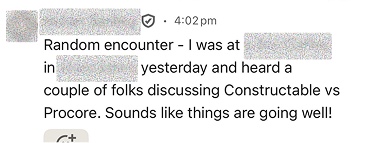
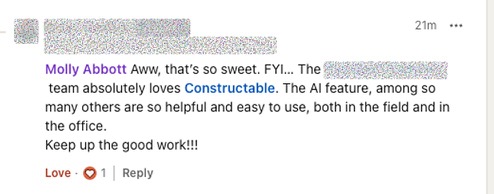
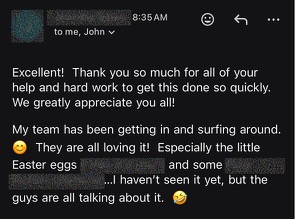
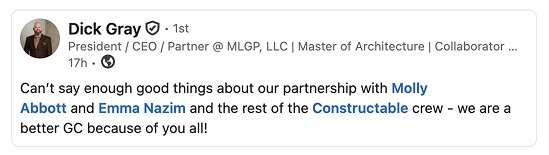
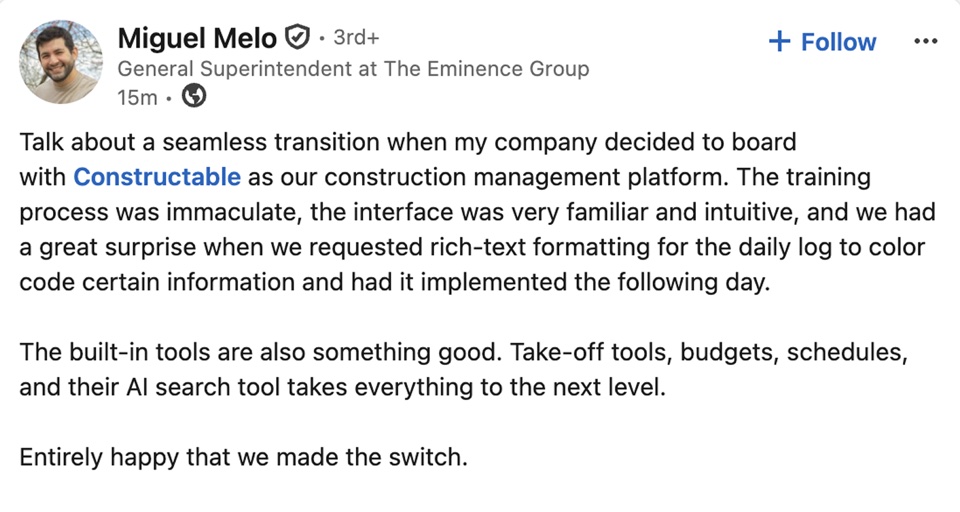
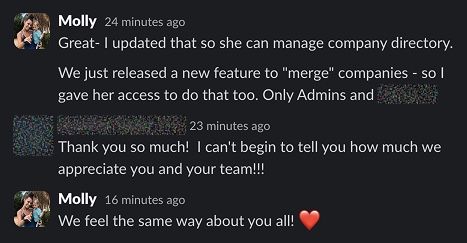
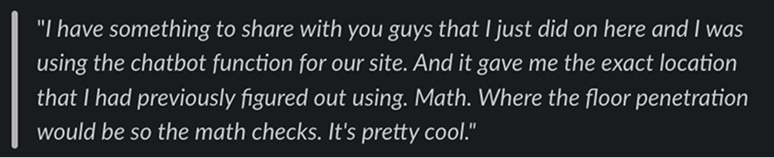
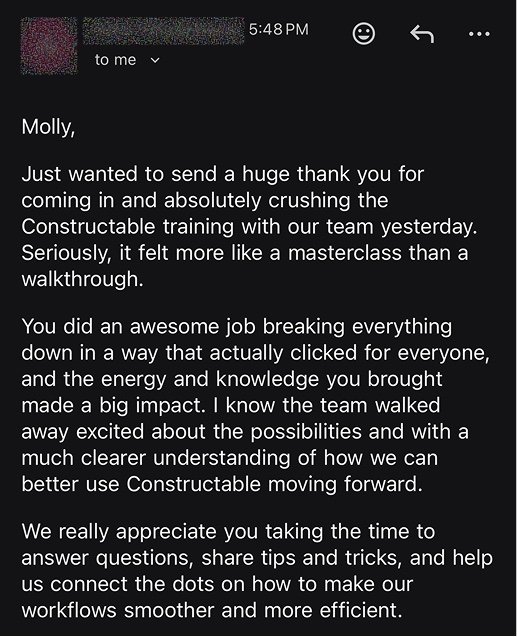
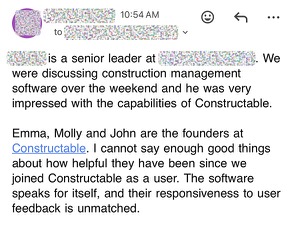
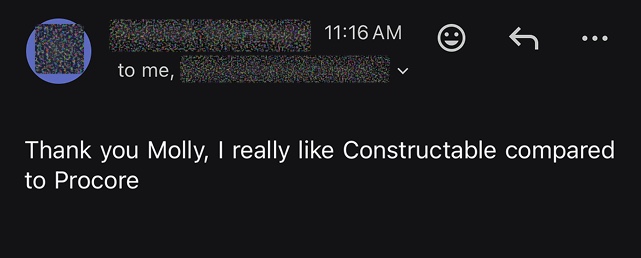
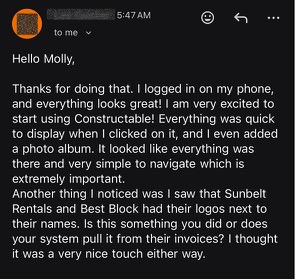
Hear from the GCs building with Constructable
Loved in the office and in the field
Take your drawings anywhere with the Constructable app for iPhone, iPad, and Android.


Put the current set
in every hand.
Book a 30-minute demo with our team.
WallofHappiness












Frequently Asked Questions
Does it work with the PDF sets our architects send?
How do we keep the field from building off an old sheet?
Does it work offline and sync when field crews get signal back?
How do we track what changed between drawing versions?
Can markups and RFIs live on the same drawings?
We're moving off Procore or Autodesk. Can you bring our drawings over?
What does it cost, and do subs and owners need their own seats?
with better bids
at a glance