Schedules by Constructable
Construction scheduling software for general contractors
Our construction scheduling software gives your team one issued schedule they can trust. Import Microsoft Project or Primavera P6, or build the Gantt here, then plan the next few weeks with the crews. Schedules come with every plan, and we do flat pricing with unlimited users.
Lookahead
Plan the next three weeks with the crews doing the work
The Lookahead lists the schedule activities in the window you pick, from one to eight weeks. Your superintendent breaks each activity into the tasks the crews will do this week and next.
• Who and how many: each task has the person responsible, the company, and the crew size
• Trades at a glance: give each company a color for the grid, the bars, and the PDF, then filter by company or person
• The Monday coordination meeting: export a Lookahead PDF from the start date you choose and hand it to the foremen

Links and critical path
See which activities can't slip
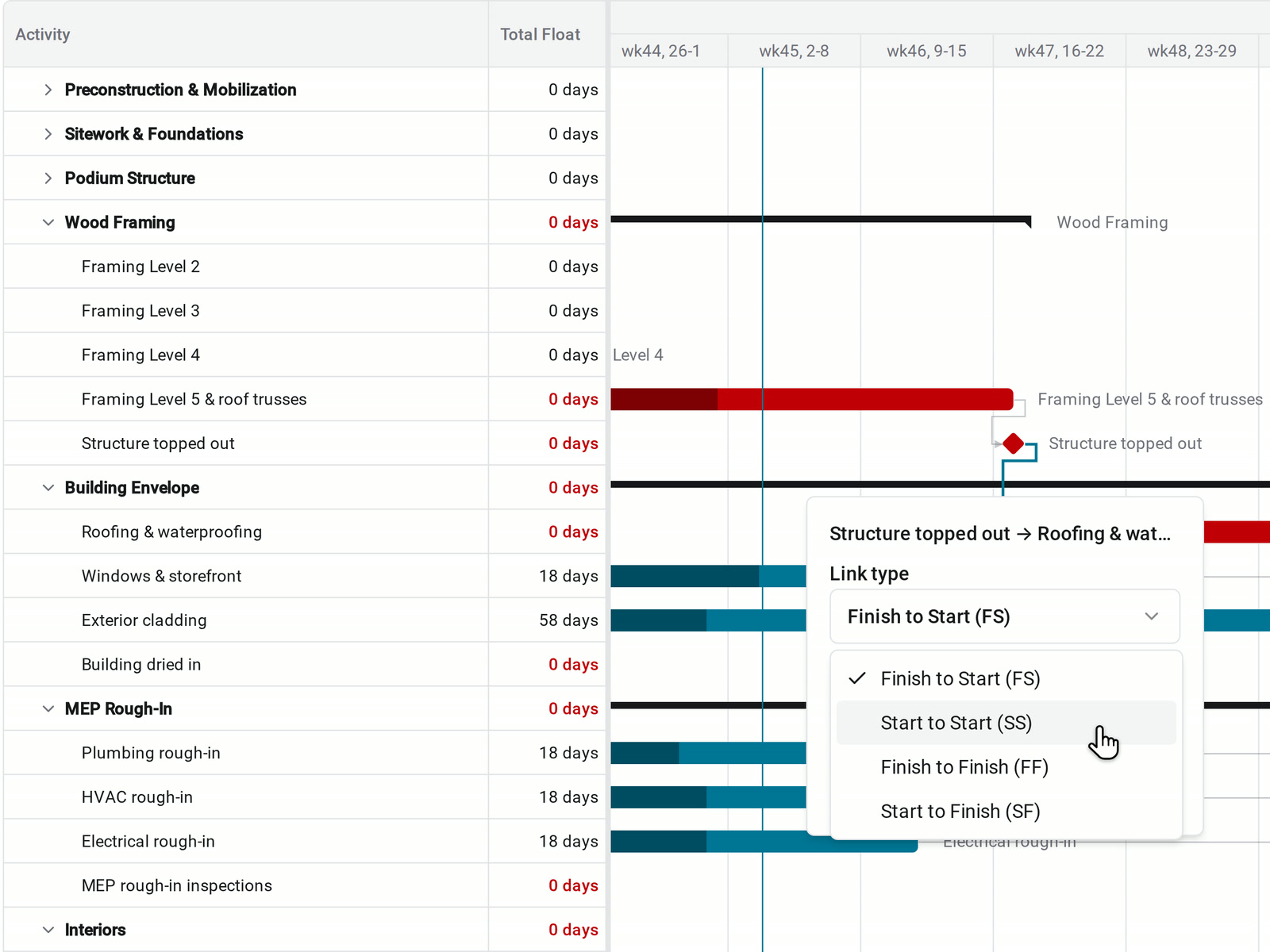
Link activities on the Gantt chart. When one runs long, everything linked after it moves later, and Total Float shows how many working days each activity has left before it delays the finish.
• How the work really connects: draw Finish to Start, Start to Start, Finish to Finish, or Start to Finish links, with lag in work days
• The work that sets the finish date: unfinished activities with no float turn red, along with the phases above them
• A link that can't work: Constructable rejects a loop, a duplicate link, or an activity linked to itself, and says why
• The owner meeting: export the Gantt as a PDF at Day, Week, or Month, with the critical path in red
Baselines and variance
Show the owner how far the finish has moved
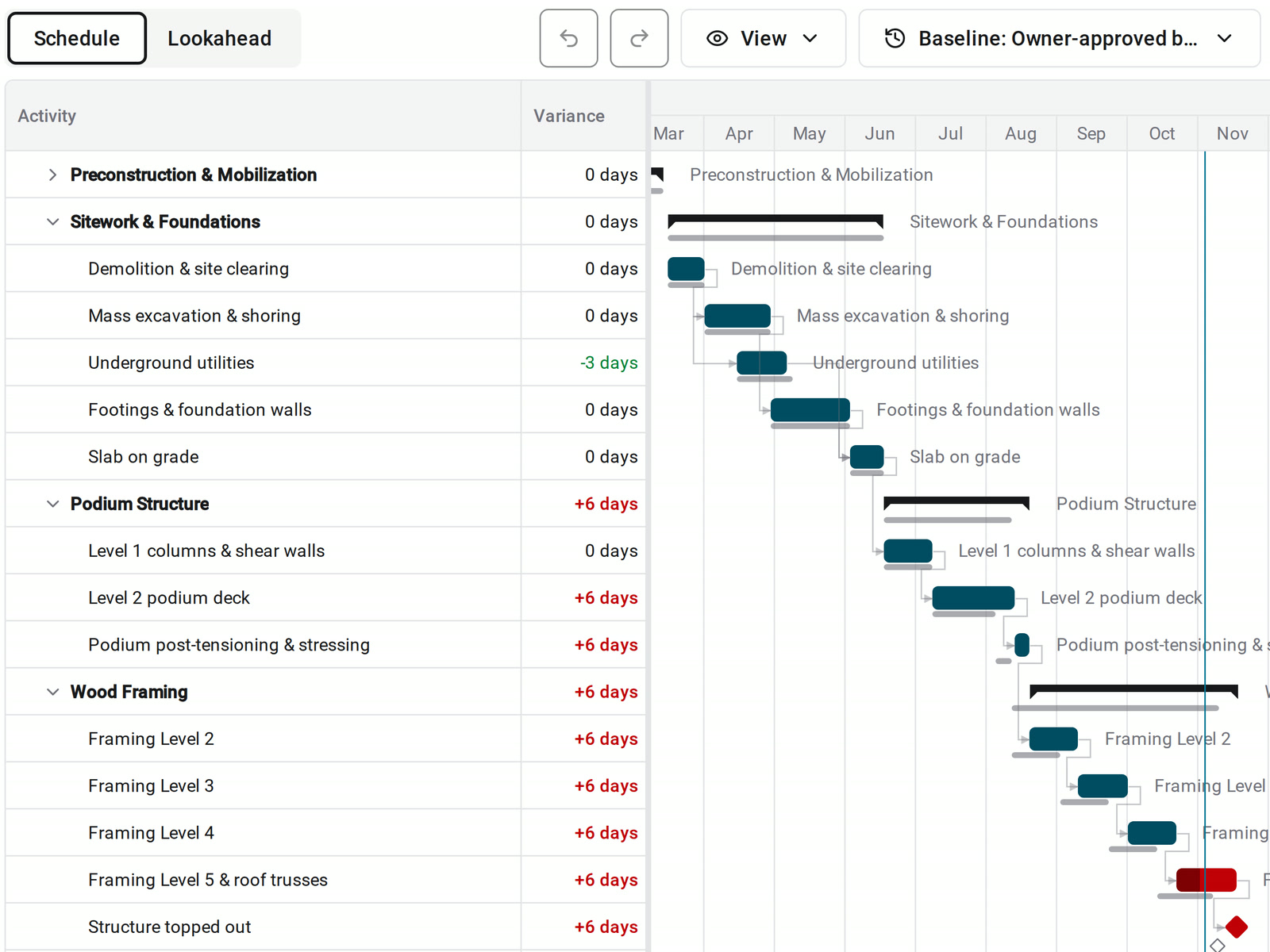
Save a snapshot when you issue the plan and use it as the baseline. Baseline bars sit behind the current bars, and Variance shows how many working days each activity's finish has moved.
• Slipping or gaining: a later finish shows in red and an earlier finish in green, down to each activity and phase
• Everyone reads the same numbers: anyone who can open the schedule sees the baseline bars and Variance
• Trying a resequence: save a snapshot first, and revert to it if the new sequence doesn't work. Constructable saves the current plan before it reverts
On the jobsite
The current schedule on every phone and iPad
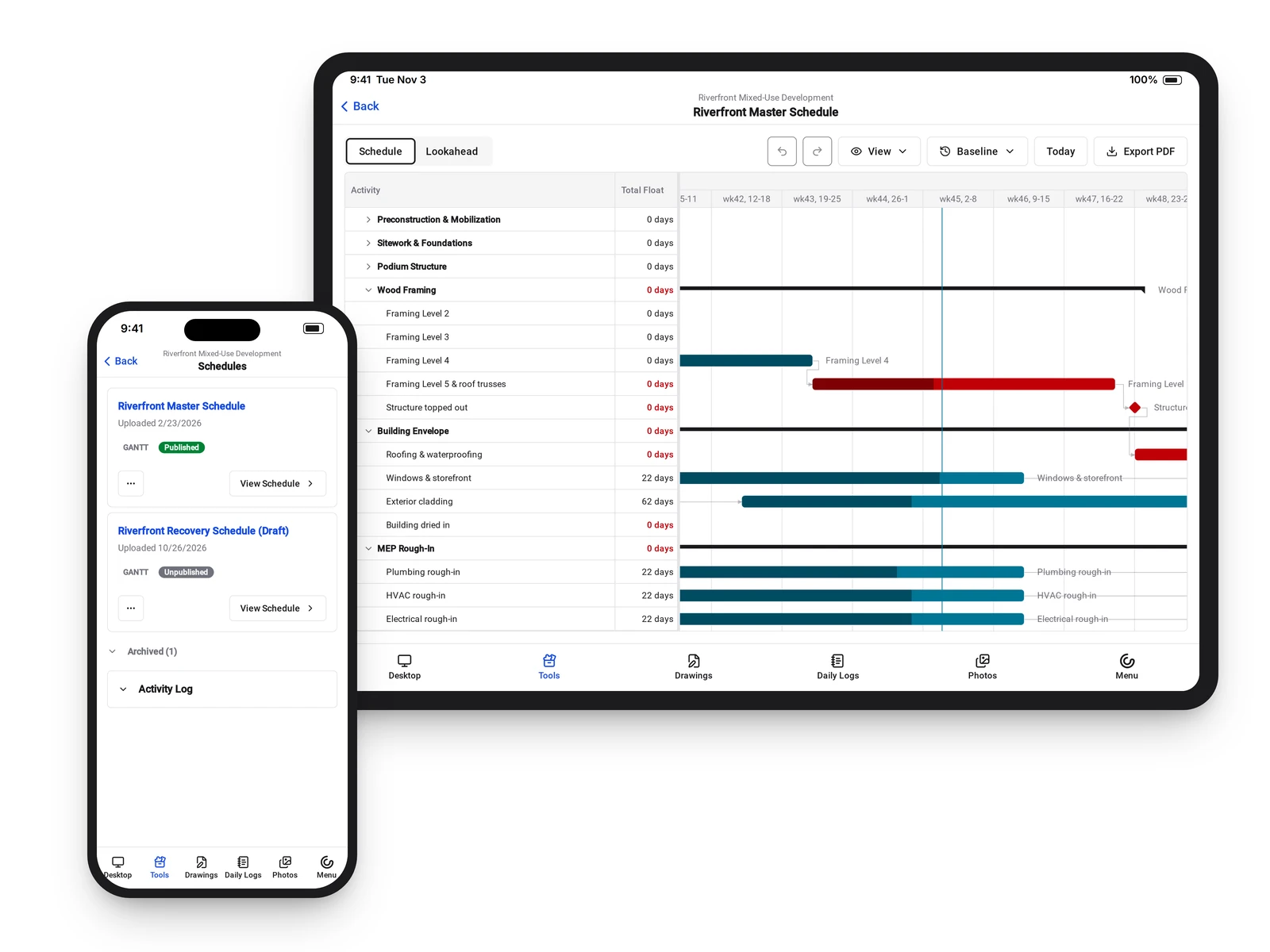
The Constructable app for iPhone, iPad, and Android shows the schedule list, the Schedule and Lookahead views, and the original file.
• Which plan is current: each schedule shows its Published badge and upload date
• A change on site: with edit access, use Edit Activity to change dates and durations from your phone
• Back at the trailer: draw links between activities on desktop web, where the connector dots show on hover
• The scheduler's file: Download gives you the file exactly as it was uploaded
Import or build
Bring the schedule you have, or build it here
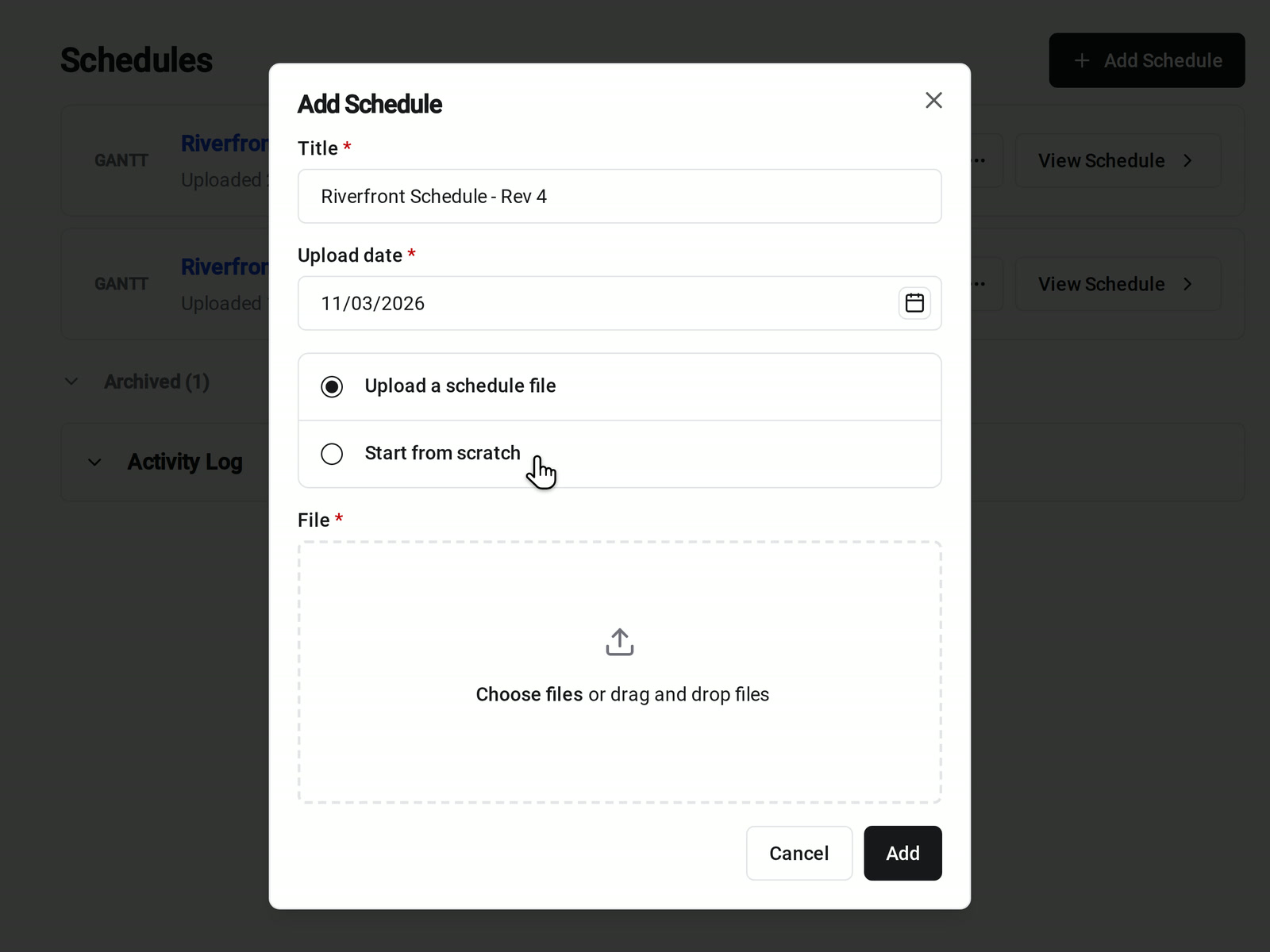
Upload a Microsoft Project .mpp or Primavera P6 .xer file, and its activities, links, and calendars come in on a Gantt chart. No scheduling file yet? Start from scratch and build the plan in Constructable.
• Your scheduler stays in P6 or Project: upload the file, then adjust it here. A replacement upload swaps in the new file's activities, so make lasting changes in the source file too
• Starting a new job: type activity names one after another, press Tab to nest them under a phase, and set a duration of 0 for a milestone
• Moving a pour: drag the bar or its edge on the timeline. Every edit saves as you make it, with Undo and Redo
• Only have a PDF: it opens in the viewer for reading, but it can't be edited
One issued schedule, and everyone knows which one
Publish when it's ready
Notified when it changes
Archive the old versions
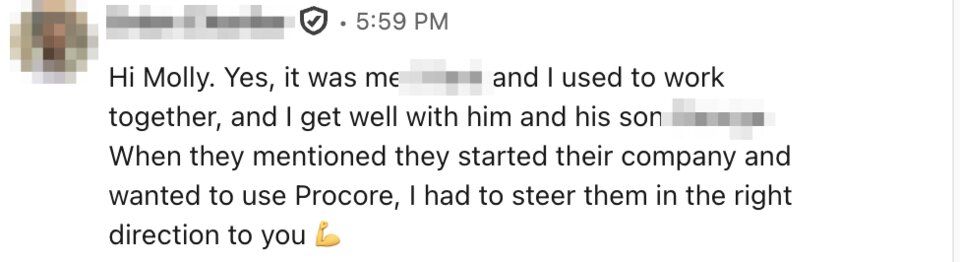
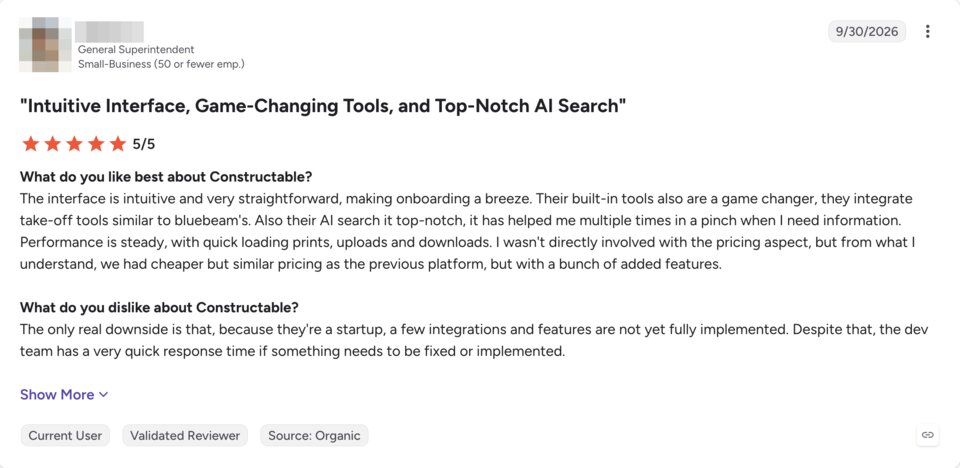
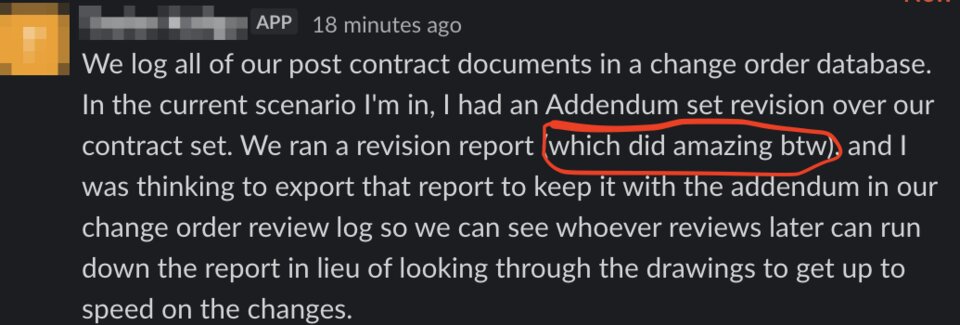
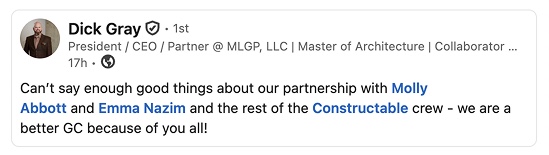
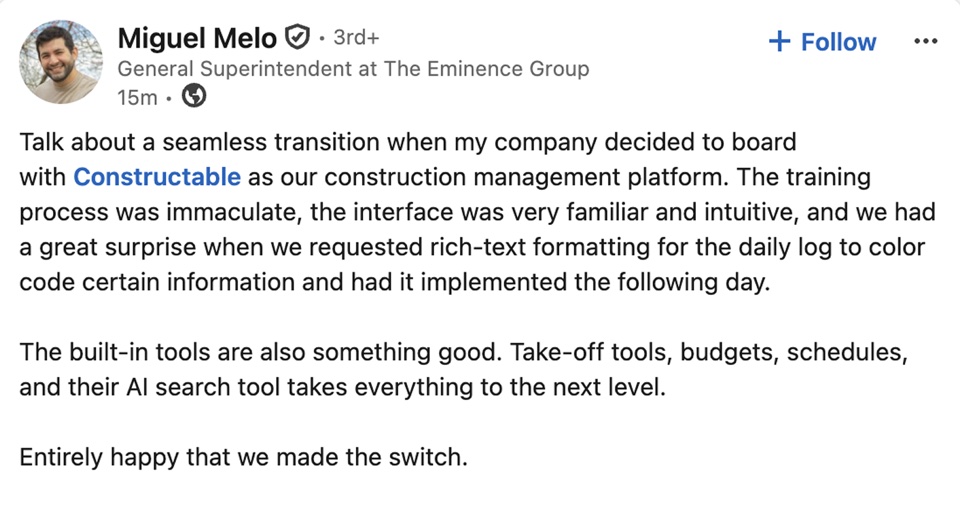
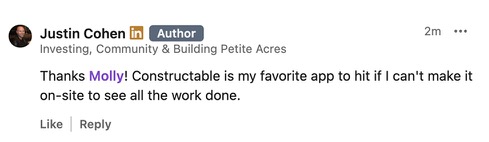
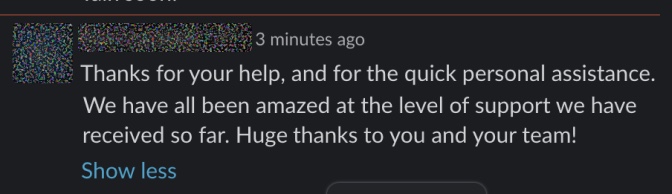
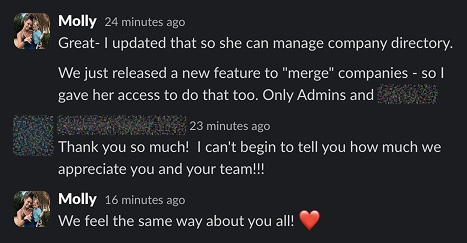
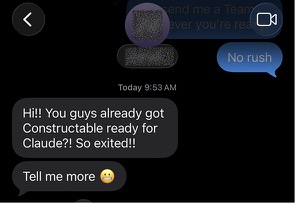
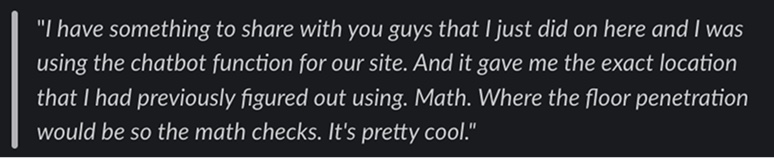
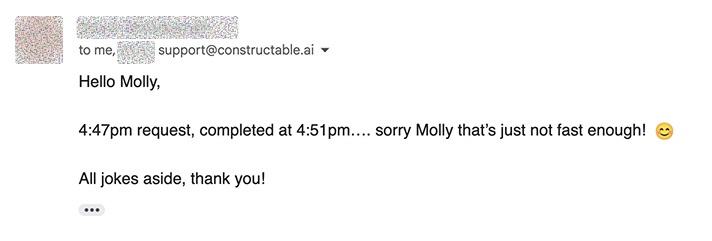
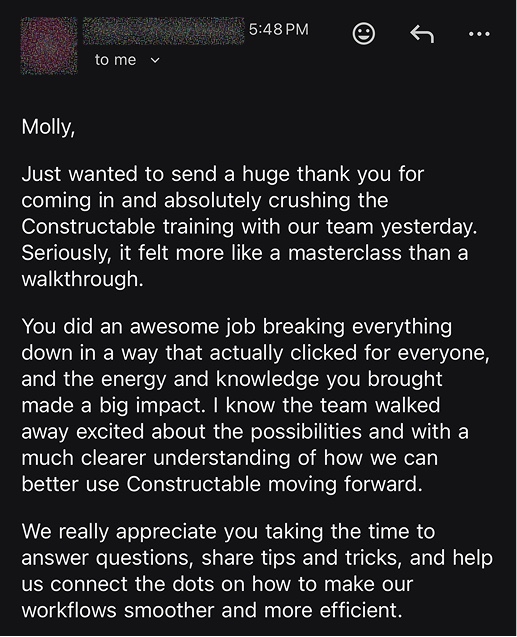
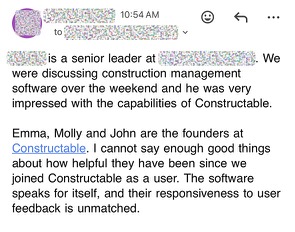
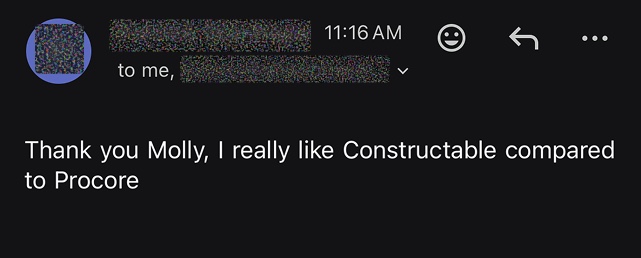
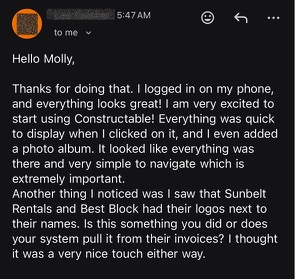
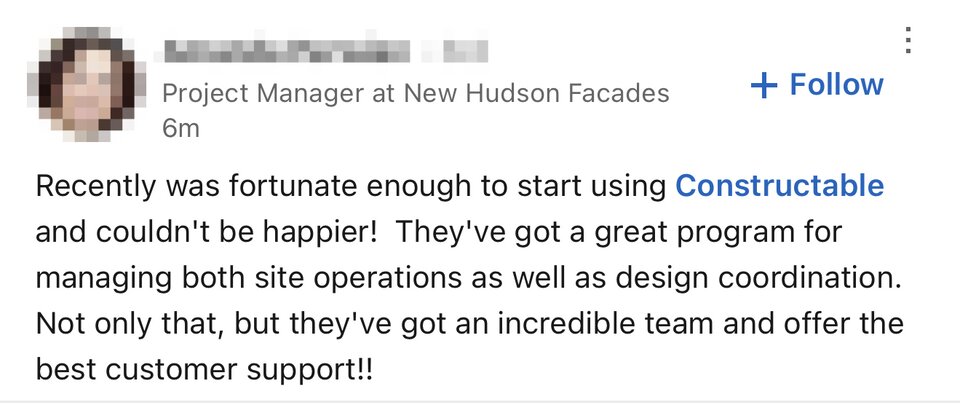
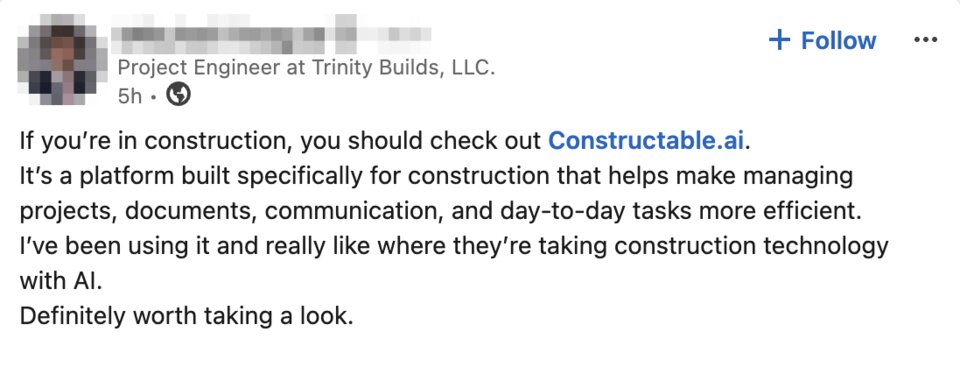
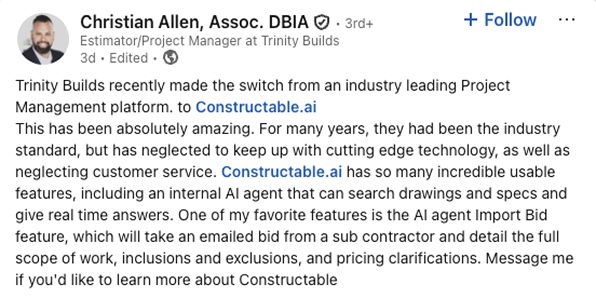
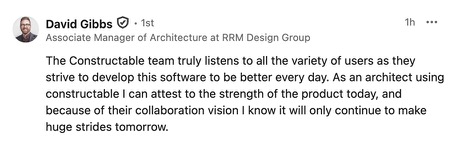
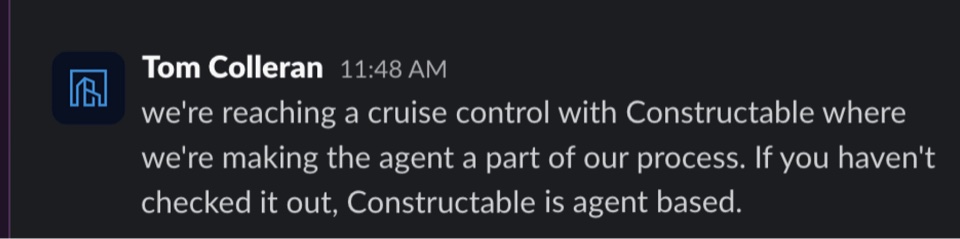
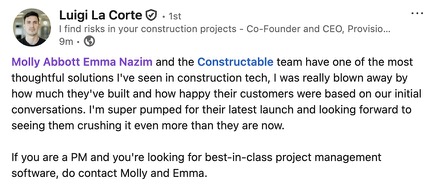
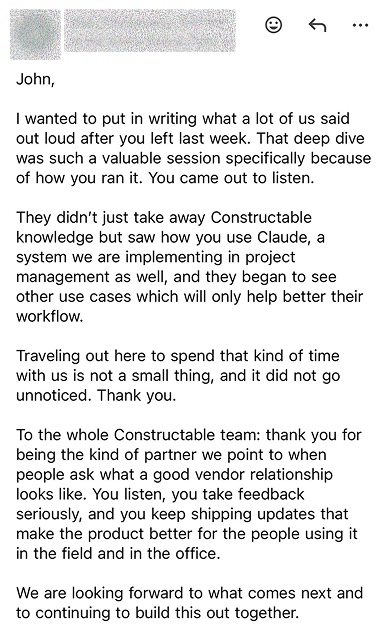
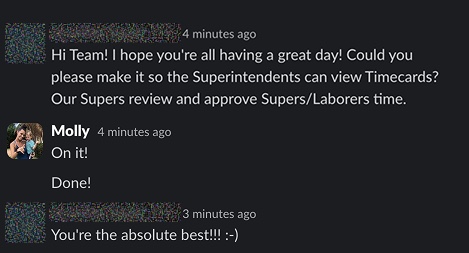
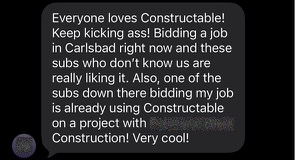
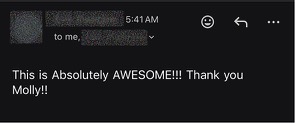
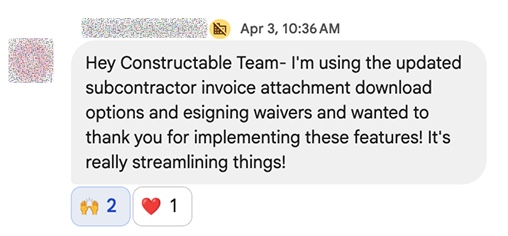
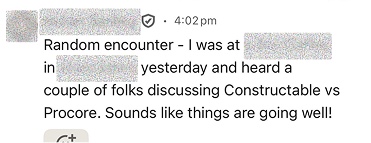
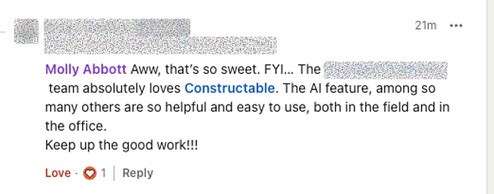
Hear from the GCs building with Constructable
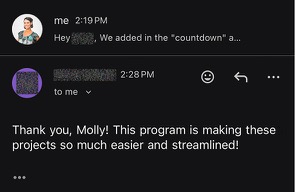
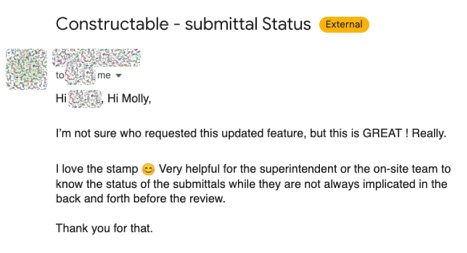
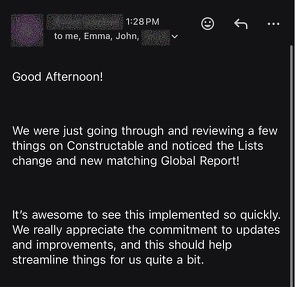
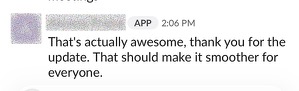
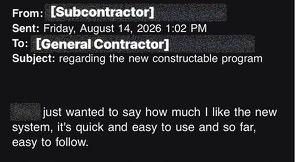
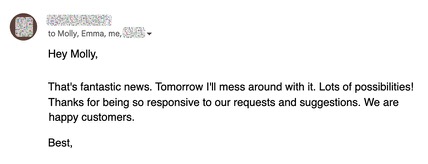
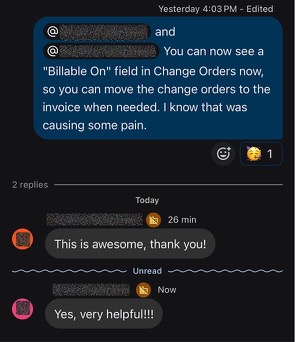
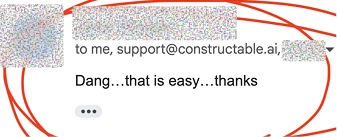
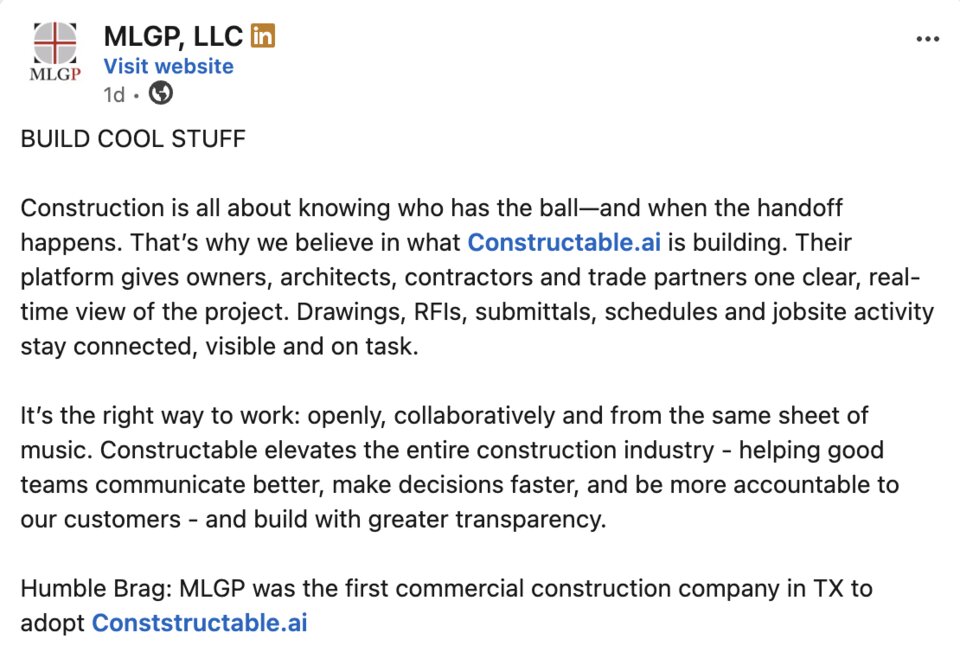
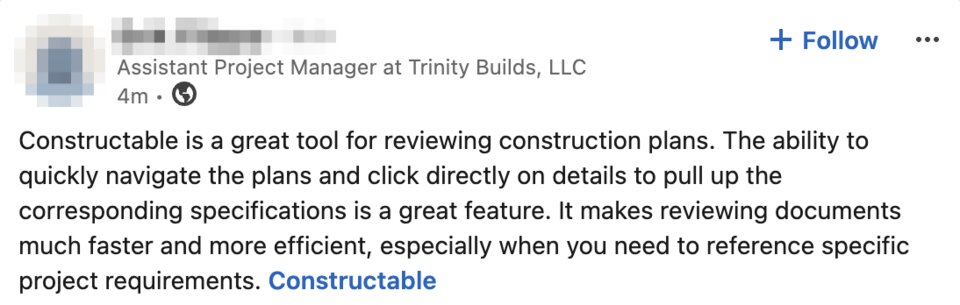
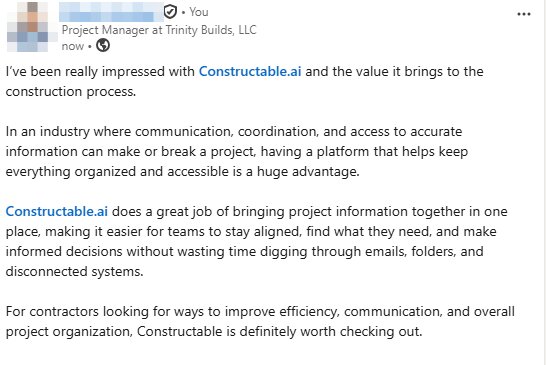
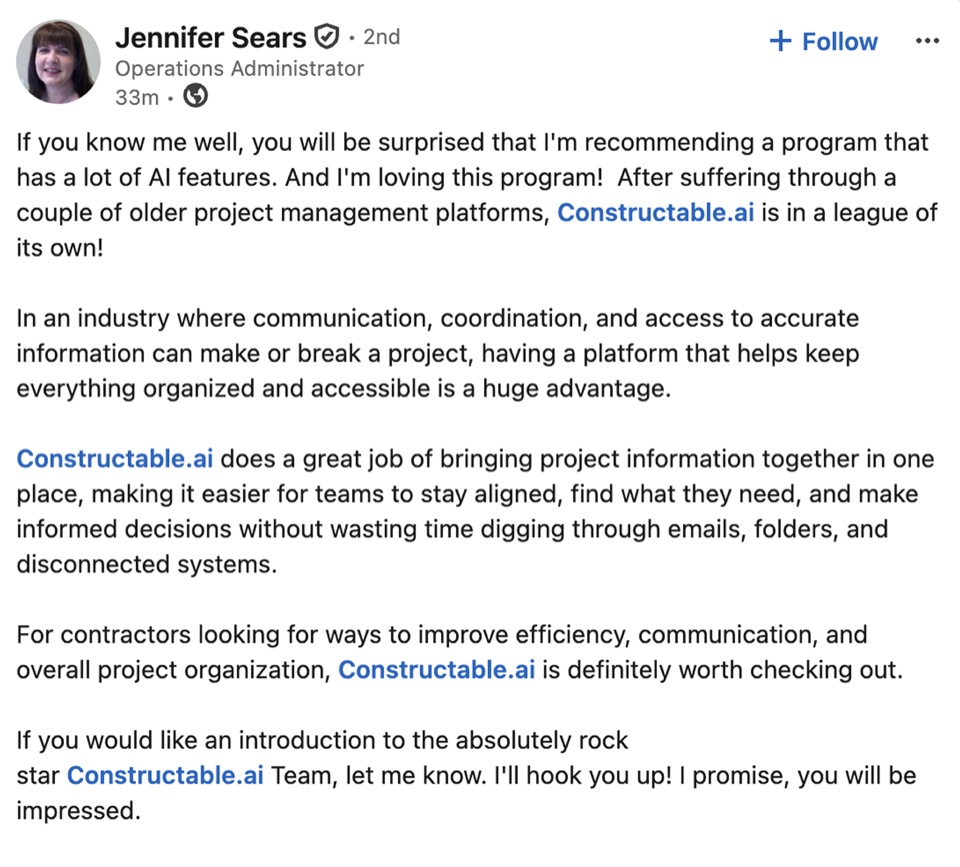
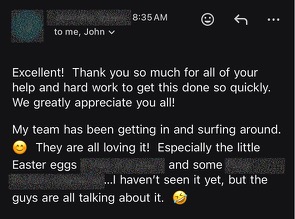
Loved in the office and in the field
Check the current schedule and the crews' lookahead from the jobsite with the Constructable app for iPhone, iPad, and Android.


One schedule,
the whole job trusts.
Book a 30-minute demo with our team.
WallofHappiness












Frequently Asked Questions
Can I import Microsoft Project or Primavera P6 schedules?
Can I build a construction schedule from scratch in Constructable?
Does it show the critical path and float?
Can I set a baseline and track schedule variance?
What is a lookahead schedule, and can I make a two- or three-week lookahead?
Can I print or export the schedule and lookahead as a PDF?
Can subcontractors and the field see the schedule on their phones?
How do I keep people from working off an old schedule?
Is scheduling included in my plan?
more time building
the open items to you