Fan Favorites
Easy-to-use construction software, down to the small things
Easy-to-use construction software is more than a clean screen. It's the detail that opens when you click its callout, the table you pull off a drawing instead of retyping, and the agenda that fills itself in. These are the features our customers bring up first, and they come with Constructable at flat pricing with unlimited users.
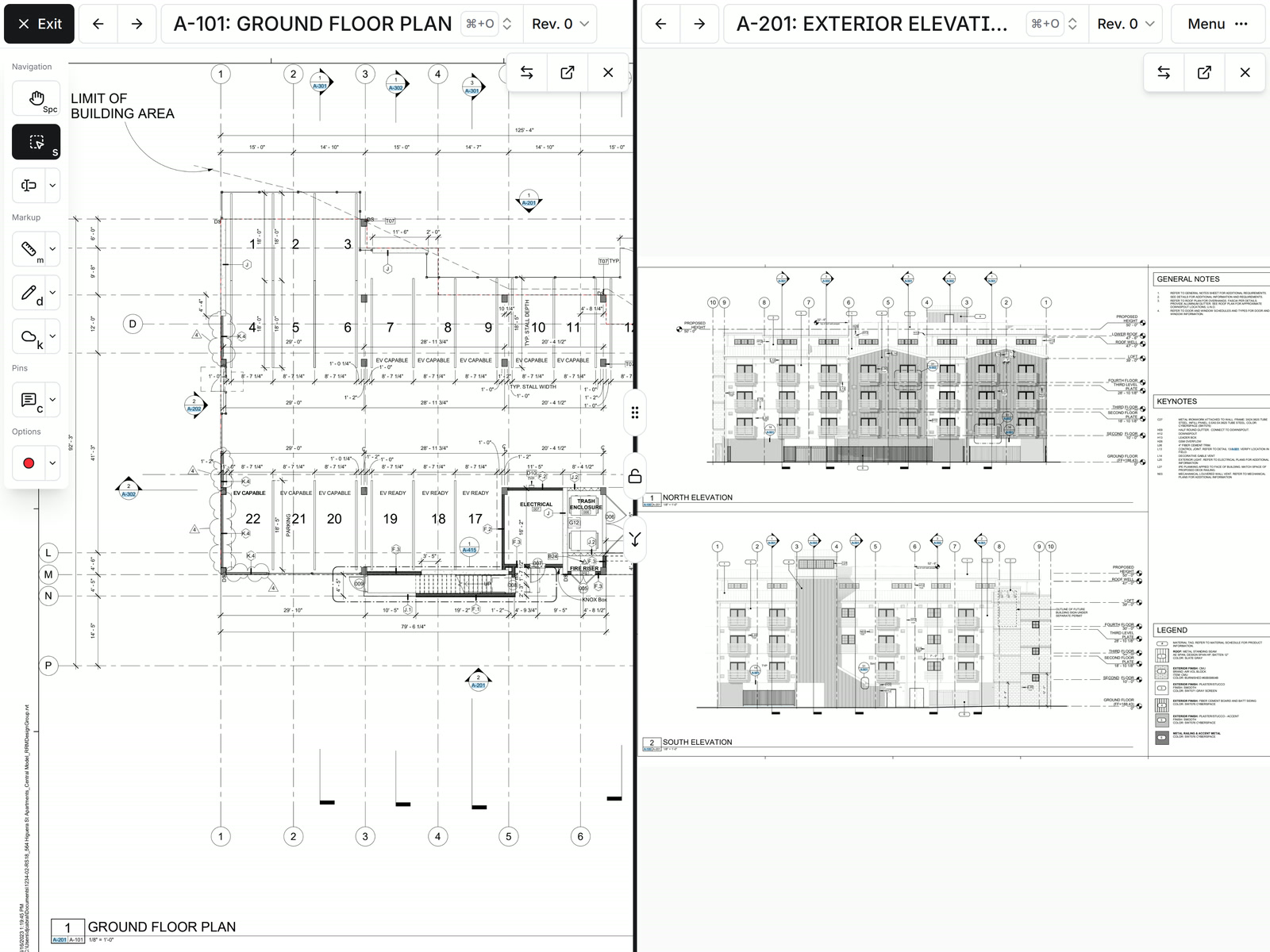
Split View
Read two sheets side by side instead of flipping back and forth
Open any two sheets, or two revisions of the same sheet, side by side. Click a detail callout and the detail opens next to the plan that points to it.
• Plan and elevation together: resize the panels and swap which sheet is on the left
• Move them as one: Lock Views pins both panels to the same spot, and sync pans and zooms them together
• On the iPad: Split View works in the Constructable app and in a mobile browser too
Blend Modes
Stack two revisions and see what moved
Overlay one sheet on another in one of three modes. Differences tints each sheet a different color, Ghost fades one over the other so notes stay readable, and Highlight picks out the regions that changed. Slide the blend to dial it in, and use Align Sheets when two sheets don't line up.
See our construction drawing comparison softwareMagic Extractor
Pull a table off a drawing and paste it into a spreadsheet
Drag a box around the table on the sheet

Paste it into a spreadsheet with its columns

Smart sections
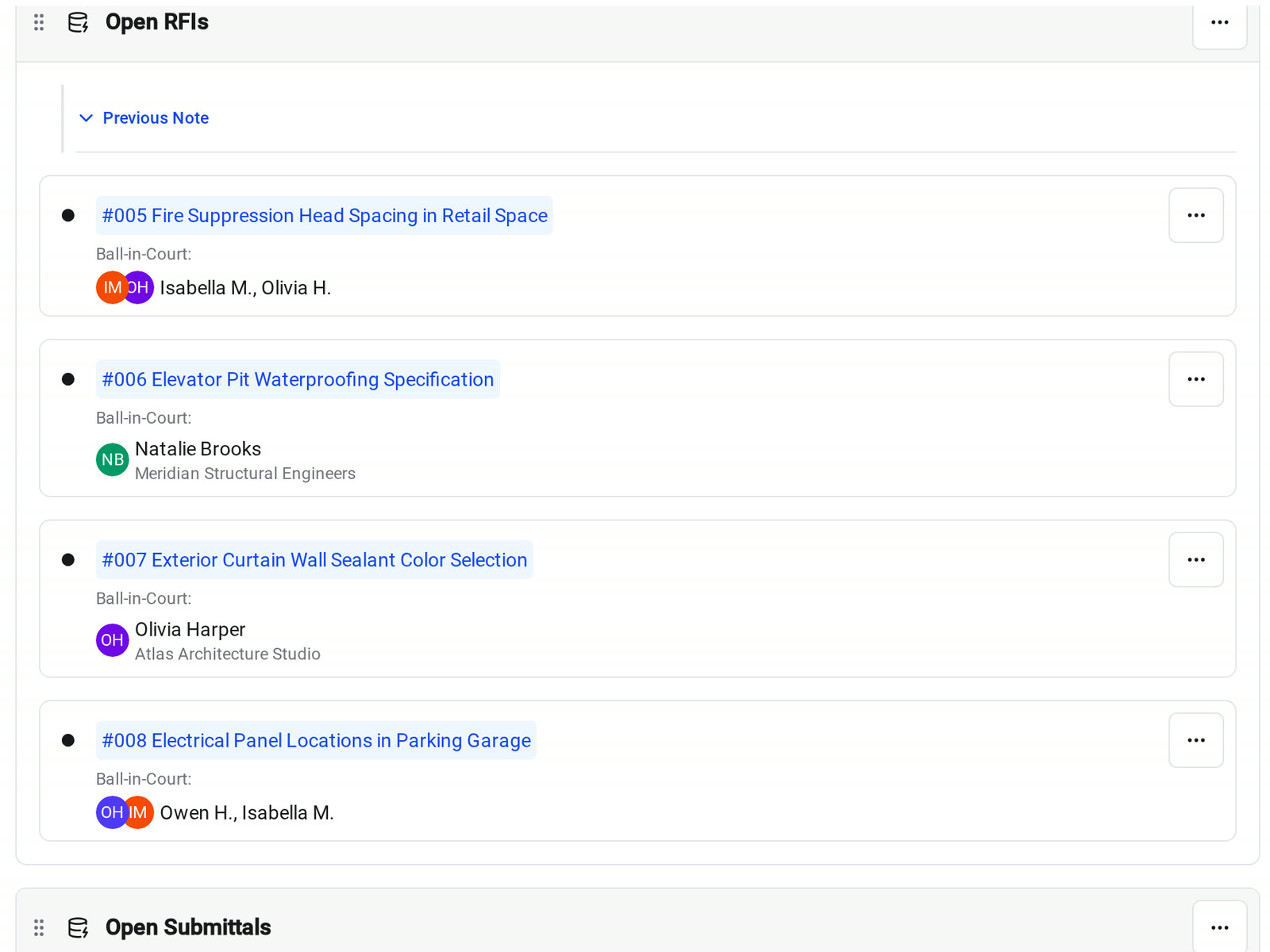
Open RFIs and submittals fill in the meeting agenda for you
Add the Open RFIs or Open Submittals smart section, and the agenda lists every open record with whose court it's in. They're live links, so nobody rebuilds the open-items list before each meeting.
• An RFI opens the day before: it shows up on the agenda until the meeting is finished
• Something closed since last week: starting the meeting drops it from the agenda
Command palette
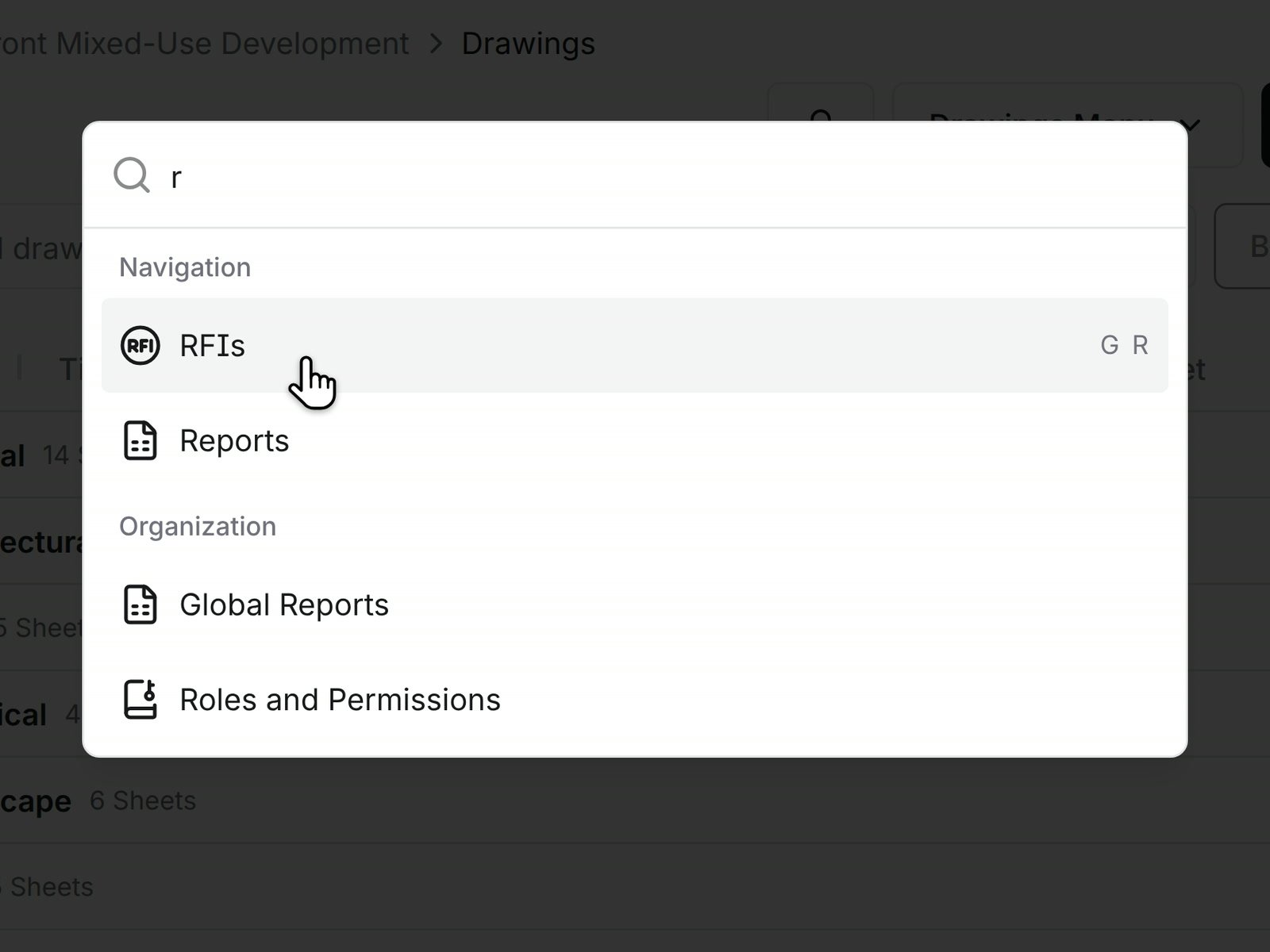
Jump to any tool without reaching for the mouse
Press Cmd+K or Ctrl+K and type a few letters to open a tool, switch projects, or run the action for the page you're on, such as PreCheck on a submittal.
• Shortcuts you'll remember: press G and then a letter, such as G D for Drawings, G R for RFIs, or G S for Submittals
• In the drawing viewer: M measures, K draws a cloud, and the arrow keys move to the next sheet
Screen recording
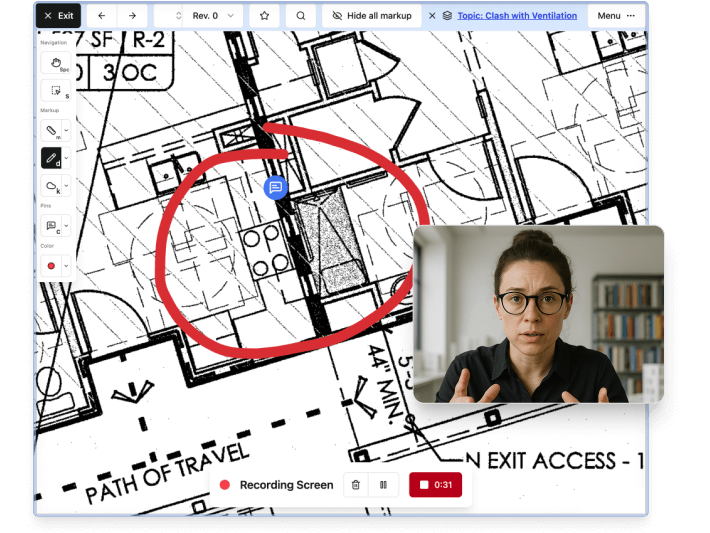
Talk through a problem right on the drawing
Record your screen and voice while you zoom, point, and mark up the sheet. The recording attaches to the comment conversation on the drawing, so the explanation stays with the detail it's about.
• Instead of a long email: record up to 10 minutes and let the trade watch it on the sheet
• From anywhere: record on desktop web, mobile web, or the Constructable app
Auto-calibrate
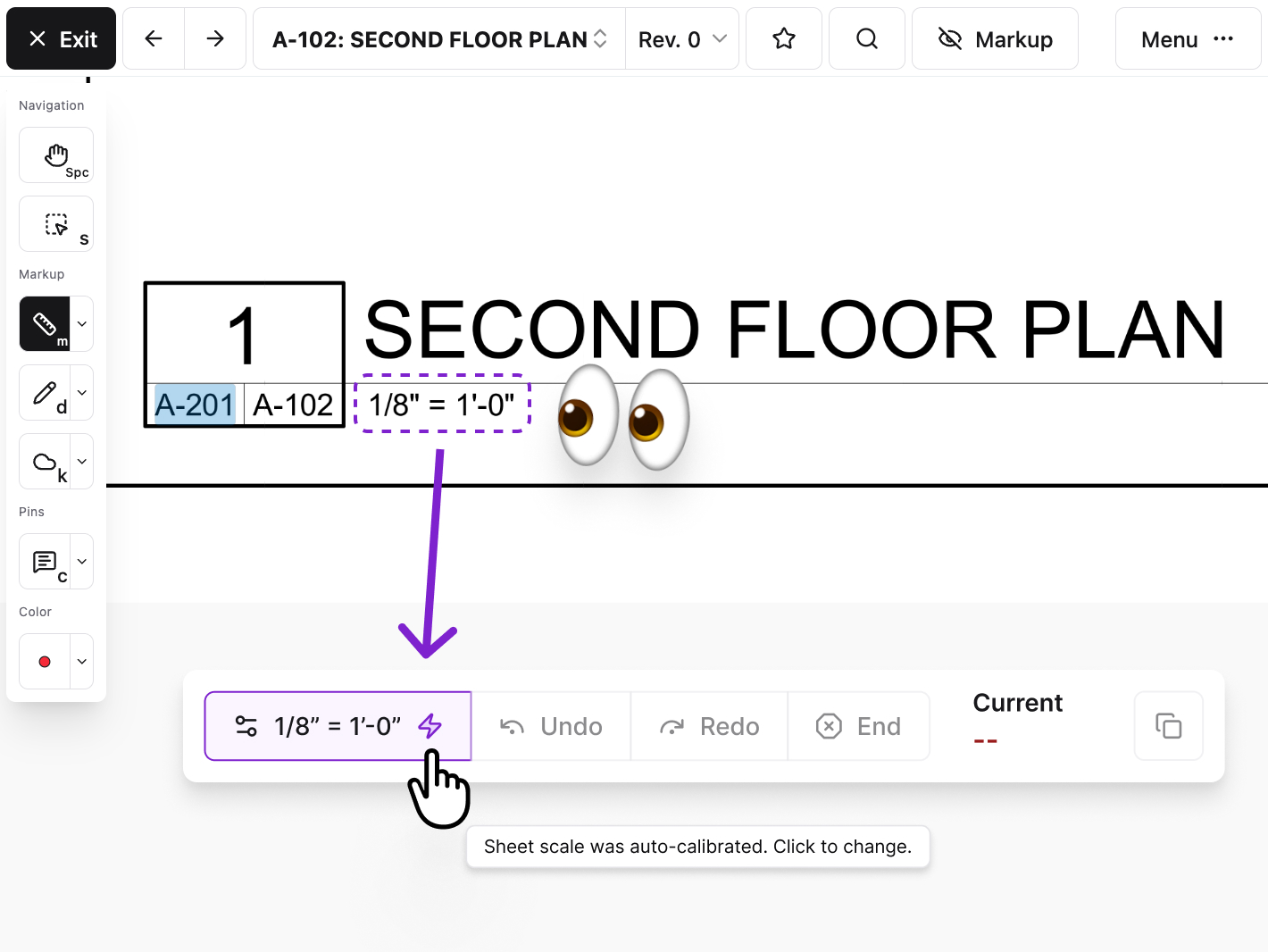
Measure as soon as the sheet opens
When Constructable reads the scale on a sheet as it processes the set, it sets the scale for you, and the measurement toolbar says it was auto-calibrated. Check one known dimension and start measuring.
Late night at the trailer? Turn on Dark Mode.
Pick Light, Dark, or System from the Theme menu. It changes Constructable for you, not for the rest of the team.

More small things that save time every day
Changes show up right away
Drawings without a signal
Copy text off a sheet
Star the sheets you use
Shortcuts in the drawing viewer
Autofill a punch item
Undo in the schedule
Sign in with a magic link
English or Spanish
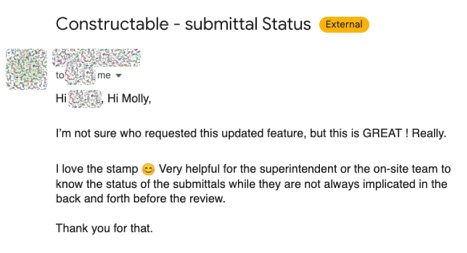
“Constructable synchronized the plan review process; creating topic tracking, plan markups, and an organized history in half the time. I can’t go back to our old software.”

Ryan Adams
Operations Manager

“Constructable synchronized the plan review process; creating topic tracking, plan markups, and an organized history in half the time. I can’t go back to our old software.”
Ryan Adams
Operations Manager
Loved in the office and in the field
Open Split View, record your screen, and store drawings for offline use with the Constructable app for iPhone, iPad, and Android.


Software your crews
actually want to open.
Book a 30-minute demo with our team.
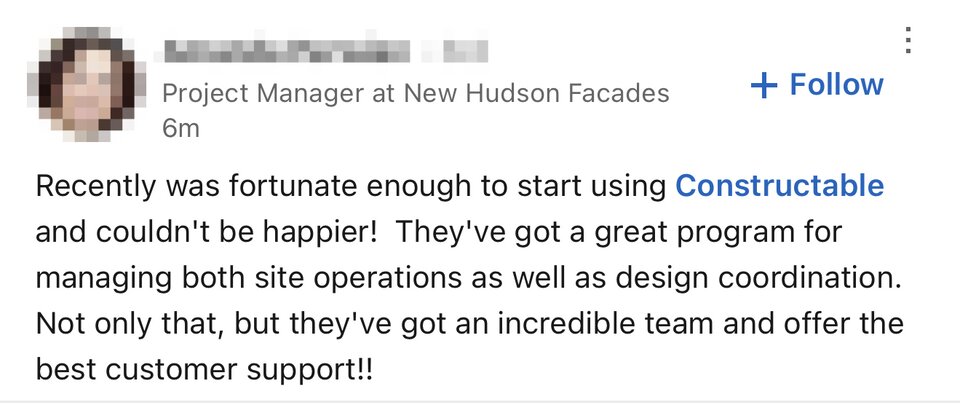
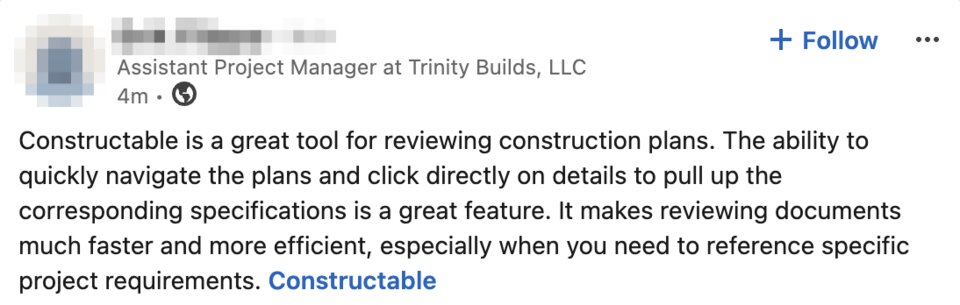
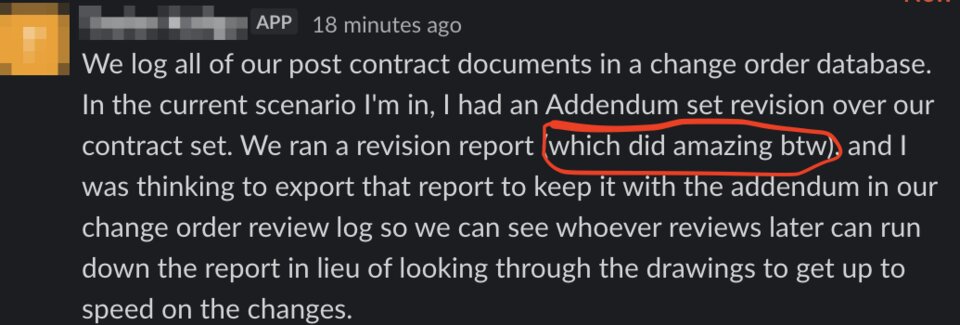
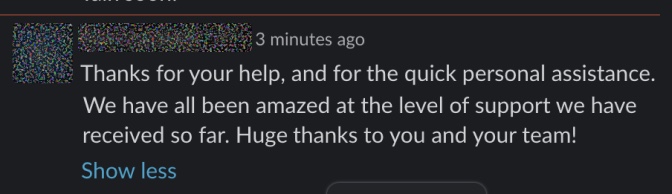
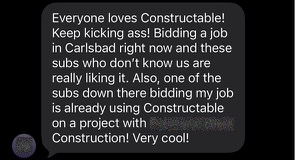
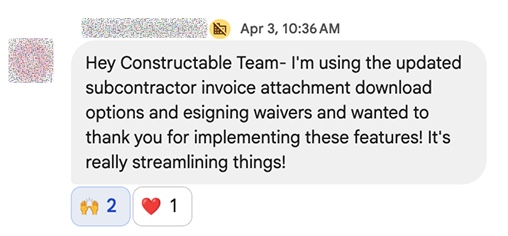
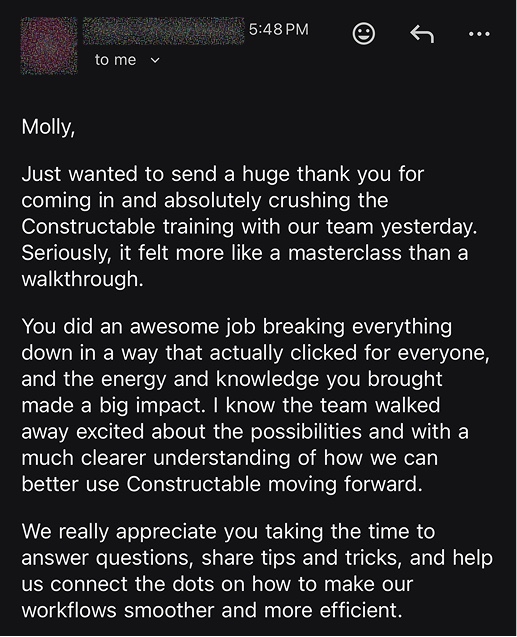
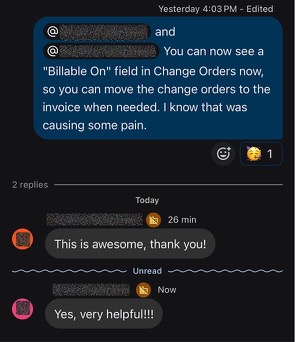
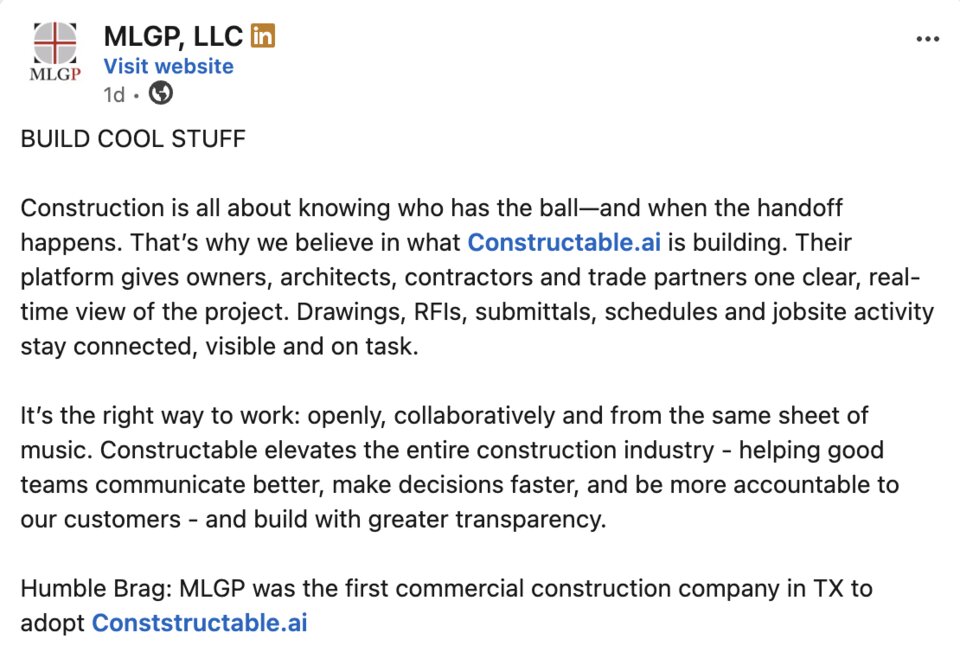
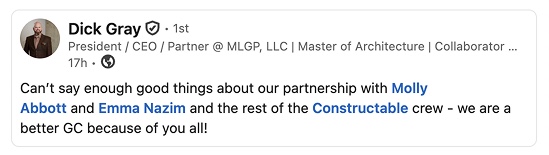
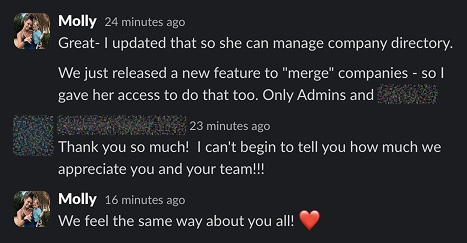
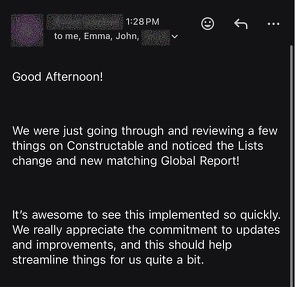
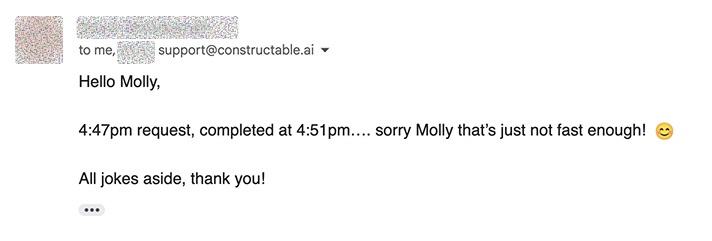
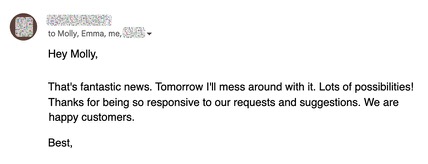
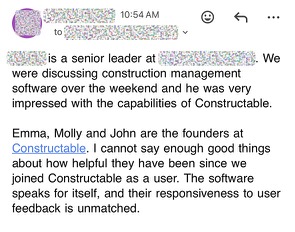
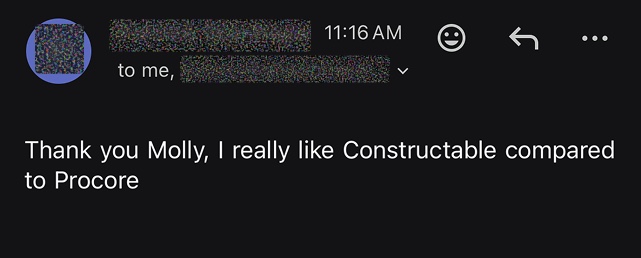
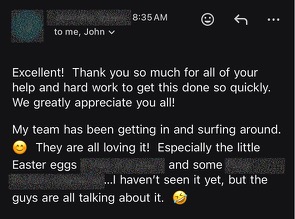
WallofHappiness











Frequently Asked Questions
Can I view two sheets side by side?
Can I overlay two sheets to see what changed?
What is the Magic Extractor?
Can I record my screen on a drawing?
Does Constructable have Dark Mode?
Are there keyboard shortcuts?
Can I use Constructable in Spanish?
Can I see drawings without a signal?
Do these features cost extra?
Land on the detail.
and does the data entry
Let the Agent do the work.