Drawing markup by Constructable
Construction drawing markup software for general contractors
Mark up, measure, and comment right on the sheet, then compare revisions side by side to see what changed. Works on desktop, iPad, and phone, with unlimited users and flat pricing.
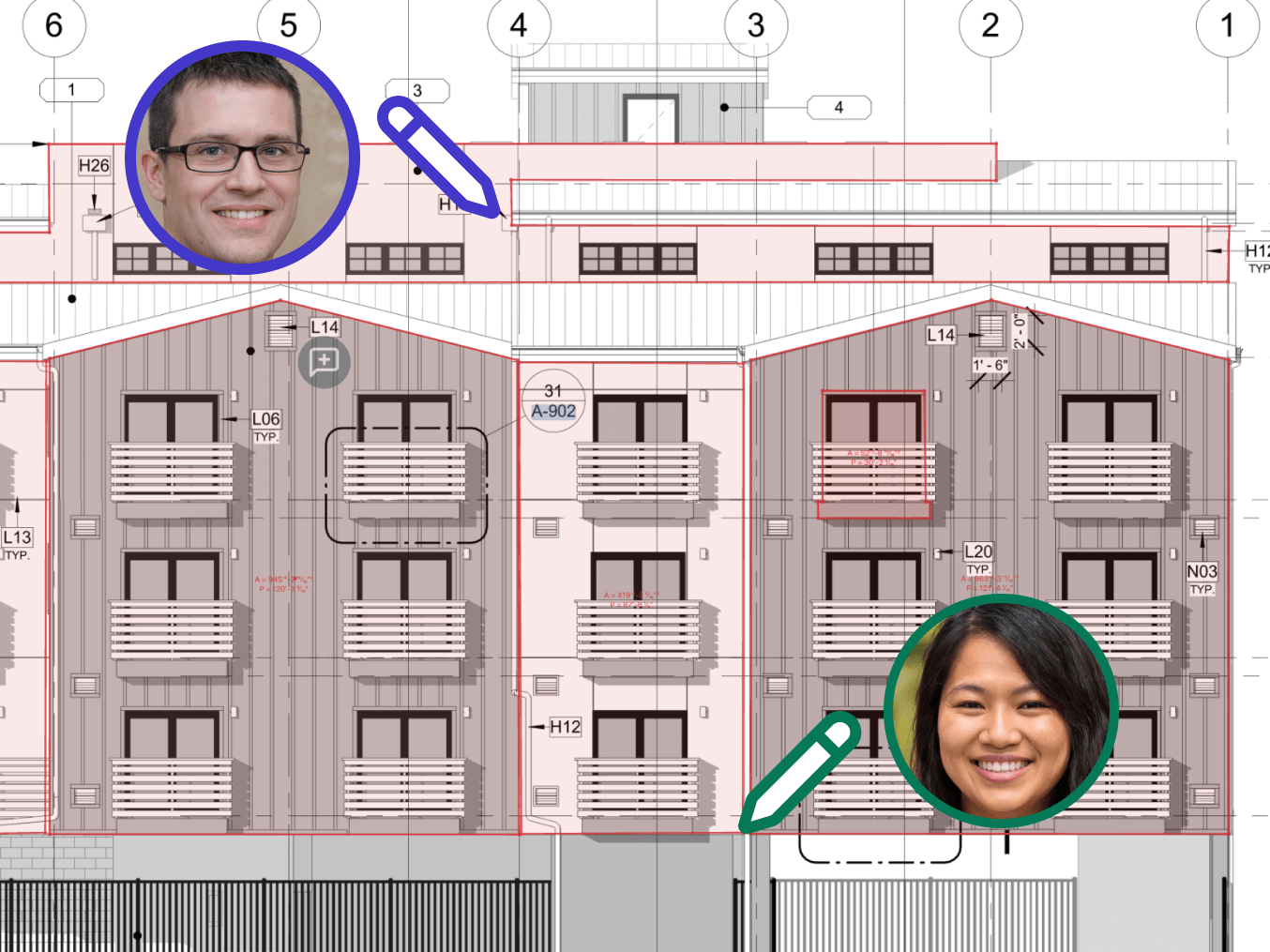
Markup and measuring
Mark up the sheet, not a screenshot
Our construction drawing markup software puts clouds, callouts, text, and measurements on the sheet itself. Constructable detects the scale for you, so most sheets are ready to measure without calibrating.
• Flagging a conflict: cloud it, point a callout at it, and save it to a Topic shared with just the people who need to act
• Measuring in the field: measure distances and areas on the iPad with the scale already set
• Working it out first: markup stays a private draft until you publish it to the project or a Topic
Linked sheets and details
Click a callout. Land on the exact detail.
Upload the PDF set you already have. AI reads every sheet, then links each detail callout and sheet reference to the exact spot it points to.
• Supers on site: tap the wall section callout on your iPad and the detail opens beside the floor plan
• Foremen tracing a detail: follow a callout from plan to section to enlarged detail, then jump back to where you started
• PMs answering RFIs: lock both panels so the floor plan and the reflected ceiling plan move in sync
Revisions and Blend Mode
Compare drawing revisions side by side
When a new drawing issue lands, open the prior revision next to the current one in Split View, or stack both with Blend Mode before anything goes to the field.
• Differences tints each revision a different color so a wall or dimension that moved stands out
• Ghost fades one sheet over the other so you can still read notes and callouts
• Highlight picks out the regions that changed, so you know where to look first on a busy sheet
Revision Review
Brief the trades on every change
An AI revision report summarizes what changed across the set so you can brief the trades.
• Set-wide summary: one readout of what changed across the whole drawing issue
• Sheet by sheet: every revised sheet lists exactly what changed, grouped by discipline
• Unclouded changes: machine vision catches changes nobody clouded or noted
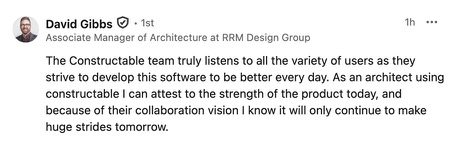
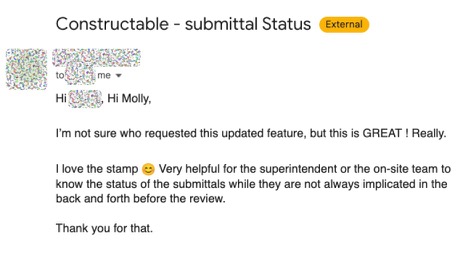
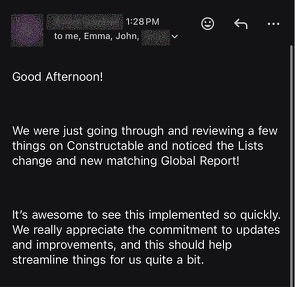
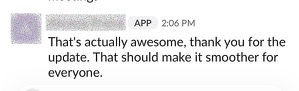
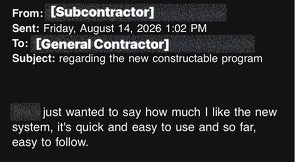
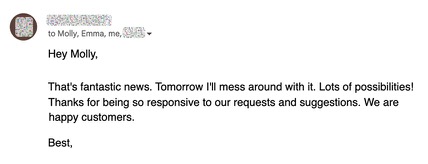
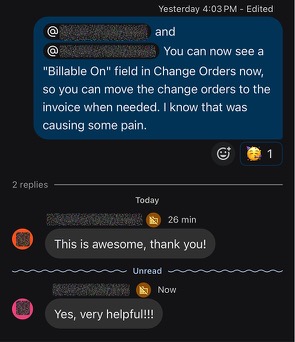
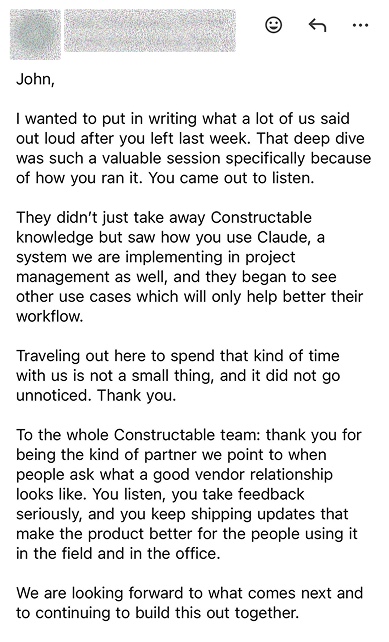
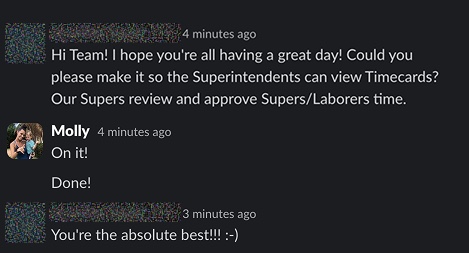
Hear from the GCs building with Constructable
Loved in the office and in the field
Take your drawings anywhere with the Constructable app for iPhone, iPad, and Android.


Mark up and compare
your own drawings.
Book a 30-minute demo with our team.
WallofHappiness

















Frequently Asked Questions
Can we mark up and measure in it, or do we still need a separate PDF tool like Bluebeam?
Does it work with the PDF drawing sets we already get?
Can we compare drawing revisions?
Can my superintendents use it on an iPad without signal?
What does it cost, and do subs and owners need their own seats?
with better bids
at a glance