Constructable Agent
The construction AI agent that answers, then does the work
Constructable Agent is a construction AI agent that works beside every page of your project. Ask a question and get an answer that links to the RFIs, drawings, and logs it came from. Ask for a change, and it makes it with your permissions. Run the Skills that come with it, or save your own. AI is included in every plan, with flat pricing .
Skills on the record
Check a submittal against the spec from the submittal itself
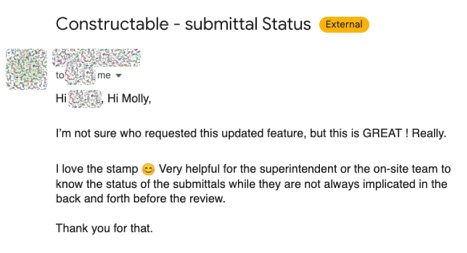
Open a submittal, choose PreCheck from the command palette, and the Agent opens beside it and starts the check. It reads the package, finds the spec sections and drawings that govern it, and returns a table of what doesn't line up.
• Find discrepancies runs the same way from Drawings and reports conflicts between the drawings and the specs
• Chat with the Contract runs from a fully executed commitment and answers only from its signed PDF
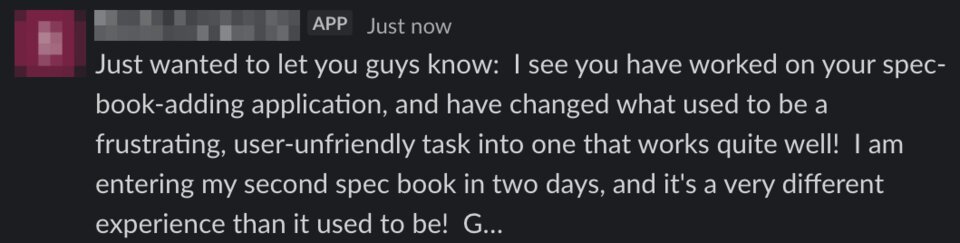
• Bulk edit sheet numbers and titles runs from a drawing set's review page and shows a before-and-after table before it changes anything

Built-in Skills
Pick a Skill, attach the PDF, and let it fill in the record
Select Use a Skill in the Agent and choose the job. Each Skill follows its own steps and asks you when it can't tell which project, company, or record a document belongs to.
• Import invoice: attach a sub's invoice PDF and get a Draft invoice on the right commitment, schedule of values, and billing period
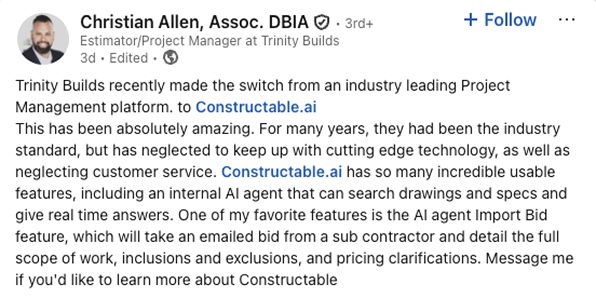
• Import bid: attach a bidder's proposal and it fills in the total, scope amounts, and notes on their existing bid
• PreCheck and Find discrepancies: check a submittal or the whole set against the specs and get a table of findings
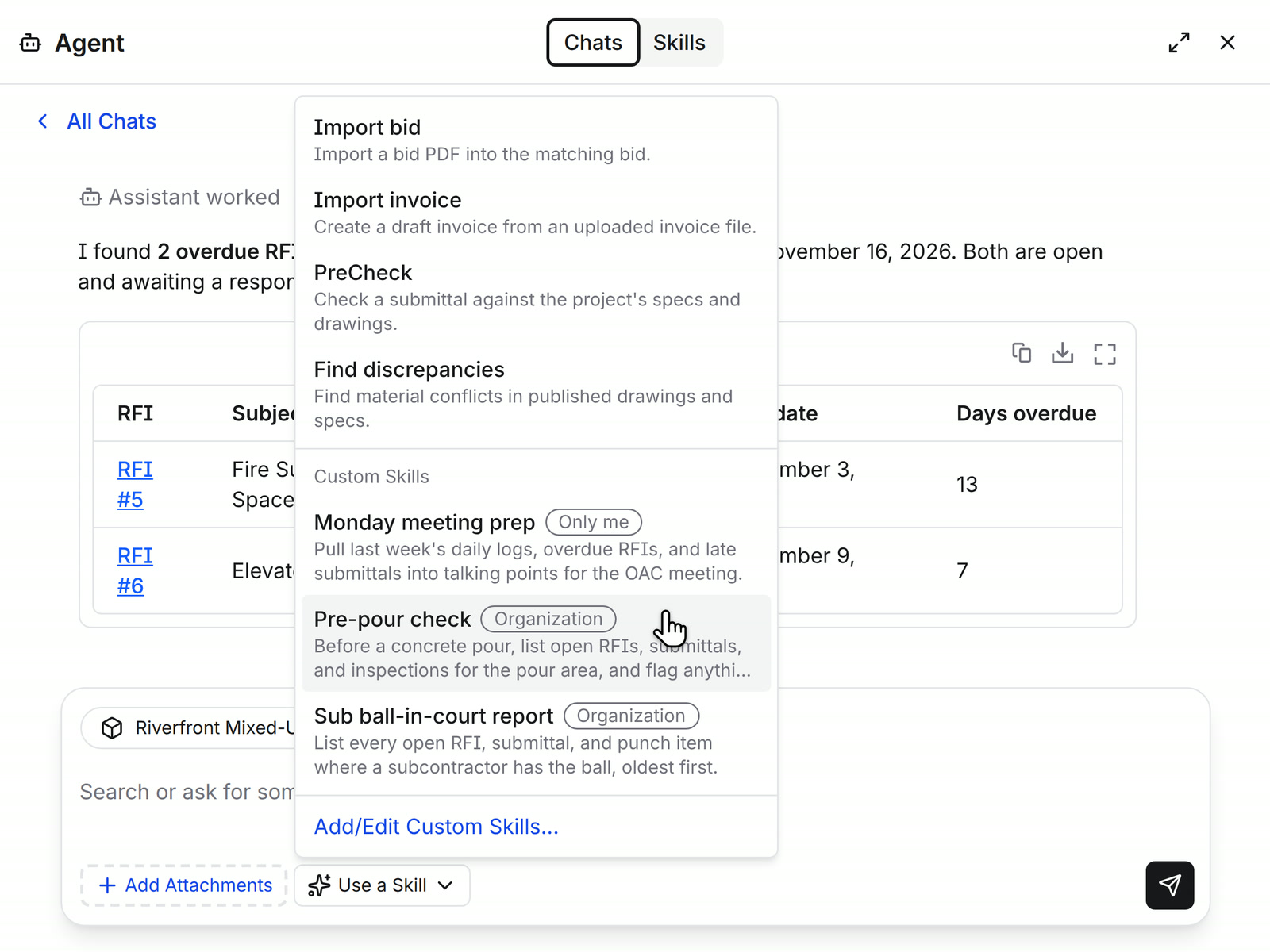
Custom Skills
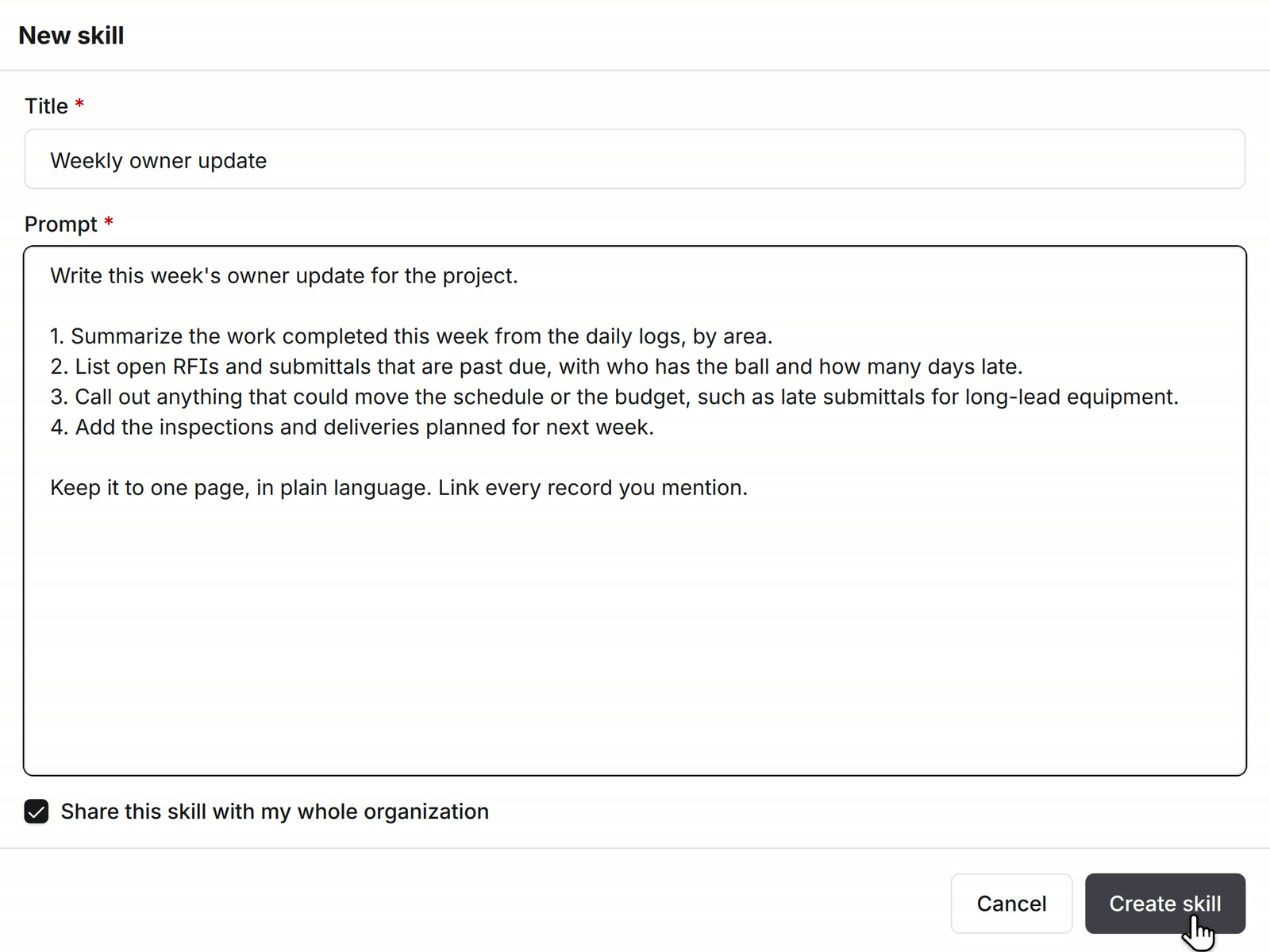
Save the instructions you type every week as your own Skill
Give a Skill a title and write the prompt once. Next time, pick it from Use a Skill and the Agent follows the same steps on the project you're in.
• Monday OAC meeting: a Skill that turns last week's daily logs and late items into talking points
• The whole company does it the same way: share a Skill with your organization, or keep it to yourself as Only me
• Trade partners on the project: Subcontractor, Consultant, Owner, and Bidder roles see only the Skills they wrote
What the Agent does with your project
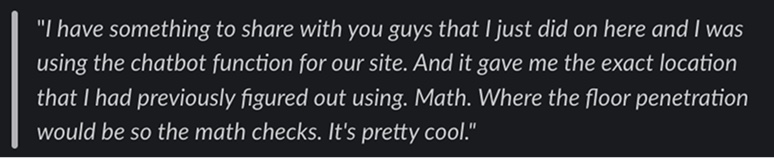
Answers that link to the source
Makes the change you ask for
Works from your files
Sees only what you can
Asks instead of guessing
Beside the page, or full screen
ChatGPT and Claude
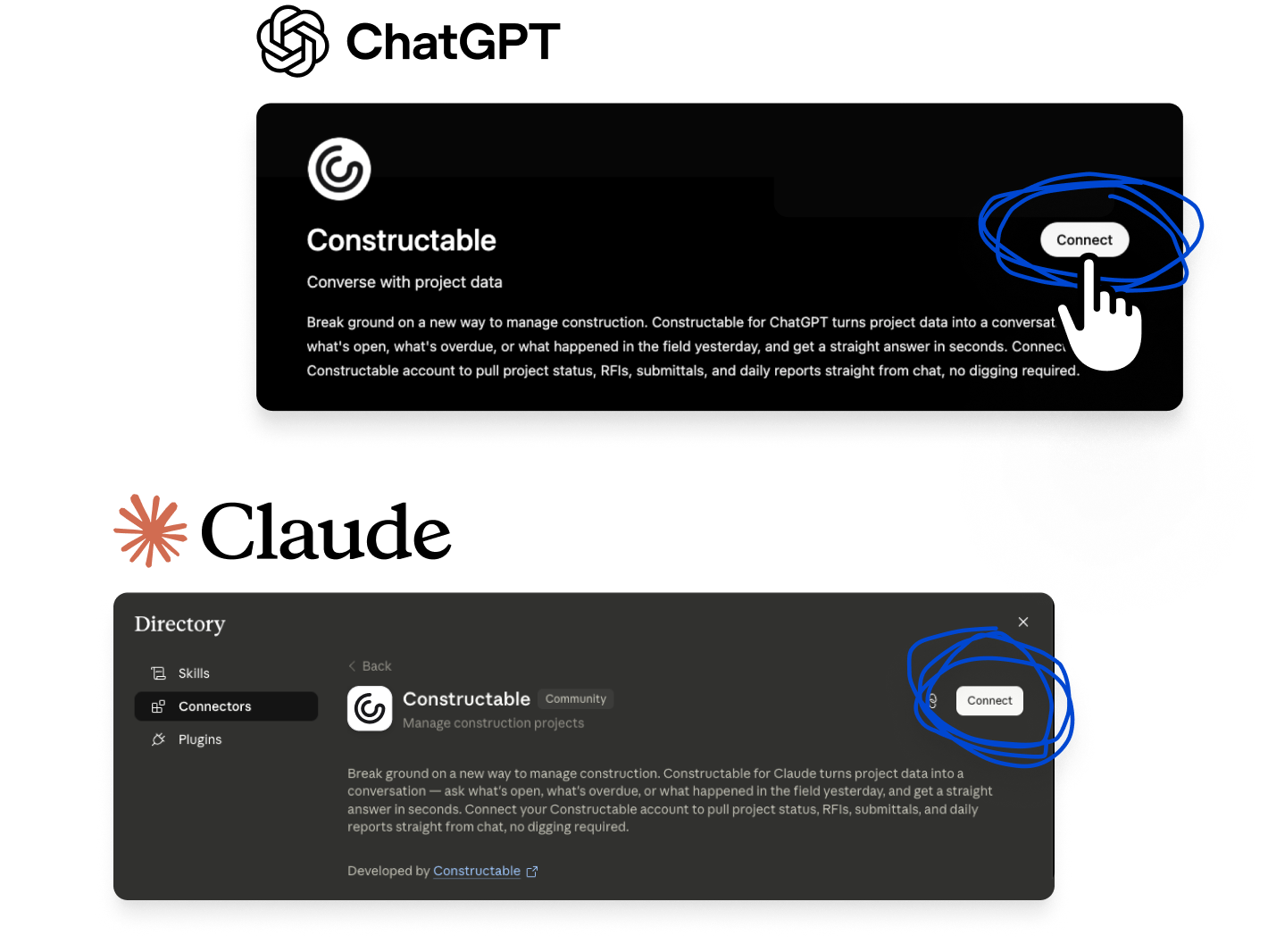
Ask about your projects from ChatGPT or Claude
Already work in ChatGPT or Claude? Connect it to Constructable's MCP server and ask about project status, RFIs, submittals, and daily reports from there.
• Same access as you: the connection signs in as your account and can't see anything you can't
• You approve the writes: keep read-only tools always allowed and leave write tools asking for approval
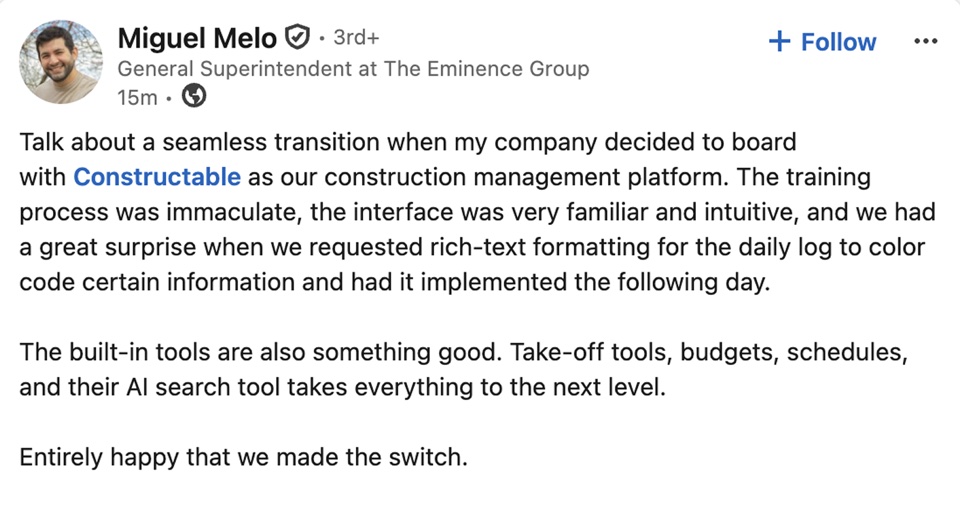
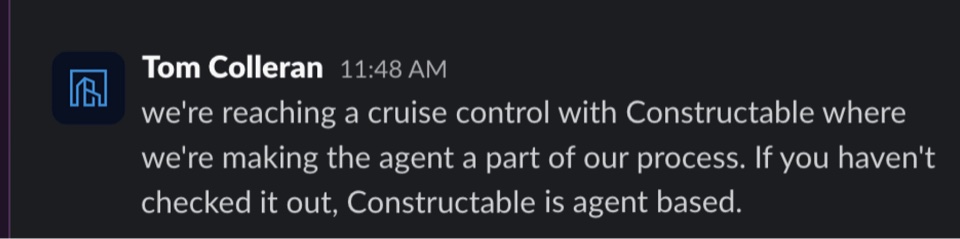
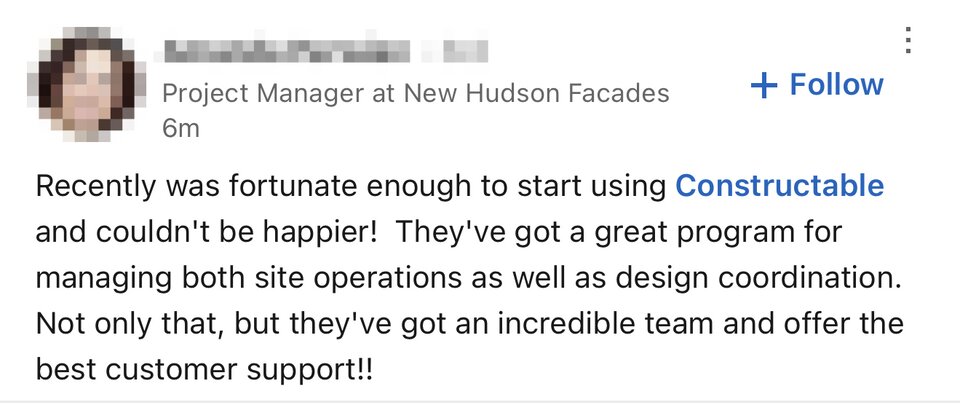
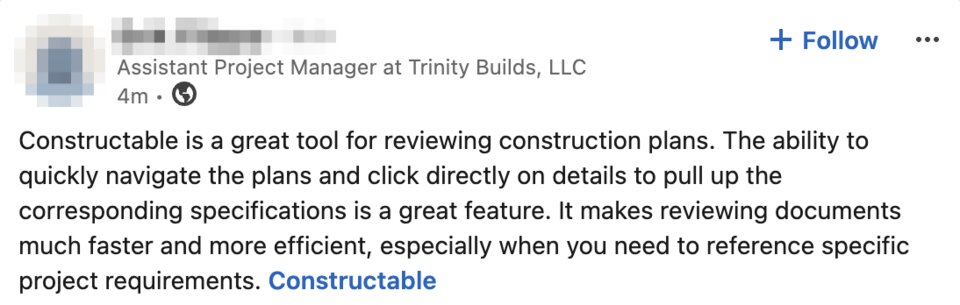
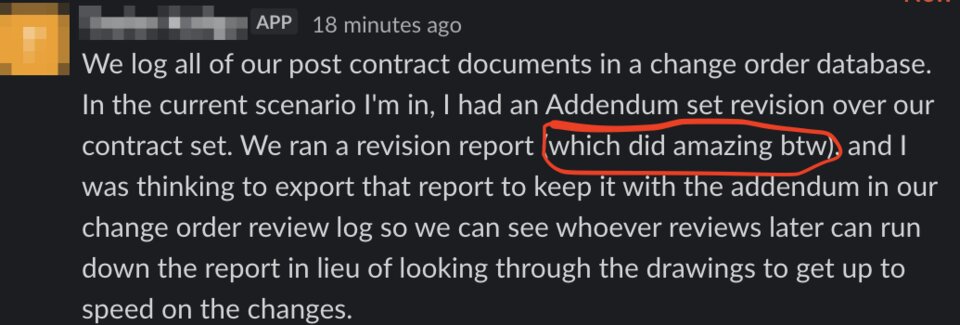
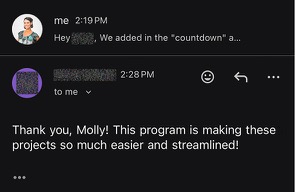
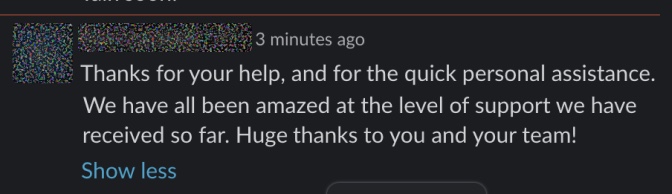
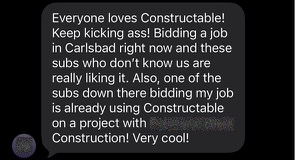
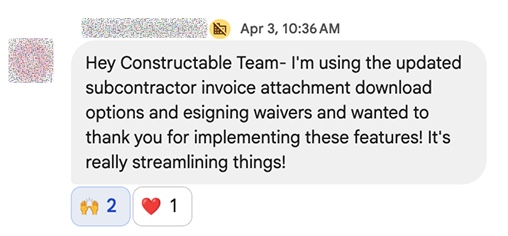
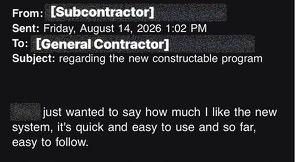
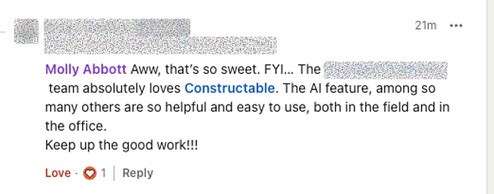
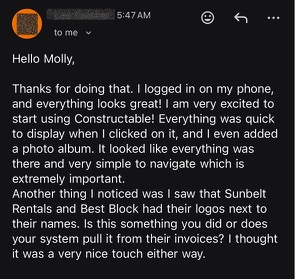
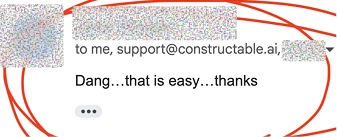
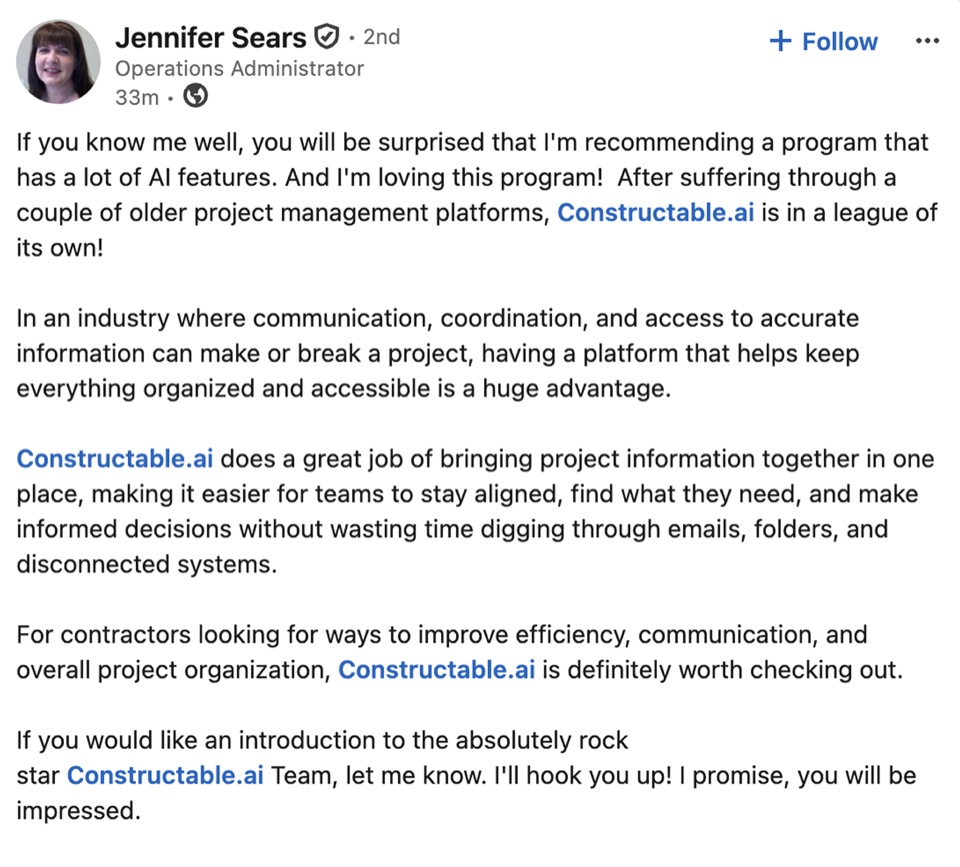
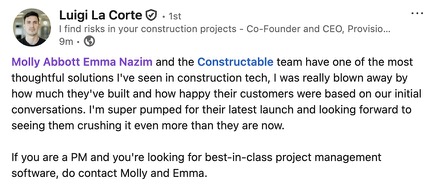
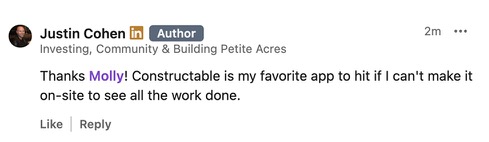
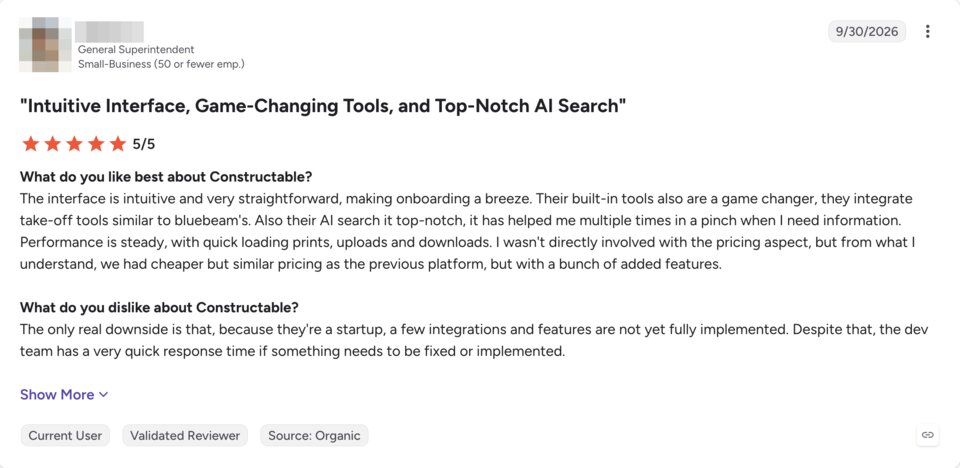
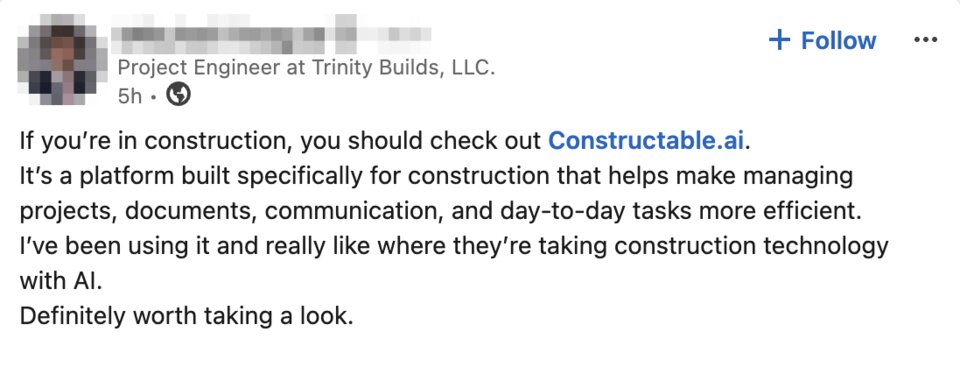
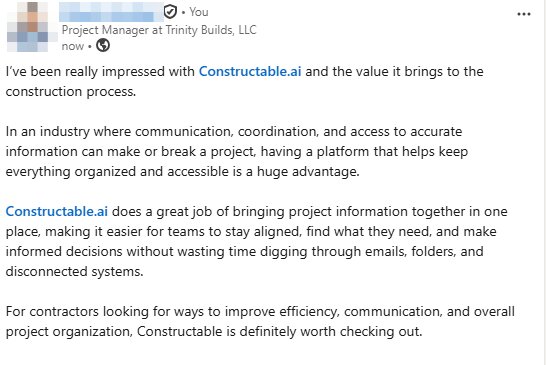
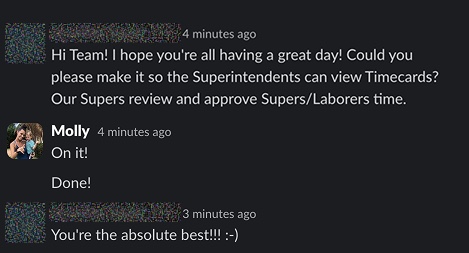
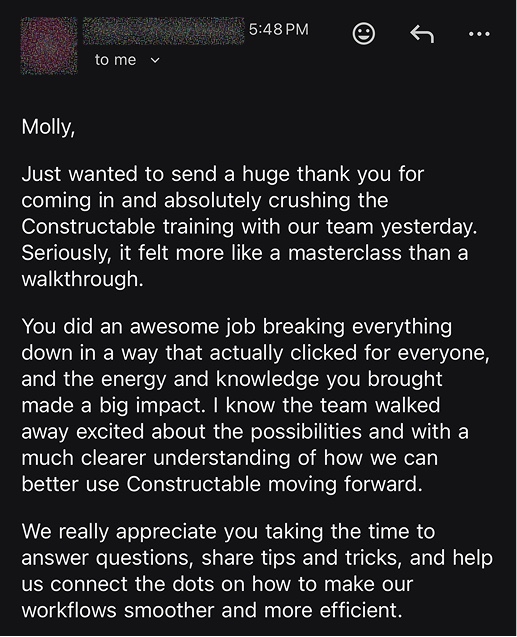
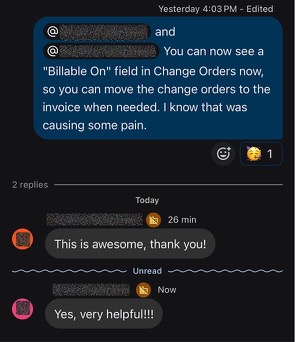
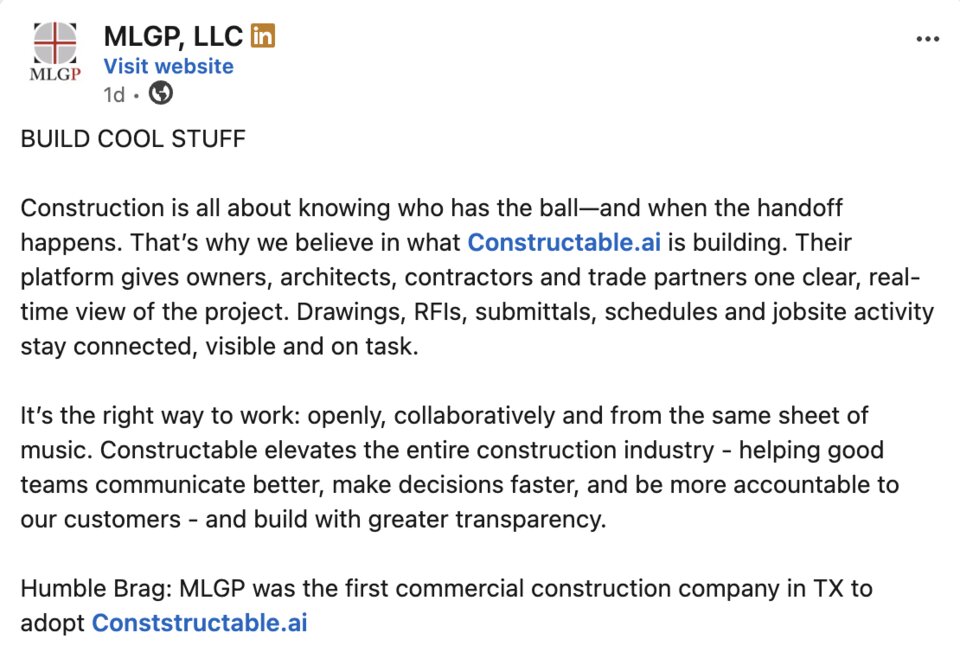
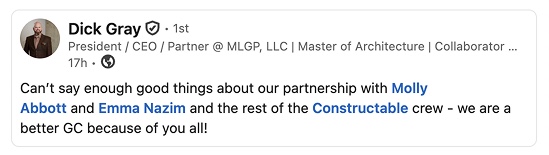
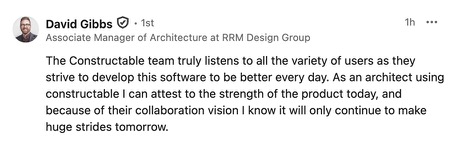
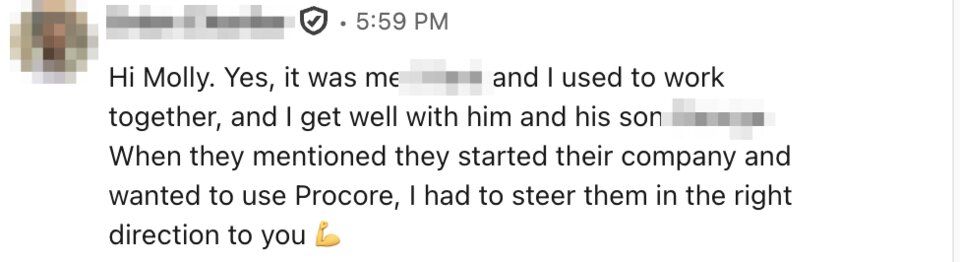
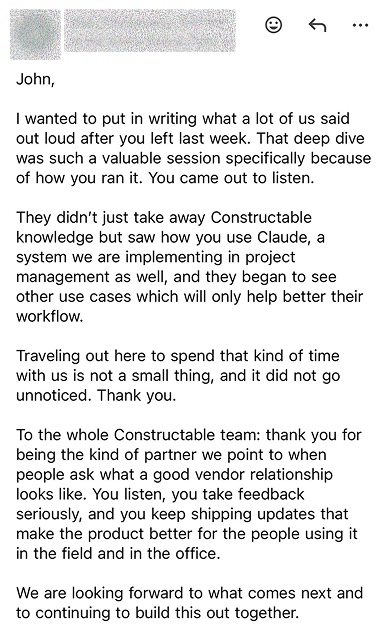
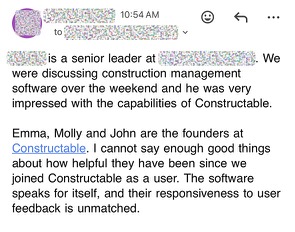
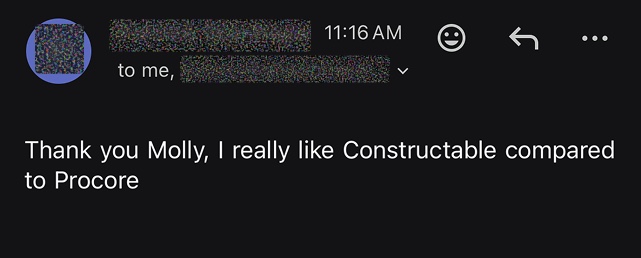
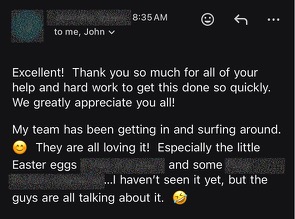
Hear from the GCs building with Constructable
Loved in the office and in the field
Ask about your project and run your Skills from the jobsite with the Constructable app for iPhone, iPad, and Android.


Ask the question.
Let the Agent do the work.
Book a 30-minute demo with our team.
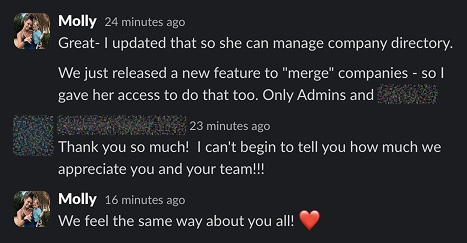
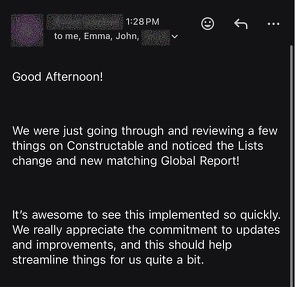
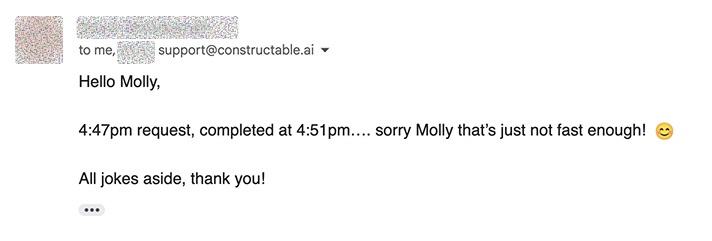
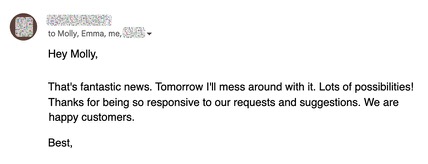
WallofHappiness













Frequently Asked Questions
What is the Constructable Agent?
Can the Agent change records, or does it only answer questions?
Which Skills come with the Agent?
What is a custom Skill?
Who can create and share custom Skills?
Does the Agent show people records they cannot open?
How do I check where an answer came from?
Can I use Constructable from ChatGPT or Claude?
Is the Agent an extra cost?
and does the data entry
before it goes out
crews love