Takeoffs by Constructable

Construction takeoff software for general contractors

Do your takeoffs in the same platform you use to bid and build the job, so you don't need a separate takeoff tool. Every estimator on your team can work in it without buying a seat because we do flat pricing with unlimited users.
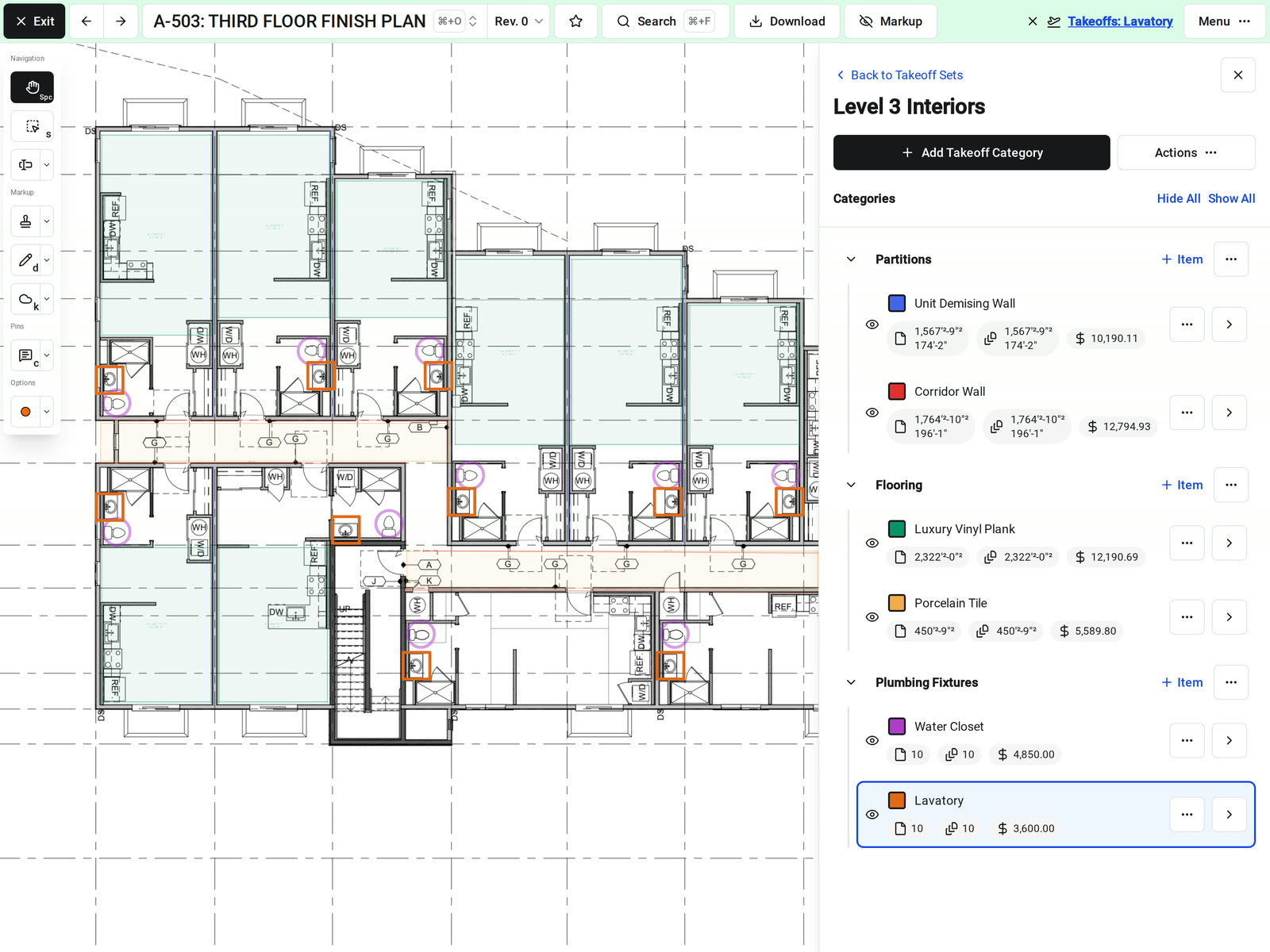
A takeoff set open on a third floor finish plan in Constructable, with flooring areas, corridor and demising walls, and water closet and lavatory counts marked in color, and each item's sheet total, drawing total, and cost in the side panel

AI-powered automated takeoffs

Choose the sheets and get the takeoffs back on the plans

Constructable counts fixtures and equipment and outlines floor areas on the sheets you choose. You get a takeoff set in your project with every count and area marked on the sheet, so your estimator checks the takeoff instead of starting it.

• Named from the schedules: each item takes its tag and description from the drawing's schedules, such as a fixture tag from the plumbing fixture schedule or F1 from the finish schedule

• Grouped by type: items land in categories such as Floor Drains, Water Heaters, Carpet, and Polished Concrete

• Flagged for review: when it can't confirm an item, such as a fixture on the plan that isn't in the schedule, the item's name tells your estimator to check it

• Yours to edit: the marks are ordinary takeoff marks, so move, delete, or add marks, then add unit costs and export
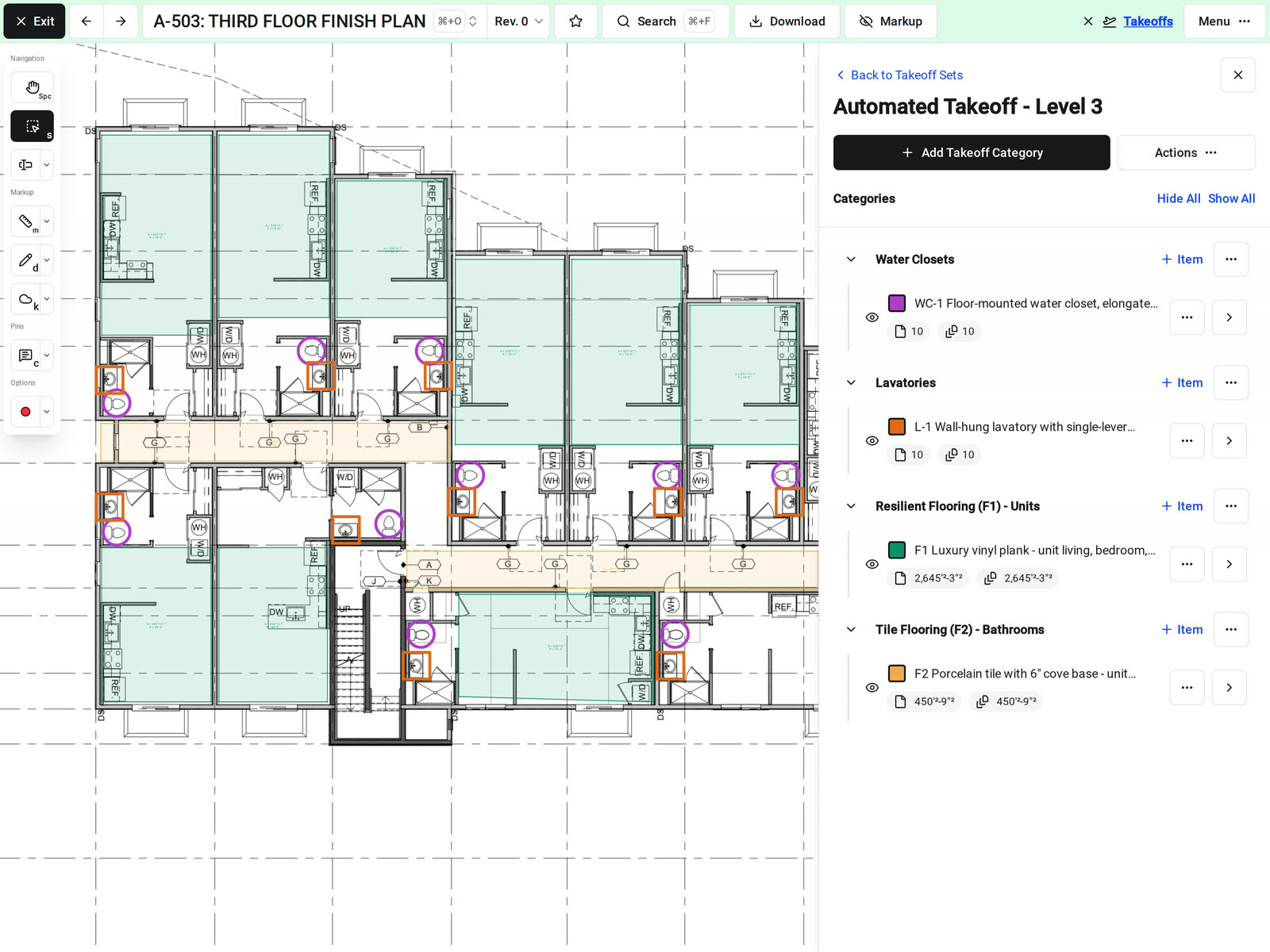
An automated takeoff set on a third floor finish plan in Constructable, with water closets and lavatories counted, unit flooring and bathroom tile outlined, and each item named from the schedules with its sheet and drawing totals in the side panel

Linear, area, and count

Measure lengths, areas, and counts on the sheet

Our construction takeoff software gives each takeoff item one unit: Linear Feet, Area, or Quantity. Select the item, then trace the wall, outline the room, or click each fixture.

• Flooring and finishes: Area items report in square feet or square yards

• Fixtures and devices: Quantity items mark each count with a symbol of your choosing in the item's color

• Pricing as you go: add a height multiplier to turn a wall's length into square feet, and a unit cost to price the total
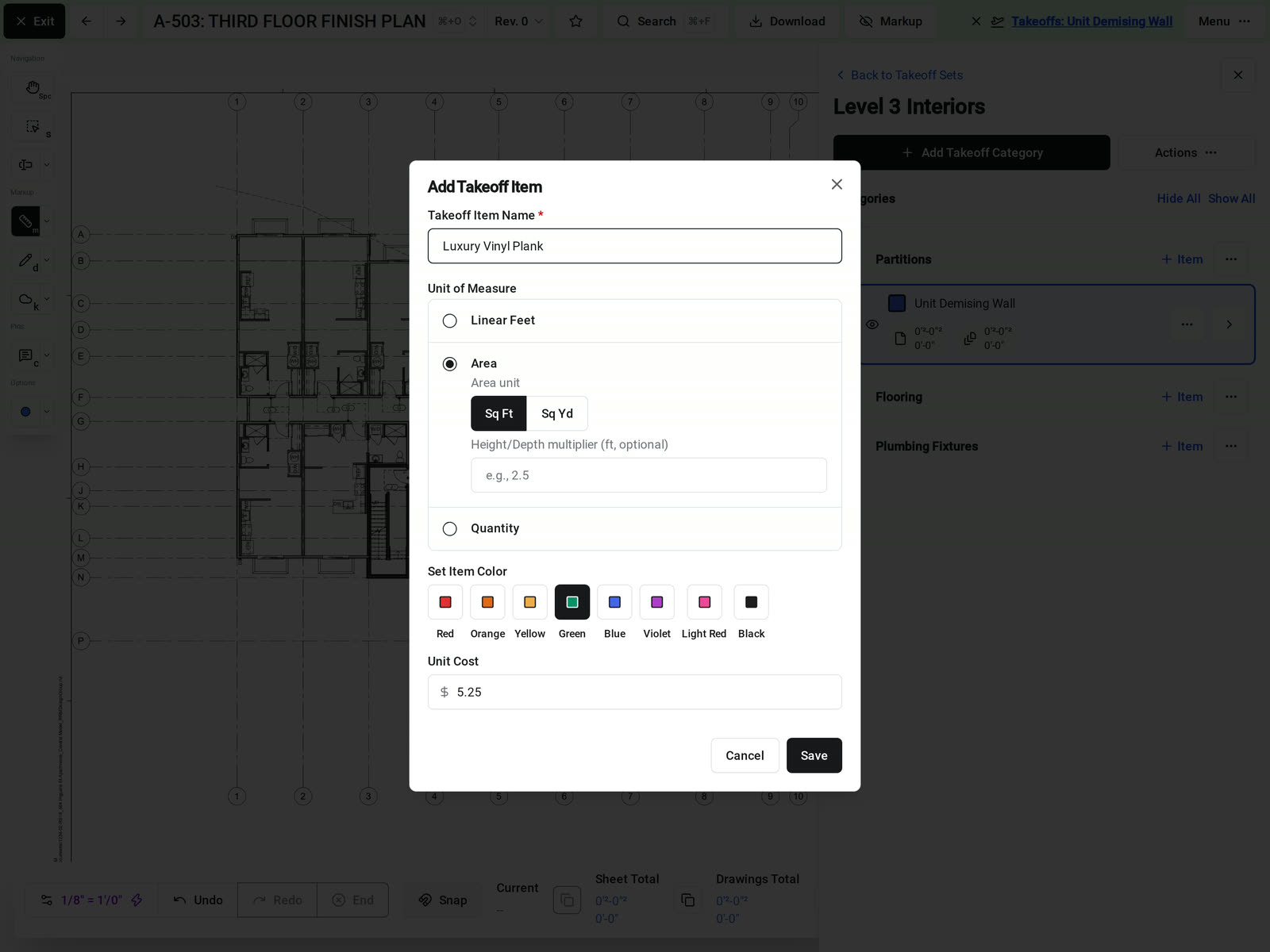
The Add Takeoff Item form in Constructable for a Luxury Vinyl Plank item, with Area selected in square feet, an optional height or depth multiplier, a green item color, and a unit cost of $5.25

Snap to drawing content

Snap measurements to the lines on the sheet

As you trace a wall or outline a room, each point snaps to the end of a line or onto the line itself. Your takeoff follows the drawing, not wherever the cursor landed, so measurements are more accurate and you spend less time zooming in to place each point.

• Every measurement: points snap when you trace a length, outline an area, draw a calibration line, or drag a point to adjust a mark

• Your choice: turn Snap on or off in the measurement toolbar, and Constructable remembers your setting

• A point off the linework: hold Ctrl to place it exactly where you click

Automatic sheet scale detection

Start measuring without setting the scale

Constructable detects the scale while it processes the drawing, so most sheets are ready to measure. The measurement toolbar shows when the scale was set automatically, so check it against a dimension you know and start the takeoff.

• The scale is off: recalibrate by drawing a line over a dimension you know

• The title block shows a standard scale: pick it from the common architectural scales, or 1"=30'-0" for civil sheets
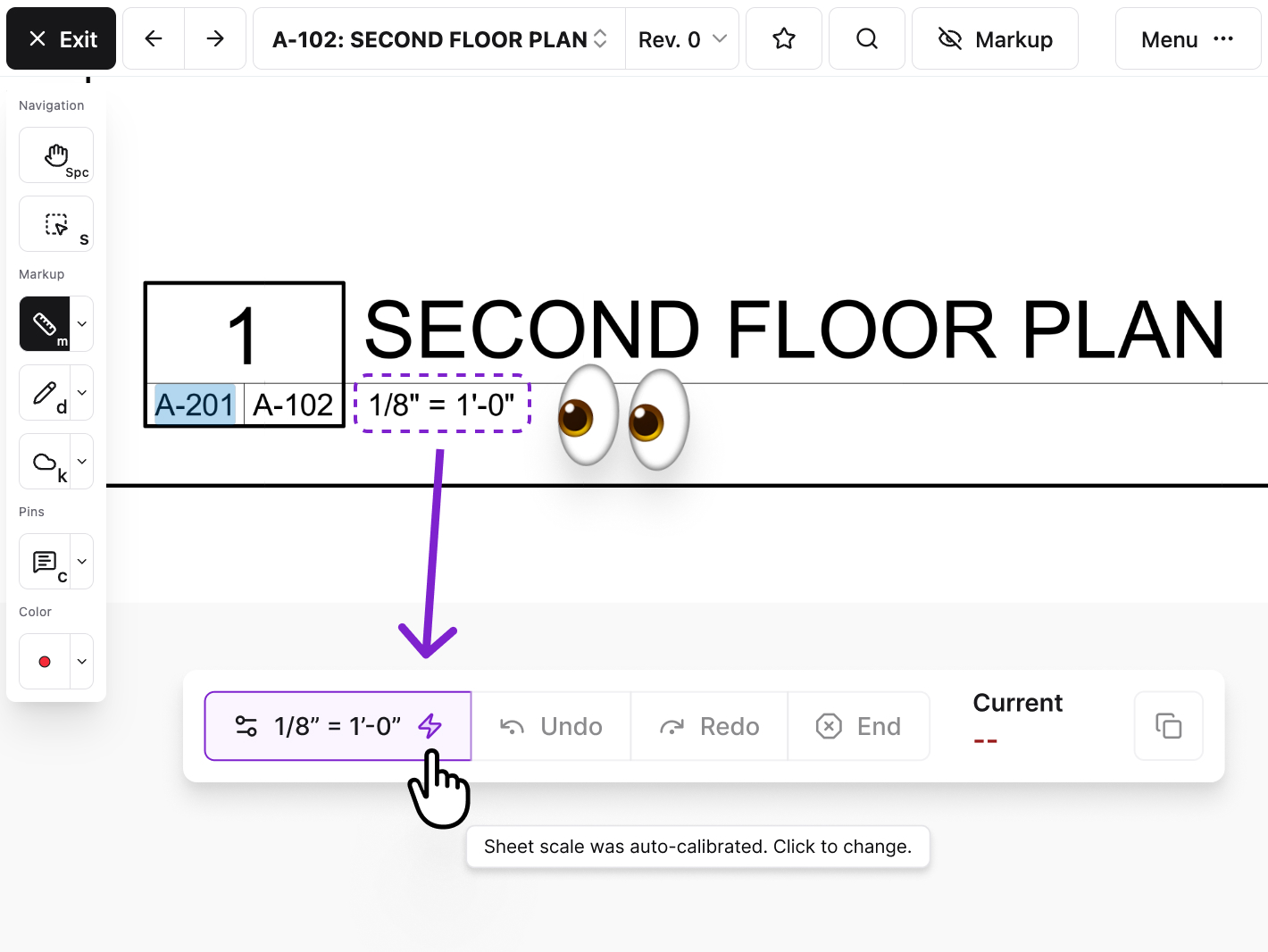
The measurement toolbar in Constructable showing a sheet scale of 1/8 inch equals 1 foot, read from the scale under the Second Floor Plan title, with a lightning icon and a tooltip that says the sheet scale was auto-calibrated

Sets, categories, and items

Organize the takeoff the way you price the job

A takeoff set holds categories, and each category holds items. A Concrete set might hold Slabs and Footings categories, each with its own items.

• While you measure: the toolbar shows the current measurement, the item's total on this sheet, and its total across the drawings

• In the side panel: each item shows its sheet total, drawing total, and cost

• A similar item in another unit: duplicate the item, with or without its measurements
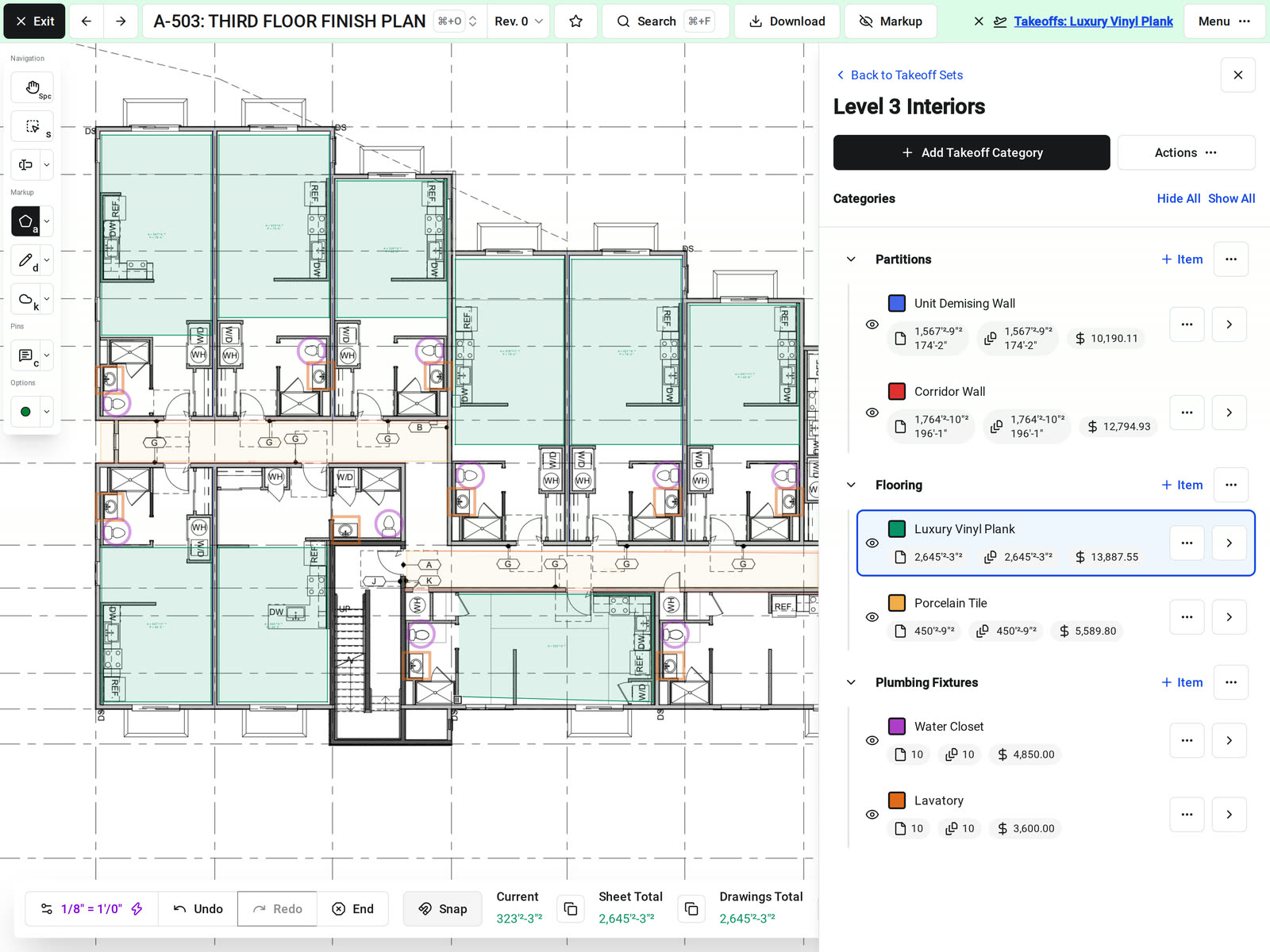
A room being traced for a Luxury Vinyl Plank item in Constructable, with the toolbar showing the current measurement, sheet total, and drawings total, and each takeoff item's totals and cost in the side panel

Export takeoff data

Take the quantities into your estimate

Export a takeoff set or one category to CSV for pricing, or to PDF when someone needs to see where each quantity came from.

• CSV: the category, item, total, unit, multiplier, multiplied total, unit cost, and total cost for every item

• PDF: the sheets with takeoff marks, with each item in its own color

• Legend: turn on the takeoff legend to add each item's name and total to the PDF
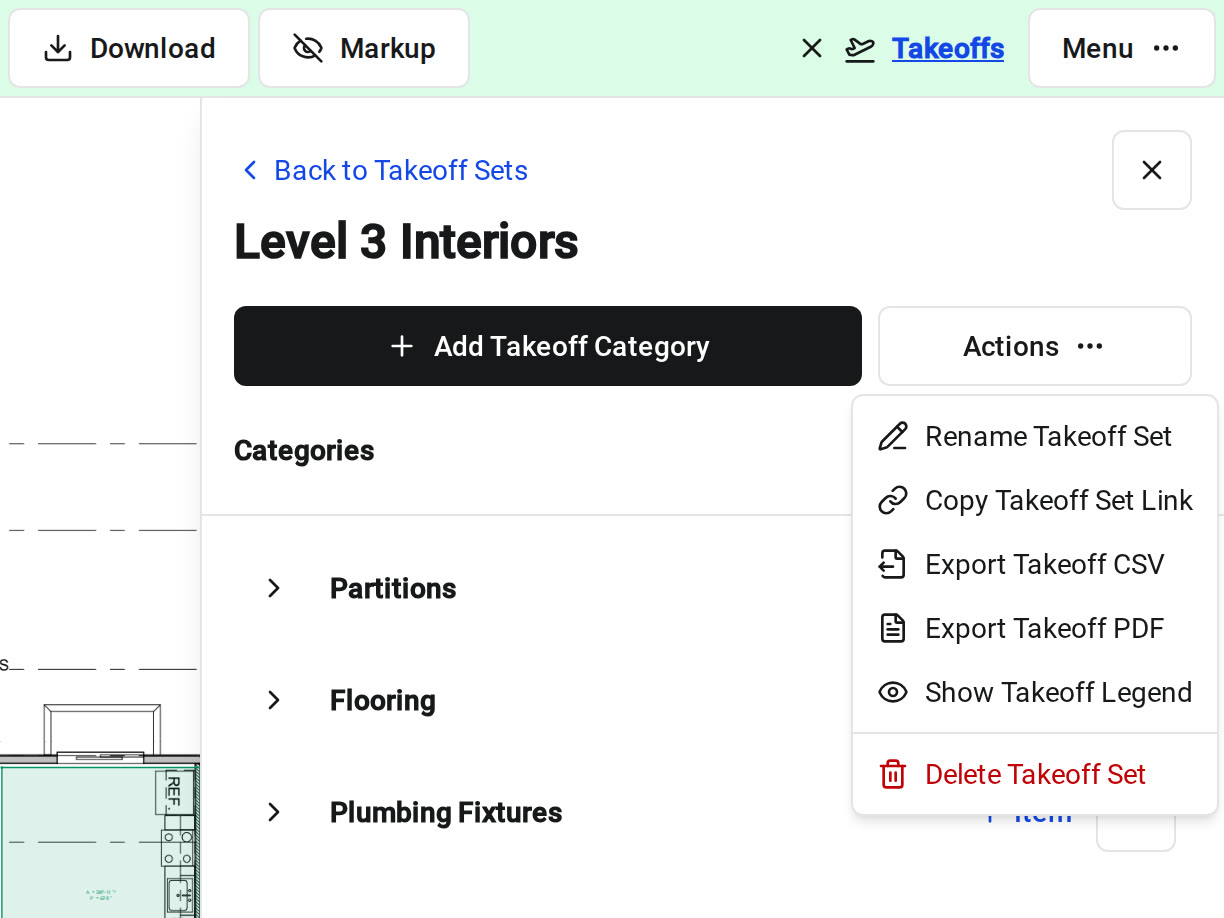
The Actions menu open on the Level 3 Interiors takeoff set in Constructable, with Rename Takeoff Set, Copy Takeoff Set Link, Export Takeoff CSV, Export Takeoff PDF, Show Takeoff Legend, and Delete Takeoff Set next to the set's Partitions, Flooring, and Plumbing Fixtures categories

Teamwork and revisions

Measure together, and keep each revision's quantities

Several estimators can work on the same sheet, the same takeoff set, and even the same item at once.

• A new revision comes in: each mark stays on the revision you placed it on, so the earlier quantities stay as they were

• Measuring the new revision: takeoff marks don't carry forward, so measure the changed work again on the new sheet

• Access: takeoffs have their own permissions, separate from drawing access, so you choose who can view them and who can change them
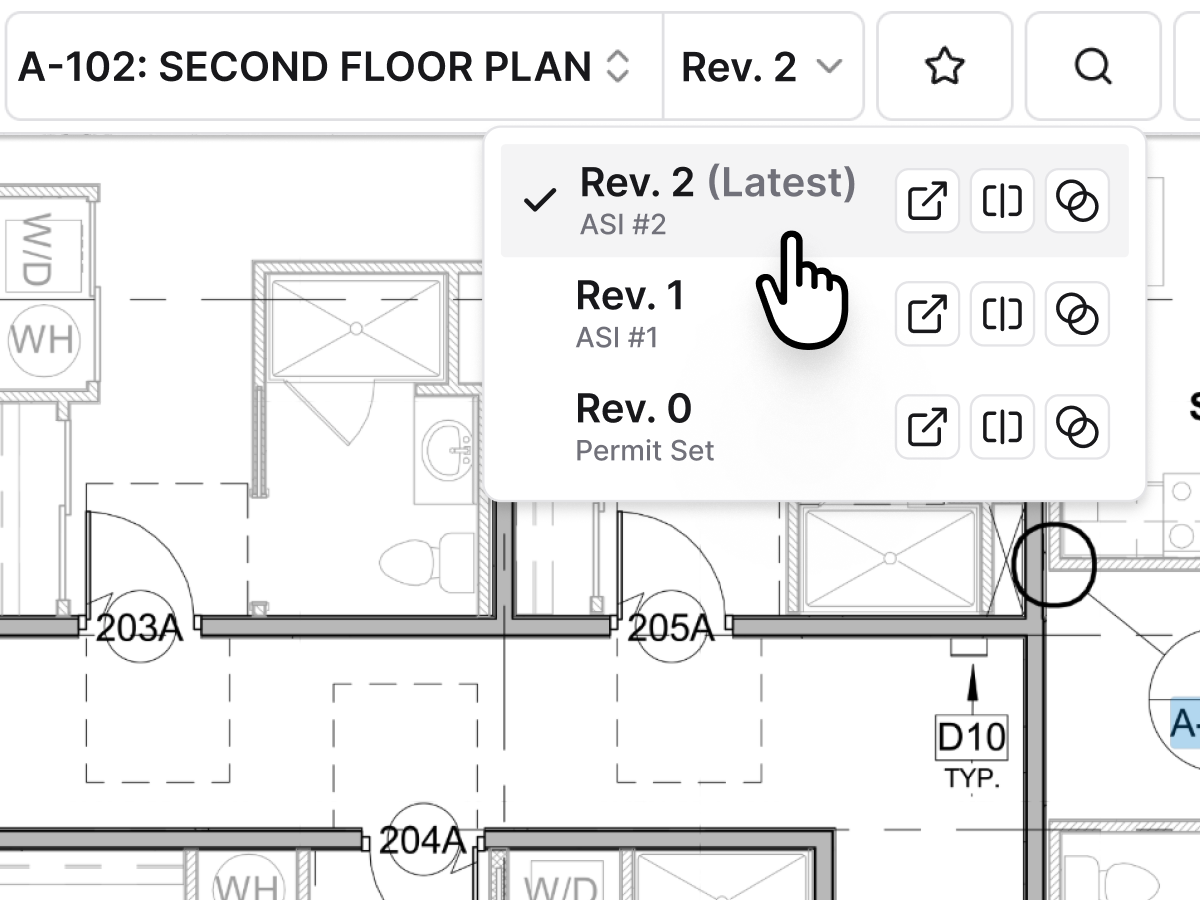
The revision menu on sheet A-102 in Constructable, with Rev. 2 marked as the latest above Rev. 1 and the permit set

One platform for preconstruction

Takeoffs that live alongside your bids and drawings

Your estimator measures the same drawing set the project team builds from, and sends bid packages from the same project.

• Bidding the job: send bid packages by scope and track who is bidding

• A new drawing set arrives: Constructable splits it into sheets and stacks each revision under its sheet number

• A question on the plans: mark up the sheet, or pin an RFI to the exact spot
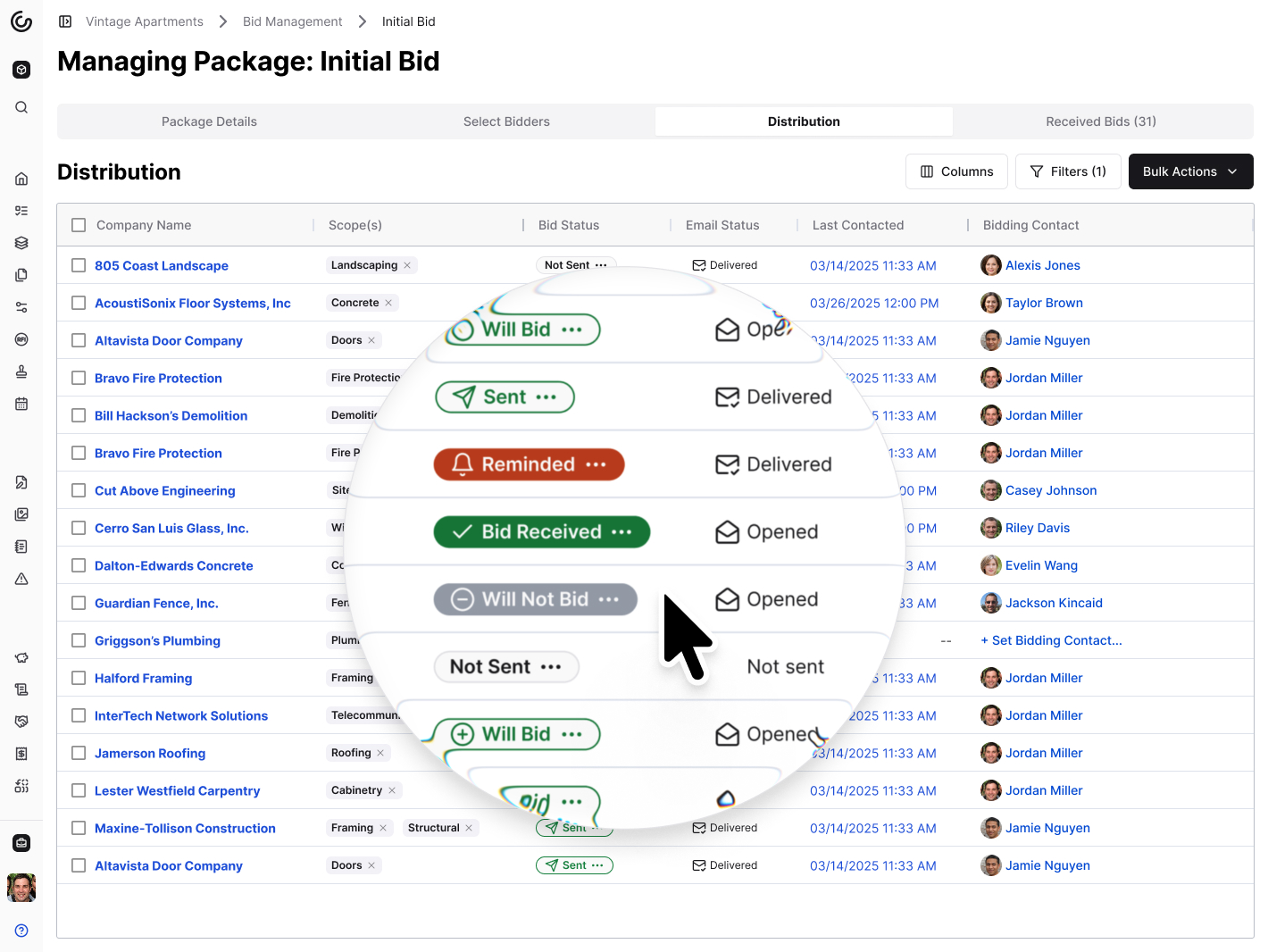
The Distribution tab of a bid package in Constructable, with each invited bidder's bid status, email delivery status, last contact date, and assigned scopes

Hear from the GCs building with Constructable

How MLGP keeps project information organized and collaborates faster.
How Clear Group got its design-build team on board and connected accounting.

Loved in the office and in the field

Run takeoffs on the plans from anywhere with the Constructable app for iPhone, iPad, and Android.

Download on the App StoreGet it on Google Play

One platform for
drawings, takeoffs, and bids.

Book a 30-minute demo with our team.

WallofHappiness
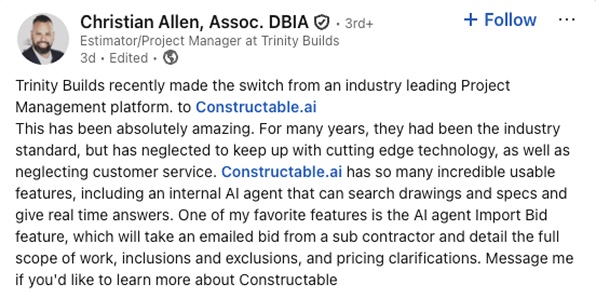
Christian Allen, Estimator/Project Manager at Trinity Builds: Trinity Builds recently made the switch from an industry leading Project Management platform to Constructable.ai. This has been absolutely amazing. For many years, they had been the industry standard, but has neglected to keep up with cutting edge technology, as well as neglecting customer service. Constructable.ai has so many incredible usable features, including an internal AI agent that can search drawings and specs and give real time answers. One of my favorite features is the AI agent Import Bid feature, which will take an emailed bid from a sub contractor and detail the full scope of work, inclusions and exclusions, and pricing clarifications.
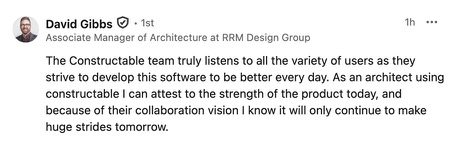
David Gibbs, Associate Manager of Architecture at RRM Design Group: The Constructable team truly listens to all the variety of users as they strive to develop this software to be better every day. As an architect using Constructable I can attest to the strength of the product today, and because of their collaboration vision I know it will only continue to make huge strides tomorrow.
Tom Colleran: we're reaching a cruise control with Constructable where we're making the agent a part of our process. If you haven't checked it out, Constructable is agent based.
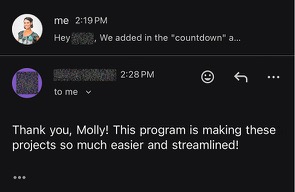
Mark Gillett: Thank you, Molly! This program is making these projects so much easier and streamlined!
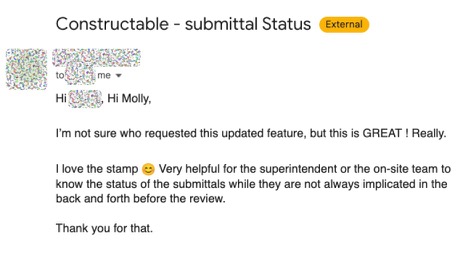
Email to Molly about Constructable submittal status: I’m not sure who requested this updated feature, but this is GREAT! Really. I love the stamp. Very helpful for the superintendent or the on-site team to know the status of the submittals while they are not always implicated in the back and forth before the review. Thank you for that.
By the way, the “Add Invoice” button that was added for sub and owner invoices on the invoice screen has been very convenient! Thanks for adding that!
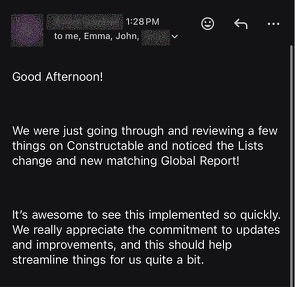
Email to Emma and John: We were just going through and reviewing a few things on Constructable and noticed the Lists change and new matching Global Report! It’s awesome to see this implemented so quickly. We really appreciate the commitment to updates and improvements, and this should help streamline things for us quite a bit.
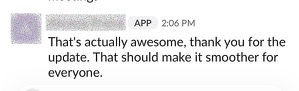
That’s actually awesome, thank you for the update. That should make it smoother for everyone.
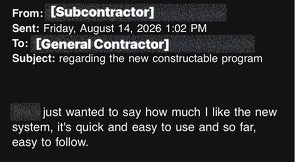
Subcontractor email regarding the new Constructable program: just wanted to say how much I like the new system, it’s quick and easy to use and so far, easy to follow.
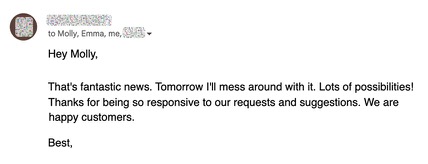
Hey Molly, that’s fantastic news. Tomorrow I’ll mess around with it. Lots of possibilities! Thanks for being so responsive to our requests and suggestions. We are happy customers.
Wow, the new Project Home Dashboard is awesome!!! Great job
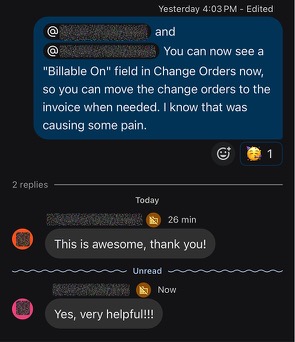
Constructable adds a Billable On field in Change Orders so change orders can move to the invoice when needed. Replies: This is awesome, thank you! and Yes, very helpful!!!
Many thanks for the smooth transition and emailing all sub-contractors / vendors.
Dang…that is easy…thanks
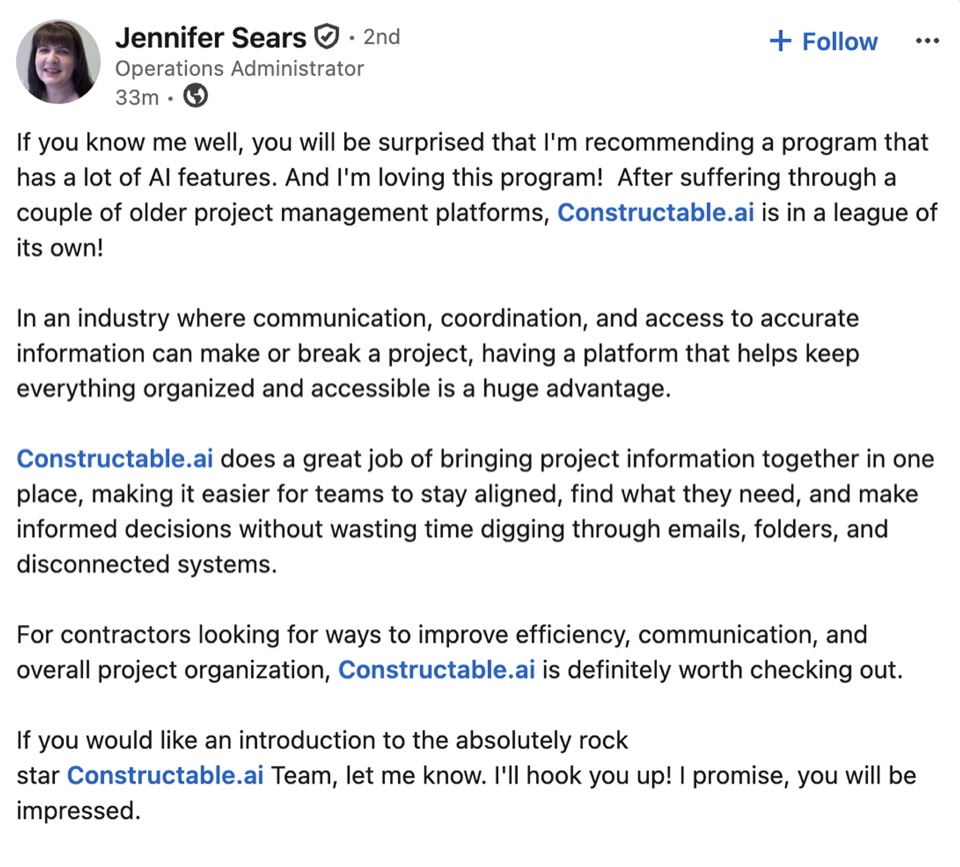
Jennifer Sears, Operations Administrator: If you know me well, you will be surprised that I'm recommending a program that has a lot of AI features. And I'm loving this program! After suffering through a couple of older project management platforms, Constructable.ai is in a league of its own! In an industry where communication, coordination, and access to accurate information can make or break a project, having a platform that helps keep everything organized and accessible is a huge advantage. Constructable.ai does a great job of bringing project information together in one place, making it easier for teams to stay aligned, find what they need, and make informed decisions without wasting time digging through emails, folders, and disconnected systems. For contractors looking for ways to improve efficiency, communication, and overall project organization, Constructable.ai is definitely worth checking out. If you would like an introduction to the absolutely rock star Constructable.ai Team, let me know. I'll hook you up! I promise, you will be impressed.
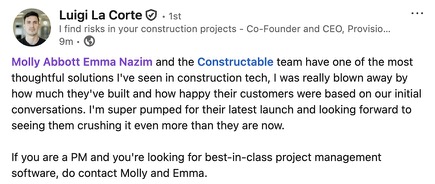
Luigi La Corte, Co-Founder and CEO of Provisio: Molly Abbott, Emma Nazim and the Constructable team have one of the most thoughtful solutions I’ve seen in construction tech. I was really blown away by how much they’ve built and how happy their customers were based on our initial conversations. I’m super pumped for their latest launch and looking forward to seeing them crushing it even more than they are now. If you are a PM and you’re looking for best-in-class project management software, do contact Molly and Emma.
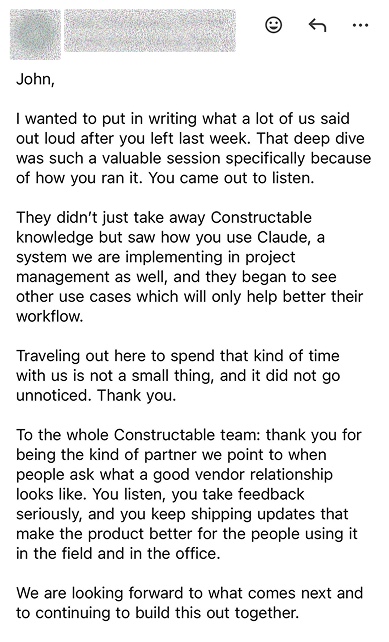
Email to John: That deep dive was such a valuable session specifically because of how you ran it. You came out to listen. They didn’t just take away Constructable knowledge but saw how you use Claude. To the whole Constructable team: thank you for being the kind of partner we point to when people ask what a good vendor relationship looks like. You listen, you take feedback seriously, and you keep shipping updates that make the product better for the people using it in the field and in the office.
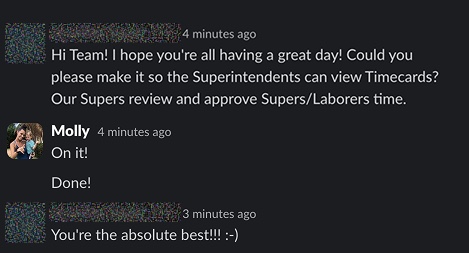
Customer asks if Superintendents can view Timecards. Molly replies On it! Done! Customer: You’re the absolute best!!! :-)
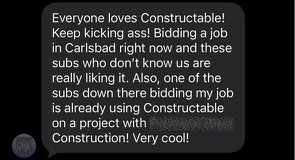
Everyone loves Constructable! Keep kicking ass! Bidding a job in Carlsbad right now and these subs who don’t know us are really liking it. Also, one of the subs down there bidding my job is already using Constructable on a project with another contractor. Very cool!
This is Absolutely AWESOME!!! Thank you Molly!!
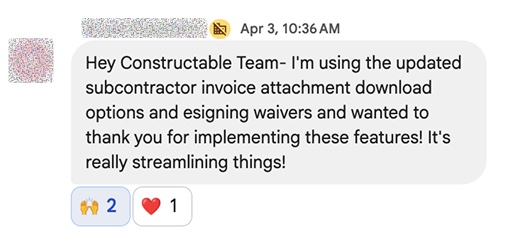
Hey Constructable Team — I’m using the updated subcontractor invoice attachment download options and esigning waivers and wanted to thank you for implementing these features! It’s really streamlining things!
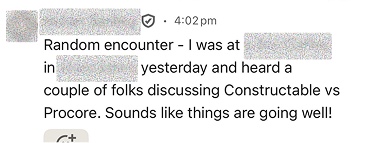
Random encounter — I was out yesterday and heard a couple of folks discussing Constructable vs Procore. Sounds like things are going well!
Constructable rocks! I am so happy to have found you and to have made the switch.
Constructable is the real deal! Everyone loves it as far as the feedback I’m hearing.
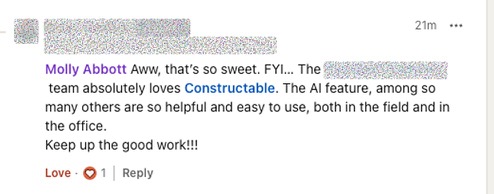
The team absolutely loves Constructable. The AI feature, among so many others, are so helpful and easy to use, both in the field and in the office. Keep up the good work!!!
Emma — I’m using Constructable on my remodel. Love this thing. Great work!
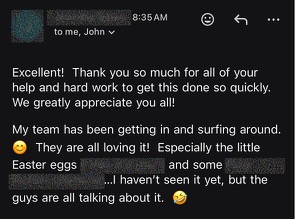
Excellent! Thank you so much for all of your help and hard work to get this done so quickly. We greatly appreciate you all! My team has been getting in and surfing around. They are all loving it! Especially the little Easter eggs. I haven’t seen it yet, but the guys are all talking about it.
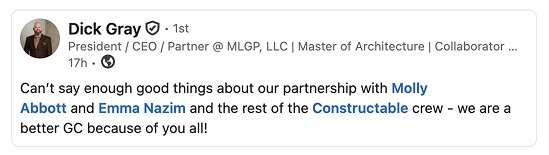
Dick Gray, President / CEO / Partner at MLGP: Can’t say enough good things about our partnership with Molly Abbott and Emma Nazim and the rest of the Constructable crew — we are a better GC because of you all!
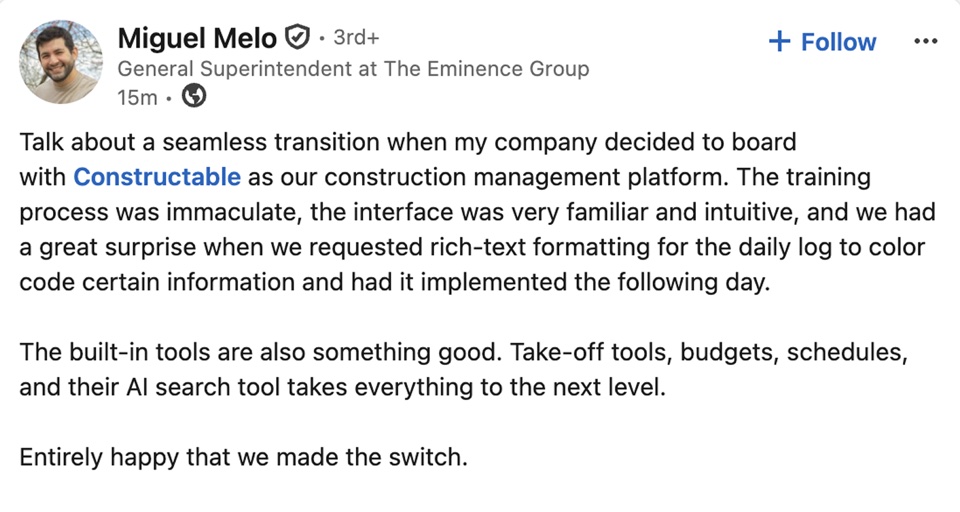
Miguel Melo, General Superintendent at The Eminence Group: Talk about a seamless transition when my company decided to board with Constructable as our construction management platform. The training process was immaculate, the interface was very familiar and intuitive, and we had a great surprise when we requested rich-text formatting for the daily log to color code certain information and had it implemented the following day. The built-in tools are also something good. Take-off tools, budgets, schedules, and their AI search tool takes everything to the next level. Entirely happy that we made the switch.
Justin Cohen: Thanks Molly! Constructable is my favorite app to hit if I can’t make it on-site to see all the work done.
Thanks for your help, and for the quick personal assistance. We have all been amazed at the level of support we have received so far. Huge thanks to you and your team!
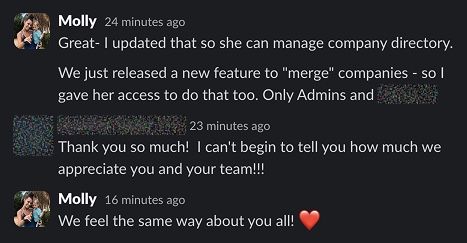
Molly updates access so a teammate can manage the company directory and merge companies. Customer: Thank you so much! I can’t begin to tell you how much I appreciate you and your team!!! Molly: We feel the same way about you all!
Hi!! You guys already got Constructable ready for Claude?! So exited!! Tell me more
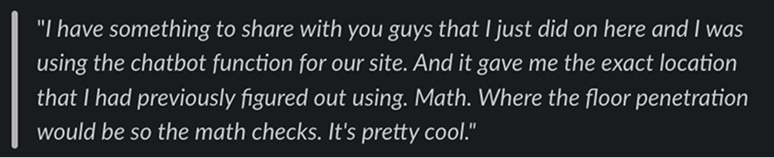
I have something to share with you guys that I just did on here and I was using the chatbot function for our site. And it gave me the exact location that I had previously figured out using Math. Where the floor penetration would be so the math checks. It’s pretty cool.
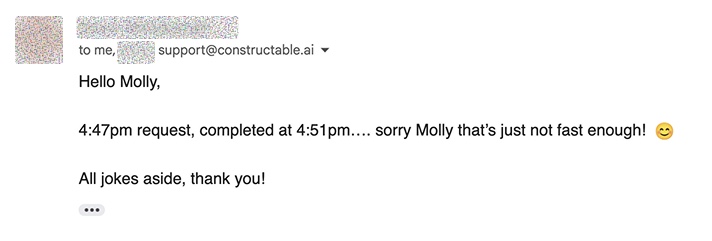
Hello Molly, 4:47pm request, completed at 4:51pm…. sorry Molly that’s just not fast enough! All jokes aside, thank you!
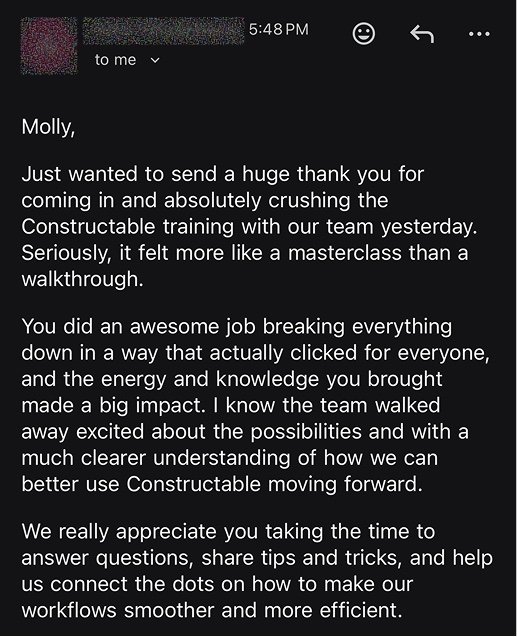
Molly, just wanted to send a huge thank you for coming in and absolutely crushing the Constructable training with our team yesterday. Seriously, it felt more like a masterclass than a walkthrough. You did an awesome job breaking everything down in a way that actually clicked for everyone, and the energy and knowledge you brought made a big impact. We really appreciate you taking the time to answer questions, share tips and tricks, and help us connect the dots on how to make our workflows smoother and more efficient.
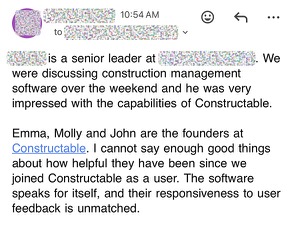
We were discussing construction management software over the weekend and he was very impressed with the capabilities of Constructable. Emma, Molly and John are the founders at Constructable. I cannot say enough good things about how helpful they have been since we joined Constructable as a user. The software speaks for itself, and their responsiveness to user feedback is unmatched.
Thank you Molly, I really like Constructable compared to Procore
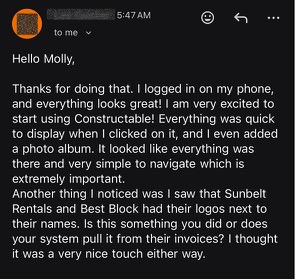
Hello Molly, thanks for doing that. I logged in on my phone, and everything looks great! I am very excited to start using Constructable! Everything was quick to display, and I even added a photo album. It looked like everything was there and very simple to navigate which is extremely important. I also noticed Sunbelt Rentals and Best Block had their logos next to their names.
OMG! I can reorganize drawing disciplines. Thank you Thank you!

Frequently Asked Questions

What is construction takeoff software?

Construction takeoff software measures lengths, areas, and counts on digital drawings and totals the quantities you need to price a job. Constructable runs takeoffs on the same drawings your project team uses, so you don't upload the set to a separate tool. For the full process, read our guide to construction takeoffs.

Can Constructable do the takeoff for me?

Yes. Choose the sheets, and Constructable counts fixtures and equipment and outlines floor areas on them. Each item is named from the drawing's schedules, such as F1 from the finish schedule, and grouped into categories by type, such as Floor Drains or Polished Concrete. The result is a takeoff set in your project with every mark on the sheet. Check the marks, fix or add any that are wrong or missing, then add unit costs and export.

Can Constructable measure linear feet, area, and counts?

Yes. Each takeoff item uses Linear Feet, Area, or Quantity. Area items report in square feet or square yards, and Quantity items mark each count with a symbol you choose. Each item has its own color, so you can tell the items apart on the sheet.

Do I have to set the drawing scale by hand?

Usually not. Constructable detects the scale while it processes the drawing, and the measurement toolbar shows when the scale was set automatically. Check it against a dimension you know before you measure. If it's off, recalibrate from a line of known length, or pick the standard scale printed in the title block. See Measuring and calibrating drawings in the Help Center.

Can I add unit costs and see total costs?

Yes. Add a unit cost to any item, and Constructable shows the item's total cost next to its quantities. A multiplier converts a total into another unit, such as a wall's length times its height for wall area, and the total cost uses the multiplied total.

How do I export a takeoff for my estimate?

Open the takeoff set's Actions menu and export a CSV or a PDF. You can also export one category. The CSV lists the category, item, total, unit, multiplier, multiplied total, unit cost, and total cost for every item. The PDF shows your marks on the sheets, and you can turn on the takeoff legend to add each item's name and total. See Takeoffs and Creating and exporting drawing takeoffs in the Help Center.

What happens to my takeoff when a new drawing revision comes in?

Your marks stay on the revision you placed them on, so the quantities you took off earlier don't change. Takeoff marks don't carry forward to the new revision, so measure the changed work again on the new sheet. Switch back to the earlier revision to see the original marks.

Can more than one estimator work on the same takeoff?

Yes. Several people can work on the same sheet, the same takeoff set, and even the same item at once. Constructable has unlimited users, so every estimator on your team gets access without buying a seat. Takeoffs have their own permissions, so you choose who can view them and who can change them.

Which plans include takeoffs?

Takeoffs are included in the Field and Project Management plan at $2,000 a month and in every plan above it. They aren't in the Field Management plan. Every plan is a flat monthly rate with unlimited users, and AI tools are included. View our pricing page for more details.

Does it work on a tablet or phone?

Yes. Takeoffs work on desktop web, mobile web, and the Constructable app for iPhone, iPad, and Android. On a phone, the toolbar keeps the current measurement in view, and sheet and drawing totals are easier to review on a larger screen. Use desktop web for detailed plan work and exports.
Win more work with better bids
Make better decisions with better project management tools
Know all your numbers at a glance