Procore Reviews, Pricing, and Alternatives (July 2026)
Procore pricing ranges $25K-$200K+ annually. See detailed reviews, cost breakdowns, and better alternatives for mid-size GCs in July 2026.
You've probably looked at Procore alternatives because the pricing doesn't scale the way you need it to, or the onboarding timeline feels like a project in itself. Volume-based pricing means your software bill grows with your revenue, and most teams report needing three to six months before anyone's truly productive. That's a tough sell when your PM is already running procurement, managing subs, and trying to close out punch lists. We're walking through what Procore costs, where it works best, and what other options make sense for mid-size GCs who need something that works on day one.
When evaluating a Procore alternative, compare the scope of the proposed plan as well as its price: field tools, project management, financials, and migration support. Our Procore alternative comparison connects those questions with Constructable’s plans and customer switching stories.
TLDR:
-
Procore costs $10K-$60K+ annually based on your construction volume and takes 3-6 months to learn
-
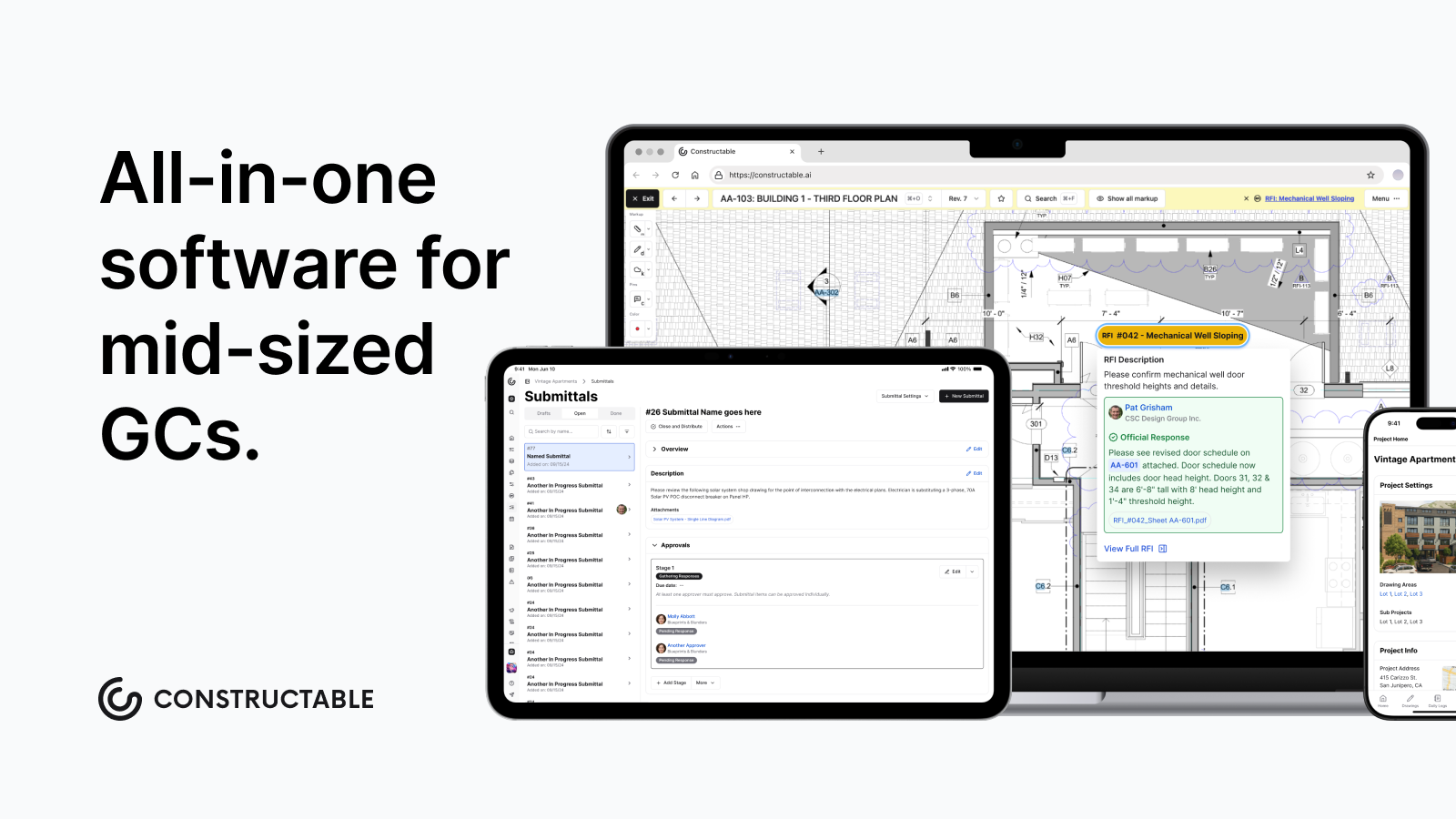
Mid-size GCs need drawing-first tools where RFIs and quality items pin to plans, not separate modules
-
Flat-fee alternatives with unlimited users keep costs predictable as your team grows
-
Constructable combines drawings, RFIs, financials, and daily logs in one system with under 21-day onboarding
What is Procore and How Does it Work?
Procore is a cloud-based construction management software built to connect field and office teams across commercial, residential, and infrastructure projects. General contractors, specialty contractors, and owners all use it to manage the full project lifecycle from a single system.
The software covers a wide range of workflows:
-
Document control and drawing management, so everyone is referencing the same set of plans
-
RFI and submittal tracking to keep the paper trail organized and moving
-
Daily logs and punch lists for field teams to log progress without being chained to a desk
-
Budget tracking, invoicing, and financial management tied directly to the project
-
Quality and safety tools to stay on top of inspections and compliance requirements
-
Team communication and real-time reporting across all project stakeholders
The idea is that everything lives in one place, so the super in the field and the PM in the office are always looking at the same information. Procore runs on a subscription model with custom pricing negotiated per company, and it has mobile apps for both iOS and Android.
That said, Procore is not a light lift. Users consistently report a steep learning curve, especially for teams coming from spreadsheets or simpler tools. The system is broad by design, which means there is a lot to learn before it starts feeling natural. For larger firms with dedicated IT staff and time to train, that tradeoff can work. For mid-size teams where the PM is already handling three other jobs, it is worth knowing what you are signing up for before you commit.
Why Consider Procore Alternatives?
Procore is built for scale. If you run a large enterprise firm with dedicated IT staff, a training budget, and months to spare before your team gets up to speed, it can absolutely deliver. But that profile does not describe most mid-size general contractors.
Here is where things get uncomfortable for a lot of teams:
-
Pricing is tied to your annual construction volume, which means the better your business does, the more you pay. Most contractors report spending between $10,000 and $60,000+ per year, with Projul's 2026 Procore pricing breakdown citing typical annual hikes of 10-14% at renewal, and one contractor reported paying $55K annually.
-
Proficiency takes 3 to 6 months on average, with many features going unused even after training, per G2 reviewers.
-
Around 85% of reviewers who flagged updates said frequent changes make it hard to keep up.
-
Users consistently flag aggressive price increases at renewal and an interface that feels overwhelming from day one.
If your PM is already wearing five hats, spending half a year learning new software is not a realistic ask. Teams looking for something that works on day one, without the enterprise overhead, are right to shop around.
Best Procore Alternatives in March 2026
Several solid options exist depending on your team's size, priorities, and budget. Here is how the top contenders stack up.
Constructable: Best Overall
Built for mid-size general contractors running $20M to $150M in volume, Constructable brings drawings, RFIs, submittals, daily logs, quality lists, financials, and bid management into one cohesive system. Flat-rate pricing with unlimited users means your bill stays predictable whether you add two people or twenty. Onboarding takes under 21 days, there is native two-way sync with QuickBooks Online and Sage Intacct, and AI-powered search works across every drawing, photo, and document on the job. No volume-based fees, no per-user charges, no surprises at renewal.
Best for: Mid-size GCs tired of fragmented software stacks and enterprise complexity.
Autodesk Construction Cloud
Assembled through acquisitions including BIM 360, PlanGrid, and BuildingConnected, ACC offers deep BIM coordination and Revit/AutoCAD integration. It has real power for large enterprises already living in the Autodesk ecosystem, but workflows feel inconsistent across modules, migrations are expensive, and training requirements are heavy.
Best for: Enterprise firms standardizing on Autodesk design tools.
Fieldwire
A field-first app with a fast plan viewer, task management, and punch lists. Works well for supers and foremen but lacks financial management entirely, meaning you still need separate software to run the full project.
Best for: Field-only teams who handle financials elsewhere.
RedTeam
Budget-focused and broad in features, but widely regarded as a legacy system. Workflows feel dated, UX issues go unaddressed, and field adoption tends to be shallow.
Best for: Cost-first buyers comfortable with older interfaces.
Ingenious Build
Built for developer portfolio oversight, not day-to-day GC workflows. Teams running active job sites often find the structure a poor fit.
Best for: Owners managing multiple developments, not day-to-day GC work.
Feature Comparison: Procore vs Top Alternatives
Picking the right tool is easier when you can see the differences side by side. Here is how the main options compare across the features that matter most on a real job.
| Feature | Procore | Constructable | Autodesk Construction Cloud | Fieldwire | RedTeam | Ingenious Build |
|---|---|---|---|---|---|---|
| Drawing Management | Yes | Yes, drawings-first with pins to RFIs and quality items | Yes | Yes, strong offline viewer | Yes | Yes |
| RFI and Submittal Tracking | Yes | Yes, pinned directly to drawings | Yes | Basic | Yes | Yes |
| Financial Management | Yes | Yes, QuickBooks/Sage integration | Yes | Limited | Yes | Limited |
| Field Tools | Yes | Yes, with auto weather data | Yes | Yes, field-focused | Basic | Basic |
| Unlimited Users | Yes (annual contract) | Yes, all plans | No | No, per-user | Varies | Varies |
| Onboarding Timeline | Weeks to months | Under 21 days | Weeks, often needs consultants | Self-serve | Self-serve | Varies |
| Pricing Model | Volume-based custom quote | Flat fee, no per-user charges | Custom enterprise pricing | $39-$89/user/month | Custom quote | Custom quote |
| Mobile Offline Access | Yes | Yes (drawings offline) | Yes | Yes, strong offline | Yes | Yes |
A few things worth calling out from the table above. Procore covers a lot of ground, but that breadth comes with real tradeoffs in cost and setup time. Autodesk Construction Cloud sits in a similar tier, often requiring outside consultants just to get off the ground. Fieldwire is genuinely good for field teams but runs thin on the financial side. RedTeam and Ingenious Build offer mid-market options, though pricing and feature depth vary depending on how you configure them.
Constructable sits in a different position. The flat-fee structure means your cost stays predictable whether you have five people on a project or fifty. The under-21-day onboarding timeline is a real number, not a sales claim. And the drawings-first approach reflects how most field teams actually work, starting from the plans and working outward.
Why Constructable is the Best Procore Alternative
Procore works well for large enterprise firms with the budget, staff, and runway to make it stick. Most mid-size GCs don't have any of those things in surplus.
Constructable was built for the $20M to $150M contractor who needs everything to work without a six-month ramp. Drawings are the center of gravity here, so RFIs, quality items, and markups all live pinned to the actual plans instead of buried in separate modules. AI-powered search pulls answers across every document, photo, and drawing instantly, no clicking through nested menus to track something down.
"Builders shouldn't need a software stack" is something we mean literally. One system, one login, one source of truth.
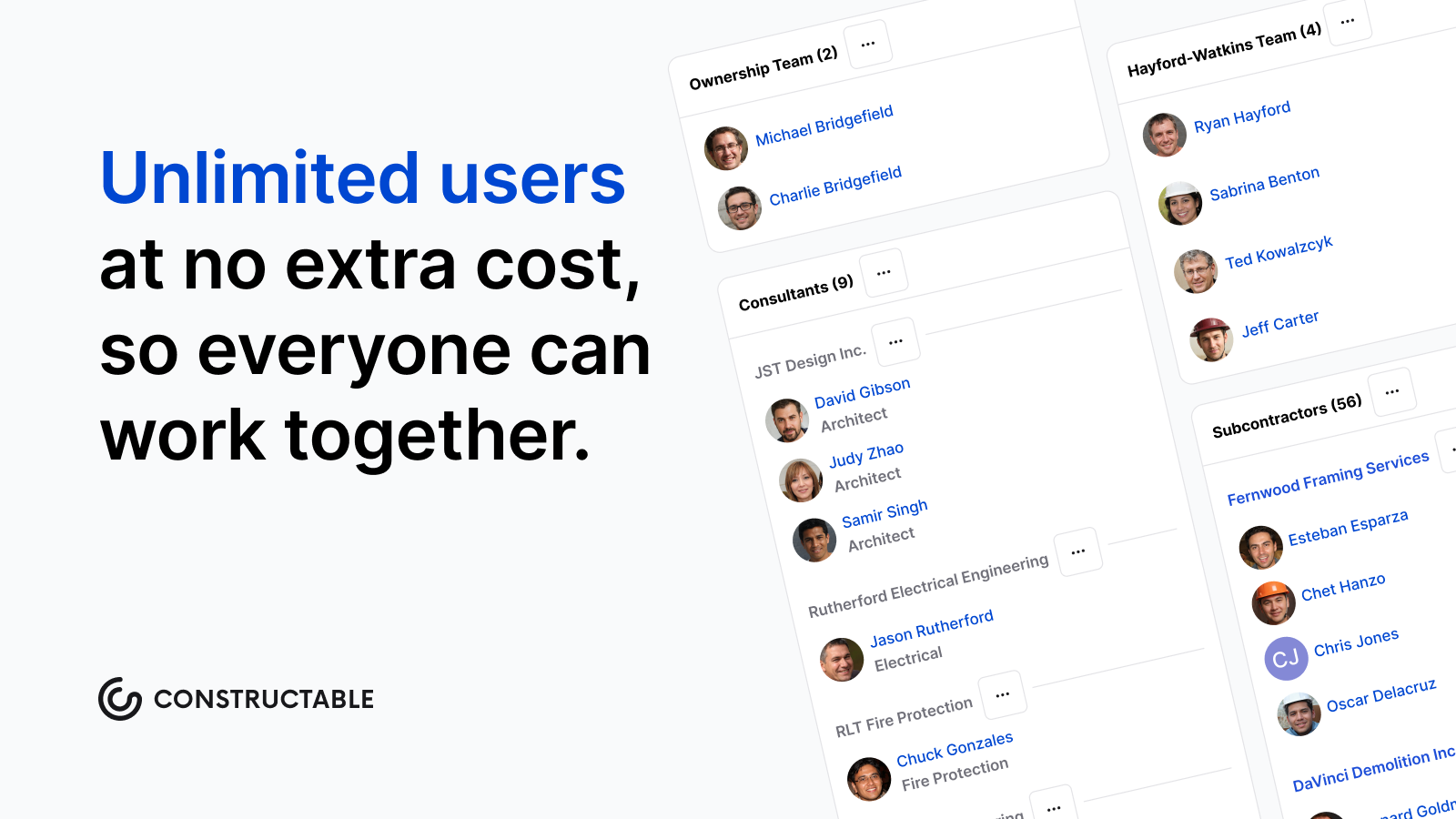
Flat-fee pricing with unlimited users means adding a sub or a new PM doesn't change your invoice. True two-way sync with QuickBooks and Sage Intacct keeps financials clean without duplicate entry. Onboarding wraps in under 21 days on average.
If Procore feels like more machine than you need, Constructable is worth a look.
Final Thoughts on Construction Management Tools
Most mid-size GCs do not need enterprise software built for Fortune 500 firms with dedicated IT departments and training budgets. What you need is something that works without eating six months of your PM's time or changing your bill every time you add someone to a project. Construction management software should connect your field and office teams without requiring a consultant to set it up or a manual to understand it. If that sounds right, talk to our team and we will walk you through how Constructable handles real jobs.
Choosing a Procore alternative with migration in mind
Before deciding to switch, agree on what happens to active projects, historical documents, and accounting connections. Clear Group’s move from Procore to Constructable offers a concrete example of evaluating financial visibility and onboarding alongside the software itself.
FAQ
When should you consider moving away from Procore?
If you're spending months training your team before anyone feels comfortable, paying fees that scale with your revenue growth, or watching features change faster than your crew can keep up, it's time to look around. Most mid-size GCs find better options when the complexity and cost outweigh the actual value they're getting.
What features should you look for when comparing construction management alternatives?
Start with how fast your team can actually use it - if onboarding takes three months, you've already lost. Then look at pricing structure (flat-fee beats volume-based), whether drawings connect directly to RFIs and quality items, and if financials sync with your accounting software without duplicate entry.
How long does it take to get your team up and running on a new system?
Depends entirely on the software. Procore averages 3 to 6 months before teams feel proficient. Constructable wraps onboarding in under 21 days. Fieldwire is self-serve and faster, but you'll still need separate tools for financials.
Can you switch construction management software mid-project?
Yes, but timing matters. Most teams switch between projects or at natural breaks like the end of a phase. Migration gets harder if your current system doesn't export clean data, so check what you can actually take with you before you commit to leaving.
Why do Procore alternatives charge less for the same features?
Procore's pricing scales with your annual construction volume, so your bill climbs as your business grows. Alternatives like Constructable use flat-fee pricing with unlimited users, meaning your cost stays fixed whether you're running one project or ten. Different business model, same core workflows.