Autodesk Forma Build Review: What Construction Managers Need to Know (September 2026)
Autodesk Forma Build review for construction managers covering pricing, features, mobile access, and what GCs need to know before buying in September 2026.
You're trying to figure out if Autodesk Forma Build is the right call for your projects, and the pricing model keeps coming up as a sticking point. Every user you add is another line on the invoice, which gets expensive when you need to give access to owners, consultants, and subs. What you really need to know is whether the tool will actually reduce the back-and-forth or just add another login to manage.
TLDR:
-
Forma Build handles RFIs, submittals, docs, issues, and cost from the trailer and field.
-
Pricing runs $1,404 per user per year ($117/month billed annually), so a 10-person team costs $14,040 before add-ons.
-
The mobile app works offline, so you can log issues and reference drawings without signal.
-
Don't confuse it with Forma Build Essentials, which lacks cost, schedule, and full submittals.
-
Constructable offers flat pricing with unlimited users and onboards in under 21 days.
What is Autodesk Forma Build
Autodesk Forma is the umbrella product family. Forma Build sits inside it as the project execution layer. Think of Autodesk Forma as the whole toolbox, and Forma Build as the wrench you reach for most often on an active job. For general contractors, it covers the workflows that keep a project moving: RFIs, submittals, document management, issues, meetings, photos, and schedule.
It sits between design coordination and closeout, functioning as construction management software for active projects. Other tools inside Autodesk Forma handle preconstruction or model-based coordination; Build handles the day-to-day work of running a project from the trailer and the field.
Here is how those pieces fit together in practice:
-
RFIs tie directly to drawing sheets, so when a question gets answered, everyone can see exactly where on the plans it applies—following proven RFI workflow practices that keep project teams aligned.
-
Issues connect to exact locations on the plan, which means your super in the field and your PM back at the office are looking at the same problem in the same context.
-
Documents carry full version history so nobody has to guess whether they are working off the right set of drawings.
The goal is simple: keep your superintendent and project manager in sync without chasing email threads or digging through shared drives.
Forma Build vs. Forma Build Essentials
Autodesk rolled out Forma Build Essentials in March 2026 as a lighter entry point within the Autodesk Forma ecosystem. It comes bundled with Forma subscriptions and targets teams whose coordination needs don't require the full Forma Build workflow stack.
The distinction matters because both products carry the "Build" name, and buyers can easily end up on the wrong one.
| Capability | Forma Build Essentials | Forma Build (Full) |
|---|---|---|
| Document management | Basic | Full version history + permissions |
| RFIs | Included | Included with drawing-level pinning |
| Submittals | Limited | Full workflow |
| Cost management | Not included | Included |
| Schedule | Not included | Included |
| Meetings | Not included | Included |
| Best fit | Smaller teams, lighter coordination | GCs running complex commercial projects |
If you're a general contractor juggling multiple subs, an owner, and a full RFI and submittal log, Forma Build Essentials will hit its ceiling fast. Forma Build is the product built for that level of project complexity.
Forma Build pricing
Forma Build (per user) runs $1,404 per user per year ($117 per user per month billed annually), or $175 per user per month for shorter commitments, per Autodesk's official pricing page. For larger organizations, pricing moves to a custom quote negotiated through Autodesk's sales team. Independent reviews confirm this per-seat model as a key consideration for teams weighing total cost.
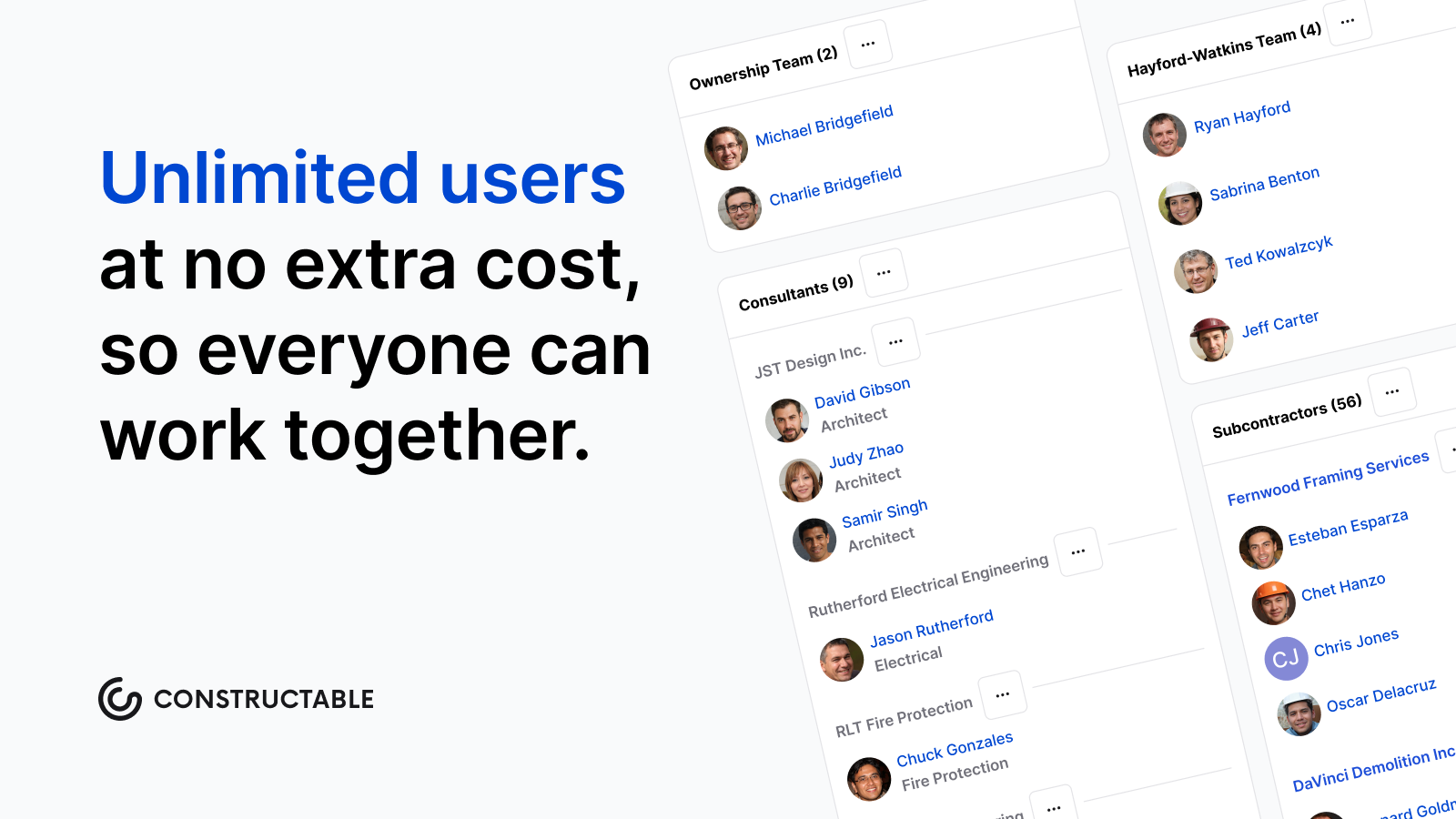
The per-user model means your bill scales directly with headcount. A team of 10 users lands at $14,040 annually on the standard tier before any add-ons. Give consultants, owners, or subcontractors active access, and those seats add up fast.
Before committing to any all-in-one platform, a few things that affect your total cost:
-
Number of licensed users, since pricing is per seat and every active user counts toward your invoice
-
Contract length, as annual commitments differ from multi-year agreements on rate
-
Additional ACC modules bundled alongside Build
-
Onboarding or implementation services you bring in to get the team up and running
Custom enterprise pricing can offer rate flexibility, but it typically requires annual committed contracts. If you're pursuing a custom deal, come prepared with clear user counts and a defined scope; vendors reward specificity at the negotiating table.
Core Features and Capabilities
Forma Build covers the core workflows most GC teams run on every project:
-
Document management with permission-based access controls so subcontractors only see what's relevant to them, a key feature in software for mid-size contractors, keeping your sensitive project files where they belong
-
RFIs with ball-in-court tracking, a proven approach to RFI management, so the right person always knows what's sitting on their plate and nothing falls through the cracks between trades
-
Submittals with a structured review and approval workflow that keeps the paper trail clean without hunting down who signed off last
-
Issues to flag, assign, and resolve field problems, with photo documentation attached so the office sees exactly what the field sees
-
Daily logs capturing crew counts, equipment, weather, and delays all in one place
-
Cost management for budgets, change orders, and contract tracking against actuals
-
Quality and punch lists organized by trade or location
Your PM and super work from the same system. Field data feeds back to the office without anyone manually transferring it between tools—fewer "did you get my email?" conversations, more time spent on the actual work.
Forma Build mobile app and offline access
Signal drops. It happens in basements, inside steel-framed buildings, and on remote sites where service is a coin flip.
The Build app runs on iOS and Android. Before heading somewhere without coverage, download drawings, forms, and project data directly to your device. The app keeps working offline—log issues, reference plans, complete forms, document field conditions. When you're back in range, it syncs automatically. To learn how Constructable handles this differently, see our comparison. No manual transfers, no second-guessing whether your notes made it back to the office.
What You Can Do Offline
-
Log RFIs, issues, and punch list items with photos attached, so nothing gets forgotten between the field and the trailer
-
Reference the latest drawing set without needing to carry paper or rely on a data connection
-
Fill out daily reports and inspection forms as you walk the site, not after the fact when details go fuzzy
Integrations and data connectivity
Forma Build connects directly to QuickBooks Online and Sage Intacct through two-way accounting integrations. Cost data, change orders, and budget updates flow between systems without manual re-entry, so your accounting records stay in sync with your project records.
The API layer connects to a wide range of other applications, including scheduling tools, ERP systems, and reporting dashboards. What gets configured depends on your tech stack and how much capacity your team has to set it up and maintain it. Integration depth varies by company.
Built-in eSigning handles contracts and approvals without routing documents through a separate service. Signatures are collected and stored where the documents already live, which keeps the paper trail in one place rather than scattered across email inboxes and third-party tools.
How Constructable Compares for Mid-Size General Contractors
Forma Build is a capable system, but for a GC running $20M to $150M in volume without a dedicated IT team, the per-user pricing and configuration overhead can be hard to justify.
Constructable was built for that gap. Drawings, RFIs, submittals, daily logs, quality lists, and financials all sit in one connected system, designed to work together from day one. Compare this to other top RFI software for general contractors. Our pricing is flat with unlimited users on every plan, so adding an owner, sub, or consultant doesn't mean another seat on your invoice.
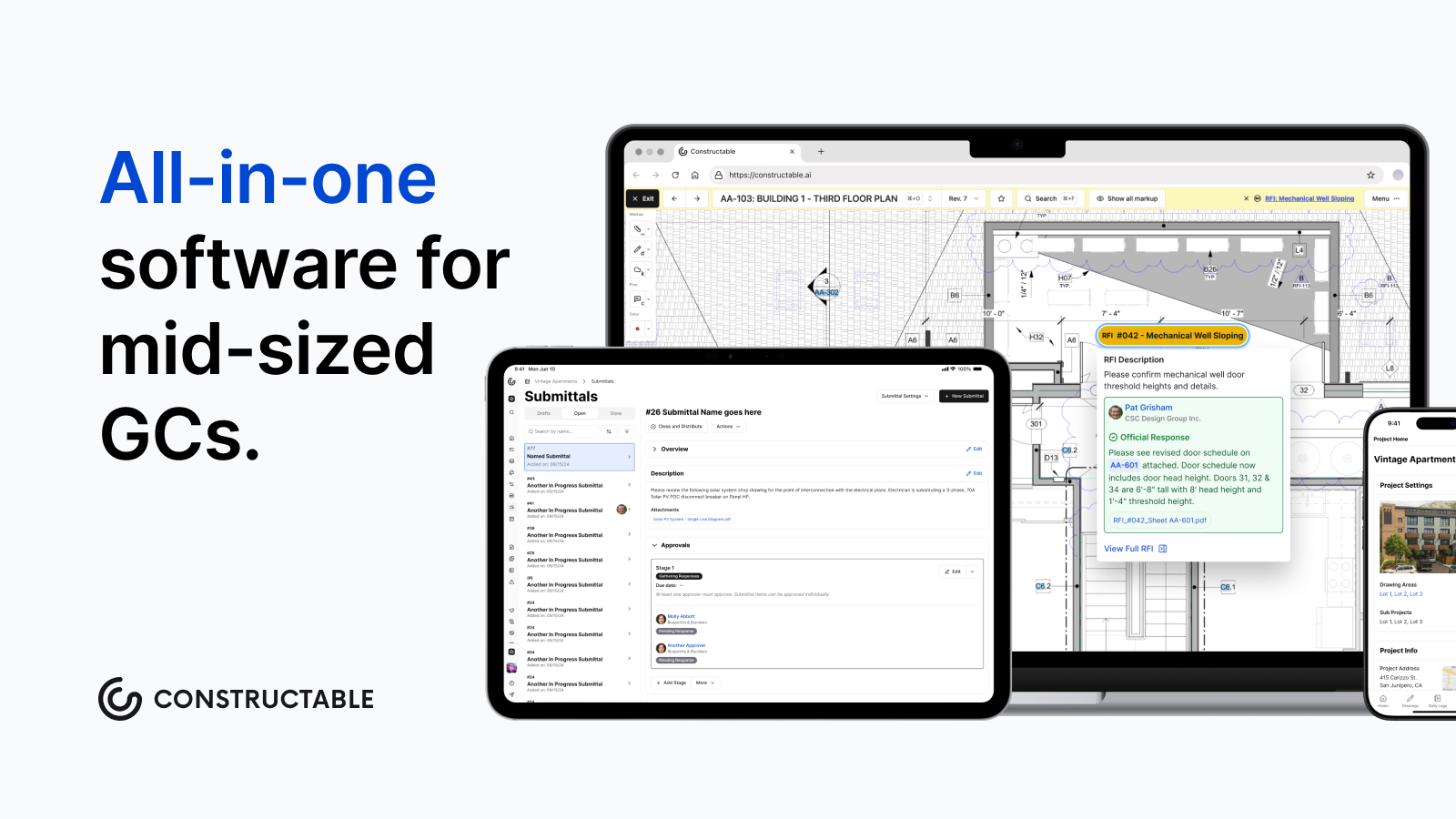
Constructable onboarding averages under 21 days, including data migration. Anyone on your team can ask a plain-language question about any project and get an answer instantly, with sources linked directly back to the original document. No more digging through folders for something you already know is in there somewhere.
Final thoughts on Forma Build and what fits your team
For larger commercial GCs with dedicated project coordinators and IT support, Forma Build delivers the workflow depth those teams need. But if you're running $20M to $150M without that infrastructure, per-user pricing and lengthy onboarding can outweigh the benefits. Your team needs software that works without constant babysitting or surprise seat charges when you add a consultant or sub. Drop a line at https://constructable.ai/sales to walk through what fits your setup.
FAQ
Forma Build vs Procore for mid-size GCs?
Build offers deeper integration with ACC's design coordination tools and stronger BIM workflows, while Procore provides a broader feature set for construction financials and owner management. For mid-size GCs without dedicated IT staff, both require significant configuration overhead and per-user pricing that scales quickly; Constructable offers comparable project execution capabilities with flat pricing and unlimited users.
How much does Forma Build actually cost per year?
Forma Build costs $1,404 per user annually ($117 per user per month billed annually) on the standard plan. A 10-person team pays $14,040 per year before add-ons, and every additional user (consultants, owners, subs) adds to that total. Enterprise pricing requires custom quotes negotiated through Autodesk's sales team.
Can I access Forma Build offline in the field?
Yes, the Forma Build mobile app works offline on iOS and Android. Download drawings, forms, and project data before heading to areas without signal, then log RFIs, issues, and punch list items directly on your device. Everything syncs automatically when you're back in range.
What's the difference between Forma Build and Forma Build Essentials?
Forma Build Essentials is a lighter coordination tool bundled with Forma subscriptions, offering basic document management and limited RFIs and submittals. Forma Build (full) includes complete workflows for cost management, schedule, meetings, and drawing-level pinning, built for GCs running complex commercial projects with multiple subs and heavy documentation requirements.