Construction Internet Speed Test: Is Your Connection Fast Enough? (August 2026)
Run a construction internet speed test to see if your connection handles project management software, file uploads, and video calls. August 2026 guide.
You're paying for fast internet, but file uploads drag and video calls freeze mid-sentence. Before you call your ISP or blame the software, run a proper speed test from where your team actually works. The numbers you get back (download speed, upload speed, and latency) tell you exactly where the breakdown is happening and whether your connection can keep up with cloud-based tools, live collaboration, and the constant flow of jobsite data your projects depend on.
TLDR:
-
Run a speed test from your actual work location: 25 Mbps down/10 Mbps up handles small crews, but 50/25 Mbps works better for teams of 10-20 running full project management software.
-
Upload speed matters more in construction than most realize. Field teams sending daily photos, submittals, and video calls need strong upload beyond download.
-
High latency (over 100ms) kills video calls and makes cloud tools feel slow, even when your speed test looks fine.
-
Metal framing and heavy equipment interfere with wireless signals on active sites. If apps lag but your speed test passes, the problem is likely your temporary network setup, not your ISP.
-
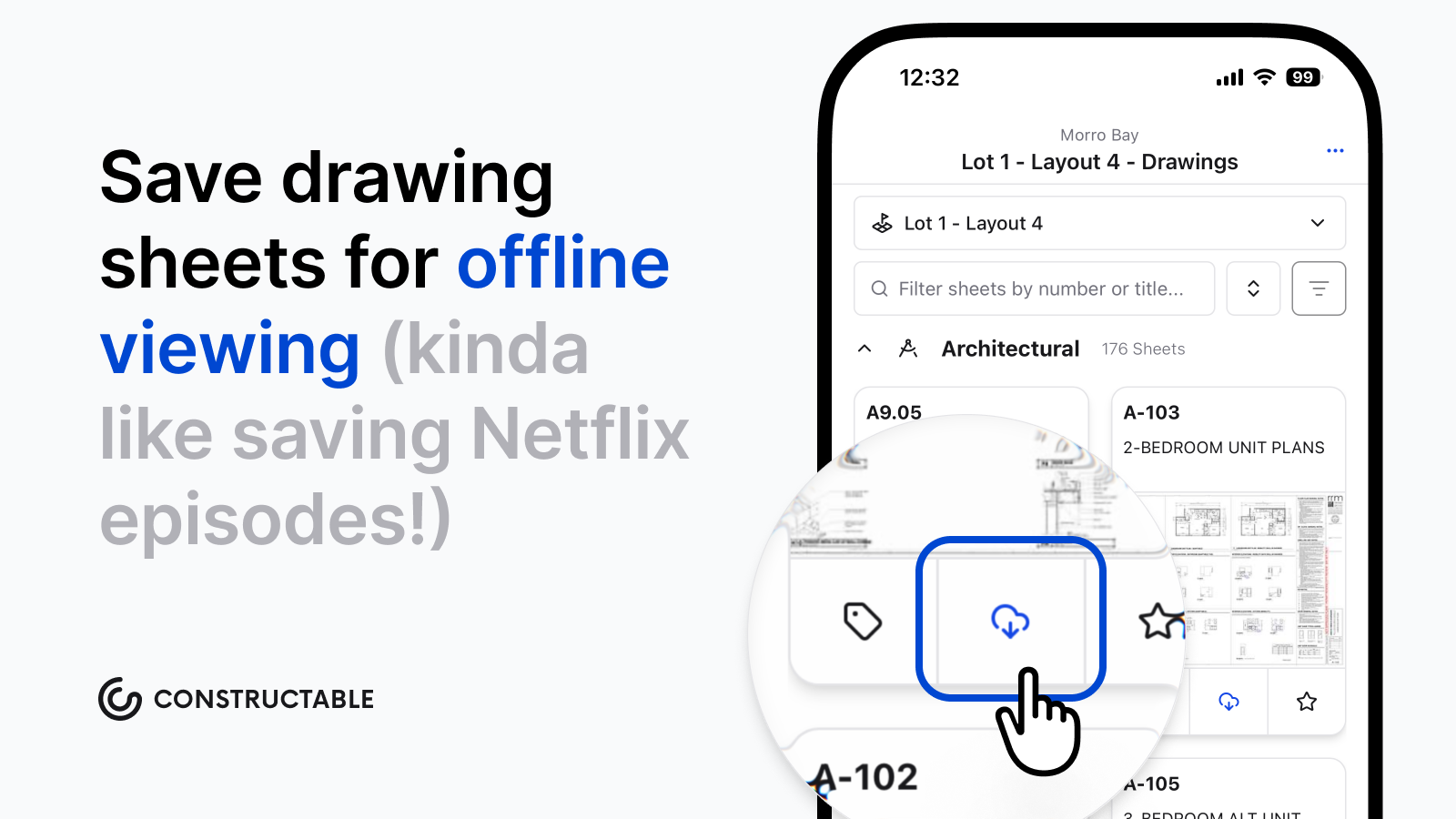
Constructable caches drawings locally on mobile devices so crews can work through dead zones and sync automatically when connection returns.
How to Run a Construction Internet Speed Test
Running a test takes under a minute. Head to speedtest.net or fast.com, click go, and you'll get three numbers back.
There are a few things worth knowing about each one before you read your results:
-
Download speed measures how fast data comes to your device. This is what determines whether a 200-page drawing set loads in two seconds or two minutes.
-
Upload speed measures how fast data leaves your device. Every photo you send, every RFI you submit, every large file you push out depends on this number.
-
Ping measures how long a signal takes to make a round trip, in milliseconds. Low ping keeps apps feeling responsive. High ping makes everything feel sluggish, even when speeds look fine.
Run the test from where you actually work—the job trailer, the tablet you carry on-site. A clean result from your office tells you nothing about what your superintendent is dealing with out in the field.
Why Internet Speed Matters for Construction Projects
Construction projects run on information. Drawings get updated; RFIs need answers before the crew goes idle; Submittals cycle through approvals; and video calls connect the trailer to the office daily. None of that holds together when the connection can't keep up.
Many contractors cite communication between field and office as a major challenge, and spotty internet is often to blame. When a superintendent can't pull up a current drawing or a call keeps dropping mid-conversation, time gets lost and mistakes creep in.
Cloud-based project management, large file transfers, and real-time collaboration all continuously drain your bandwidth. Your connection stopped being background infrastructure a long time ago.
Understanding Download vs. Upload Speed
Most internet plans are built for consumers who download far more than they upload. Streaming, browsing, loading pages. A typical residential package might offer 100 Mbps down and 10 Mbps up, and that works fine at home.
Construction flips that assumption. Field teams send as much as they receive: daily log photos, video walkthroughs, submittal packages, inspection documentation. A superintendent uploading twenty jobsite photos from a morning walk puts real strain on that upload pipe.
If your download looks fast but uploads crawl, you'll feel it in slow file submissions, choppy video calls, and photos that take forever to sync. Symmetrical speeds matter here more than most people realize.
What Latency Means for Jobsite Communication
Latency is the delay between sending a request and getting a response, measured in milliseconds. Under 50ms feels instant; over 100ms, you start noticing it. Push past 150ms on a video call and you're talking over each other, losing the thread entirely.
Speed and latency are not the same thing. A fast connection with high latency still makes collaboration tools feel sluggish. Video calls freeze mid-sentence, shared documents feel like they're loading through wet cement, etc.
For real-time field-to-office communication, that lag has real consequences. When a superintendent needs a quick PM call to resolve a drawing conflict before the crew stops work, high latency turns a two-minute answer into a ten-minute ordeal.
Minimum Internet Speeds for Construction Software
These numbers won't match every software vendor's spec sheet exactly, but they hold across most cloud-based construction tools. Think of them as a practical floor, not a ceiling.
| Scenario | Min. Download | Min. Upload |
|---|---|---|
| Small crew (2-5 users), drawings and docs | 25 Mbps | 10 Mbps |
| Mid-size team (10-20 users), full project management | 50 Mbps | 25 Mbps |
| Large operation (20+ users), simultaneous video and file sync | 100 Mbps | 50 Mbps |
For a site with 20 people on video meetings at the same time, 50 Mbps of upload is the minimum worth targeting. Below that, someone's dropping off the call or waiting on a file that should have synced an hour ago.
Common Connectivity Issues on Construction Sites
A slow speed test result is not always the root problem. On active construction sites, connectivity issues often trace back to the environment before they trace back to the service plan.
Common culprits worth checking:
-
Metal framing and steel decking absorb and reflect wireless signals far more than wood or drywall
-
Generators, compressors, and heavy equipment create electrical interference that disrupts wireless networks
-
Temporary power drops and site-installed network hardware are rarely spec'd for continuous, high-bandwidth use
-
Cellular signal is unreliable before permanent utilities are in, especially in below-grade or interior spaces
If your speed test looks fine but apps still feel sluggish, suspect signal interference or your site's temporary network setup. Run a second test with a wired connection. If that number jumps, the issue is wireless. If both tests drag, look upstream at your ISP or temporary service plan.
Wired vs. Wireless Connectivity Options
Wired connections are the gold standard on a jobsite. A hardwired ethernet connection to your router or network switch gives you consistent speeds without the interference that kills wireless signals in steel-framed buildings or concrete structures. If you can run a cable, run a cable.
That said, most trailers and field offices rely on wireless. Wi-Fi works fine if your router is close and the channel isn't congested. Cellular hotspots are common, too, especially on remote sites. LTE gets the job done for most tasks, while 5G handles heavier loads like large file transfers or video calls with the owner.
Testing Your Connection Throughout the Project
Set a baseline before work starts, when temporary internet first gets installed. Save those download, upload, and ping numbers somewhere you can actually find them.
From there, retest after any network changes and before high-stakes activities like owner calls or large drawing transfers. When performance slips mid-project, that baseline is what tells you how far things have actually drifted.
A Simple Testing Schedule
-
Before mobilization, run a speed test on the day temporary internet goes live and record the results.
-
Before any owner or architect video call, do a quick check so you are not caught off guard.
-
After major network changes like a new router or ISP swap, retest to confirm you actually got what you paid for.
Offline Functionality: When Internet Speed Doesn't Matter
Not every field task requires a live connection—signal drops happen, remote sites exist, and cellular has limits that no speed test score can fix.
Good construction software accounts for this reality. Some tools store drawings locally on your device, so plans stay accessible even when there's no signal. Once you're back online, activity syncs automatically without any manual effort from the team.
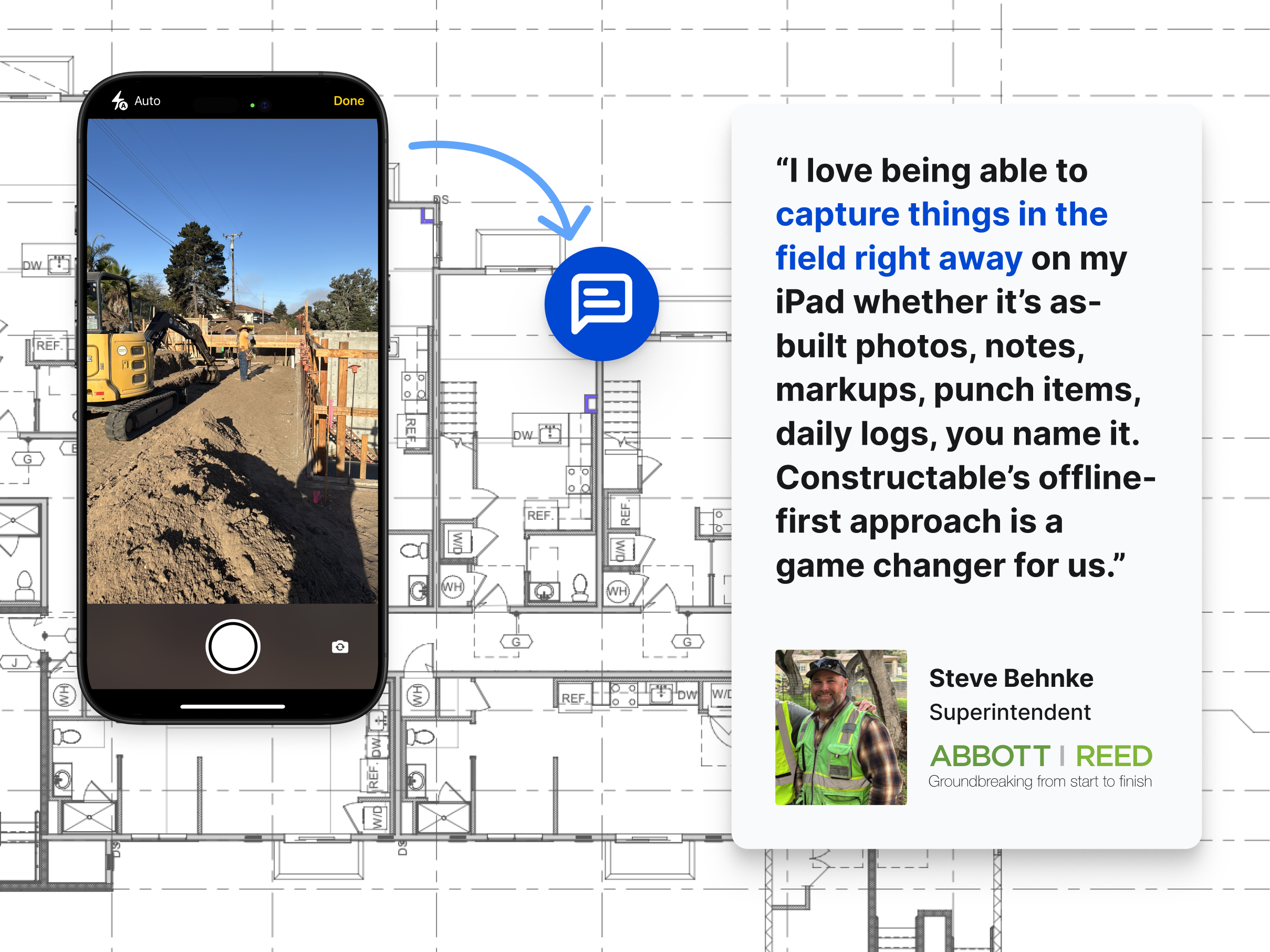
Offline access covers the basics well: reviewing drawings, capturing notes, documenting conditions. For real-time collaboration or large file transfers, a solid connection still matters. But offline capability gives your crew a real cushion when the internet disappears mid-shift.
How Constructable Works With Your Internet Connection
Constructable is built for real jobsite conditions, not ideal ones. The iOS and Android apps keep drawing data cached locally, so your crew can work through a dead zone without stopping. Syncing occurs in the background once the connection is restored.
The system stays responsive without requiring a strong signal for every action. Project data lives in the cloud but responds quickly even on a limited connection. Search pulls up specs, drawing details, or log entries fast, so a sluggish cellular signal on a remote site doesn't grind the workflow to a halt.
Less time troubleshooting your connection means more time on the actual job.
Final Thoughts on Checking Your Construction Internet
Running a speed test from the trailer or tablet your crew uses tells you what your connection can really handle. Save those numbers, check them when performance drops, and know what to expect before a big call or file transfer goes out. Your tools should stay responsive even when bandwidth gets tight. If you want to talk through how Constructable handles spotty connections, reach out.
FAQ
Can I run a construction internet speed test on my phone or does it need to be from a computer?
You can run it from any device—phone, tablet, or computer—but run the test from where you actually work. A speed test from your office desktop tells you nothing about what your superintendent is dealing with in the job trailer or on-site with a tablet.
What's the minimum internet speed for construction project management software?
For a small crew (2-5 users) working with drawings and documents, you need at least 25 Mbps download and 10 Mbps upload. If you have 10-20 users running full project management software, bump that to 50 Mbps down and 25 Mbps up. Larger operations with 20+ people on simultaneous video calls and file syncs should target 100 Mbps down and 50 Mbps up.
Why does my upload speed matter more than download for jobsite work?
Construction teams send as much data as they receive: daily log photos, video walkthroughs, submittal packages, inspection documentation all strain your upload pipe. A typical residential plan might give you 100 Mbps down and only 10 Mbps up, which works fine at home but crawls when a superintendent tries to upload 20 jobsite photos after a morning walk.
Wired internet vs cellular hotspot for a job trailer?
Wired ethernet is the gold standard if you can run a cable; you get consistent speeds without the interference that kills wireless signals in steel-framed buildings or concrete structures. Cellular hotspots work well on remote sites, with LTE handling most tasks and 5G managing heavier loads like large file transfers or owner video calls.
Can construction software work without internet on a jobsite?
Yes, if it's built for offline use. Good construction software stores drawings locally on your device so plans stay accessible when the signal drops, then syncs automatically once you're back online. Offline capability covers reviewing drawings, capturing notes, and documenting conditions; real-time collaboration and large file transfers still require a solid connection.