Why External Teams Prefer Using Constructable (May 2026)
Why external teams prefer Constructable in May 2026. Real feedback from trade partners, consultants, and project stakeholders who actually use it.
What We’ve Been Thinking About Lately
One of the concerns we hear from contractors evaluating new construction software isn’t about features or pricing. It’s this:
“What about everyone else?”
Your clients.
Your consultants.
Your trade partners.
The people who don’t choose the software but still have to use it.
That hesitation is valid. In fact, it's a good sign. It means you're thinking beyond your internal team and considering how work actually gets done across a project!
The Reality: External Adoption Is the Hard Part
Switching construction management software internally is one thing.
Getting external stakeholders to actually engage with it is where most tools fall short.
- Trade partners ignore invites
- Consultants stay in email
- Clients ask for PDFs instead
And suddenly, instead of improving workflows, you’re managing two systems at once.
What Happened in 24 Hours
Last month, we saw something that stuck with us.
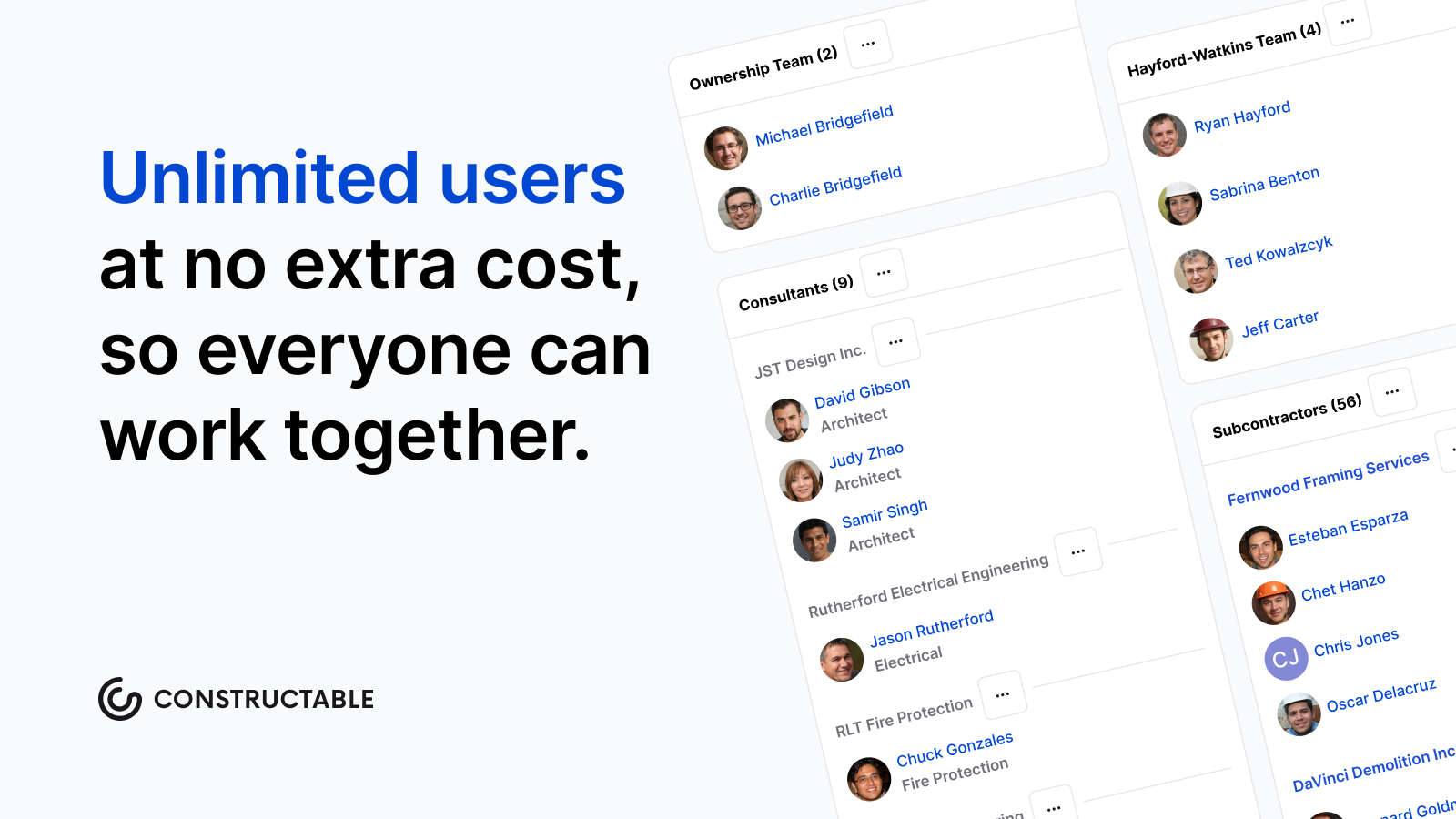
Within a single day, we received emails from three external collaborators, who don’t pay for Constructable, but use it because they’re part of the project.
One message, word for word:
“Thank you Molly, I really like Constructable compared to Pr*c*re.”
This came from a trade partner.
No prompt. No survey. Just honest feedback.
And that matters, because external users are often the first to push back when something slows them down.
Why This Matters for Construction Teams
Construction software doesn’t live in a vacuum.
It only works if everyone involved in the project can use it without friction.
That includes:
- General contractors
- Project managers and superintendents
- Trade partners
- Consultants
- Owners and clients
If even one group struggles with the system, communication breaks down, and the job follows.
| Stakeholder Group | Role in the Project | Typical Adoption Friction | How Constructable Addresses It |
|---|---|---|---|
| General Contractors | Oversee the full project, coordinate all parties, and are responsible for schedule, budget, and quality from start to finish | Often stuck managing two systems at once when external parties refuse to adopt the primary tool, creating duplicate documentation and extra overhead | Centralized drawings, RFIs, daily logs, and photos in one place so GCs have a single source of truth without chasing updates across email and other tools |
| Project Managers and Superintendents | Run day-to-day operations on site and in the office, track progress, and keep communication moving between all parties | Spend significant time re-entering information or reformatting reports because the tool doesn't work well for people outside the core team | Field tools like daily logs and quality lists are built for how the job actually runs, reducing the back-and-forth that slows field teams down |
| Trade Partners (Subcontractors) | Execute the physical work on site and need clear, current information to stay on schedule and avoid costly rework | Frequently ignore software invites entirely, defaulting to phone calls or email because most tools feel built for the GC, not for them | Intuitive access with no steep learning curve, so trade partners can update their work and get the information they need without friction or training sessions |
| Consultants (Architects and Engineers) | Provide design direction, respond to RFIs, and issue drawing revisions throughout the construction process | Stay in email because the RFI and drawing workflow in most tools adds steps rather than removing them, making participation feel like extra work | RFIs are pinned directly to drawing locations with formal response tracking and ball-in-court accountability, so consultants can respond without navigating a complicated system |
| Owners and Clients | Fund the project, set the schedule and budget expectations, and need visibility into progress without getting overwhelmed by detail | Request PDFs or separate reports because most software gives them either too much information or requires a login they never fully adopt | Owners get the visibility they need into project status without being buried in field-level detail, keeping communication clear and decisions moving |
Building for the Whole Project Team
When we are building Constructable, we're not just thinking about one role, but in constant conversation with all parties. We're thinking about how information flows throughout the larger project.
That means:
- Making it easy for trade partners to update their work
- Keeping consultants in the loop without extra steps
- Giving owners visibility without overwhelming them
Because good construction software shouldn’t require convincing people to use it, it should just work (for everyone).
The Takeaway
If you’re nervous about switching construction software because of how it will affect your external teams, that’s not a weakness.
It’s exactly the right instinct.
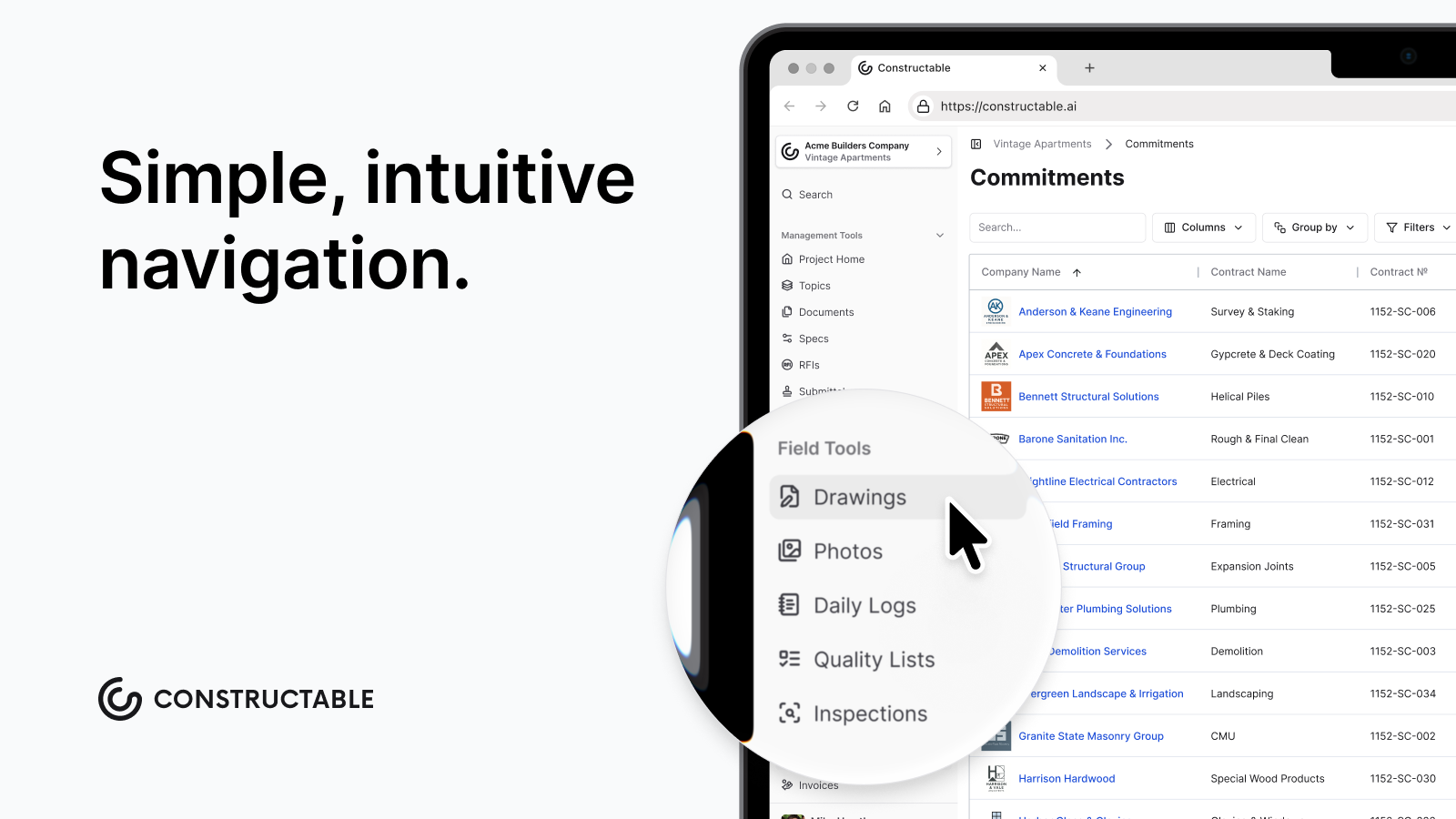
The best systems aren’t the ones with the most features; they're the ones that your entire project team actually uses.
Closing Thought
As you know, it takes a whole team to build a project, and the same is true for building the software that supports it.
And when the people who are "required" to use your system start telling you they actually like it, you know you're on the right track.
FAQ
Why do trade partners and subcontractors usually ignore construction software invites?
Most tools are built around the general contractor's workflow, so anyone outside that core team ends up navigating a system that wasn't designed for them. Trade partners default to phone calls and email because that's faster than learning software that adds steps without giving them anything back. The fix is software that's genuinely easy for anyone on the project to pick up without a training session.
What should I look for in construction software to get my whole team to actually use it?
Look for software that works for every person on the project, from your internal team to trade partners, consultants, and owners. The key signs: trade partners can update their work without a learning curve, consultants can respond to RFIs without extra steps, and owners get visibility without needing a full login setup. If external teams are still defaulting to email after a month, the tool was not built for them.
Can external collaborators, like trade partners, use Constructable without paying for it?
Yes. External project members can access and use Constructable as part of the project without needing their own paid subscription. This removes the main barrier to adoption, since trade partners and consultants are far more likely to engage when participation doesn't require a separate purchasing decision on their end.